
What Is Two-Factor Authentication and Why You Need It
Two-factor authentication adds a second security step to your login, so your account stays safe even if your password gets stolen.
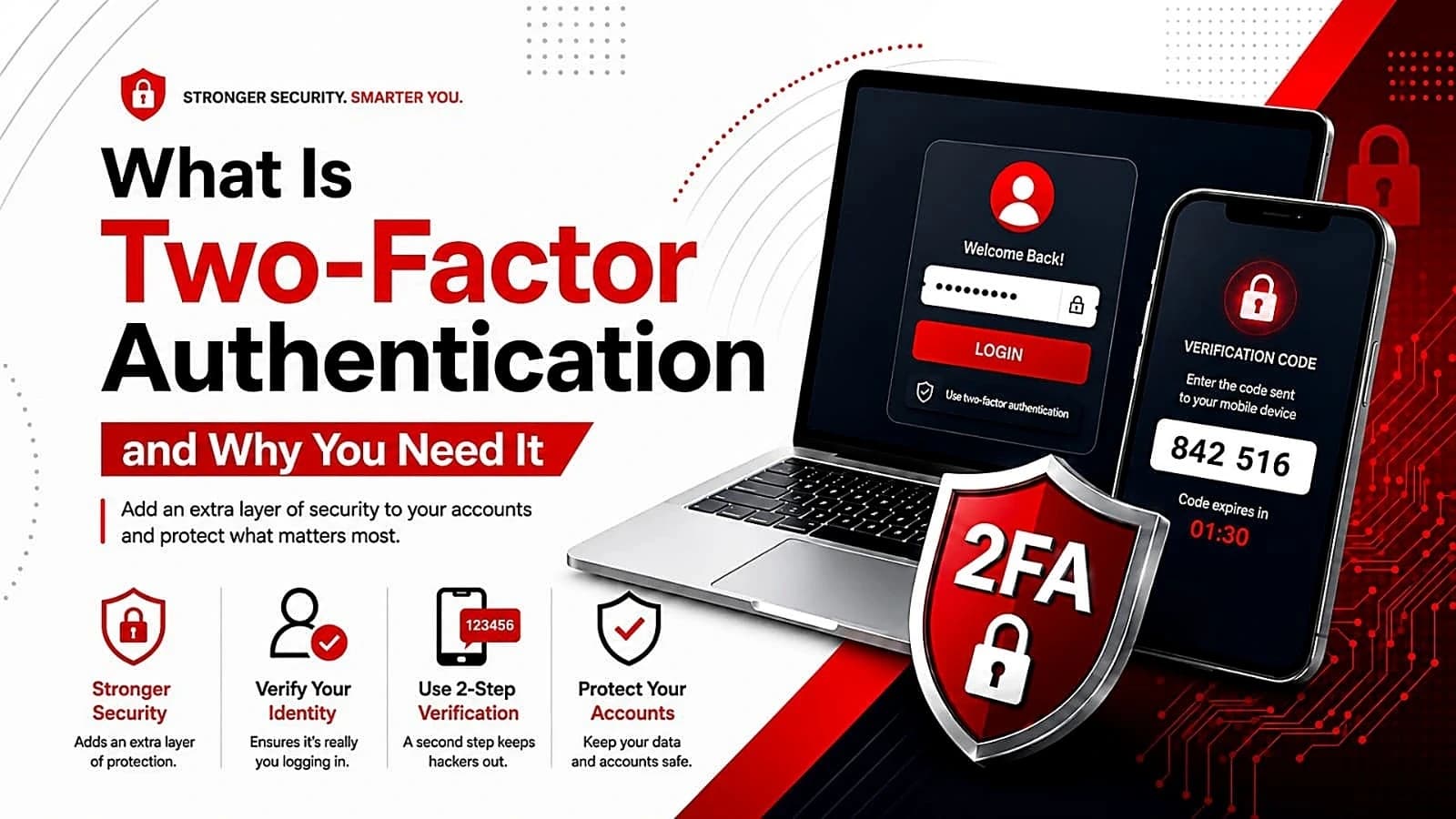
Two-factor authentication (2FA) is a security process that requires two distinct forms of identification to log into an account. It usually combines a password you know with a second item, such as a phone code or fingerprint, making it harder for hackers to break in even if they steal your password.
The Two-Factor Authentication (Two-Factor) system has emerged as a powerful security method beyond the basic traditional login process through passwords. Although users often make use of passwords to access their emails, bank accounts, and social media accounts, security is no longer assured due to the use of passwords alone. Attackers tend to compromise user credentials through data leaks, phishing, and brute-force attacks. Therefore, Two-Factor is absolutely crucial since users need an extra step of authentication beyond inputting the password; thus, even if attackers manage to steal user credentials, they will not be able to gain access to an account. The present paper seeks to explain the Two-Factor method, describe its functioning, identify different Two-Factor types, and justify the use of Two-Factor.
What Is Two-Factor Authentication?
Two-Factor Authentication is a process of logging into something that involves two separate ways of authenticating the user before allowing the user access to his/her account. In contrast to the traditional password approach, Two-Factor makes use of another method to prove the identity of the person making the assertion. The second step usually comes from a different source from that of the password. Proofs usually come from different classes. Proof One is the proof of knowledge, and it involves something like a password or PIN number. Proof Two is a proof of possession or a proof of intrinsic properties, and it includes something like a cell phone or security token. Since both proofs are needed together, any attacker possessing just the password would not be able to access the account.
Two-Factor Authentication (Two-Factor) falls under the category of Multi-Factor Authentication (MFA) as a special case. The key difference between them lies in the number of factors used by both processes. Specifically, Two-Factor requires two factors while MFA requires two or more. There are many sites and apps that we use on a regular basis that provide and require 2FA.
Why Two-Factor Authentication Matters
Passwords are inadequate as a means of protecting accounts. There is an instance where the same password is used for different sites; hence, when there is a security breach in one of the websites, all the other accounts are vulnerable. Hackers use phishing emails and fake logon screens and other password-cracking software to steal passwords. It is clear that two-factor authentication is the best way to mitigate this weakness. In case the password is stolen or divulged, the intruder would still need to have possession of the second factor, which is generally some physical possession of the user, for example, a cell phone or some hardware security token. According to industry statistics about data breaches, a large portion of successful attacks is due to vulnerabilities in credential systems. Two-factor authentication reduces the risk of such attacks, as it adds a new layer of security, which cannot be penetrated using the password only. For businesses, the use of two-factor authentication not only helps to adhere to data protection laws but also makes it easier to comply with them.
However, not only does Two-Factor prevent the use of hacked credentials, but it also protects against many types of attacks, including phishing, brute-forcing, and password spraying, which is the method used by attackers to test combinations of usernames and passwords on multiple websites simultaneously. In addition, it has become more convenient because modern Two-Factor solutions like push authentication and biometrics do not require carrying another device.
Types of Two-Factor Authentication
However, there are various ways to establish the second factor for Two-Factor, and each method has its strengths and weaknesses. The following table presents the most popular types of Two-Factor.
Type | How It Works | Security Level |
SMS Codes | A one-time code is texted to your phone number and entered after your password | Convenient but considered the least secure method |
Authenticator Apps | Apps like Google Authenticator or Authy generate a time-based one-time code on your device | More secure than SMS and widely recommended |
Email Codes | A one-time code is sent to your registered email address | Easy to use but only as safe as your email account |
Hardware Tokens | A physical device such as a YubiKey generates or stores login credentials | Very secure since it requires physical possession of the device |
Biometric Authentication | Uses fingerprints, facial recognition, or voice recognition as the second factor | Highly secure and increasingly common on smartphones and laptops |
Push Notifications | An app sends an approval request to your phone that you simply tap to accept | Secure and convenient, no codes to type |
Each technique presents a different trade-off between the two. Tokens and authentication apps are usually considered to be safer alternatives than SMS, owing to the possibility of intercepting messages through actions such as SIM swapping. However, the worst form of 2FA is always much more secure than simply using passwords.
How Two-Factor Authentication Works in Practice

The activation and utilization of Two-Factor is normally very straightforward. After enabling it for your account, you simply select your second factor of choice, which could be your chosen authenticator application or phone number. Once enabled, the next time you sign in through an unrecognized or new device, the website will first require you to provide your password and then the second factor. For instance, in the case of an authentication app, you will type in your password as usual and then open the app, which will generate a six-digit number that refreshes itself every thirty seconds. You will enter this number into your login screen. In case of SMS authentication, the procedure is very much alike, only that the number is sent through SMS. Many service providers allow you to label the device as trusted such that you will not be required to enter the second factor each time you log in from the same machine or mobile phone that you use. Nevertheless, if anyone logs in from a new location or using a new machine, the additional step of verification will still come into play.
Common Threats That Two-Factor Helps Prevent
It is particularly useful in preventing certain kinds of known cyber attacks. Phishing attacks involve persuading the victim to enter his password on an imitation of a login page, and in that case, the password alone would be insufficient for the hacker’s entry without the second element. Also, brute force attacks become considerably less threatening once Two-Factor is activated because hacking the password alone becomes ineffective. Another form of threat which can be mitigated by using Two-Factor is known as credential stuffing. This is a situation whereby hackers use the usernames and passwords that have been compromised from a certain website to attempt access on multiple other websites. This attack will usually fail because Two-Factor uses a second-factor authentication that cannot be obtained.
It is also possible that Two-Factor will be able to protect users from man-in-the-middle attacks, where the goal of the attacker is to insert himself into the conversation between the user and the website. While there is no such thing as perfect security, a second step in authentication makes the task much more difficult and expensive for the attacker.
Should You Use Two-Factor Authentication?
For most people, the answer is a definite yes. Two-factor authentication of your most valuable accounts, which include email accounts, bank accounts, and social media accounts, among others, is a small sacrifice considering the level of security you are getting in return. You should ensure that your email account is well-secured, as it can be used to unlock many of your other accounts.
There are also tremendous advantages for businesses by implementing Two-Factor within the company. This is an affordable solution that helps minimize risks of hacking and stealing sensitive information, which is becoming more and more expected within the sphere of digital security practices.
As always, it is important to realize that Two-Factor is not a foolproof method of protection that will make your account unhackable. There have been instances when hackers have found a way around some of the Two-Factor techniques. Yet, even with such drawbacks, utilizing Two-Factor greatly decreases the risks, especially when compared to using just a password.
Common Mistakes to Avoid With Two-Factor
Another mistake that most people make is the choice of SMS-based Two-Factor even when there is a much safer way, such as the use of an authentication application and hardware tokens. The reason behind this is that sometimes SMS can be intercepted. Another mistake is the failure to keep the backup codes when setting up Two-Factor. There are backup codes given by the service when you set up Two-Factor that will be useful in case you do not have access to your mobile phone or the authenticator. Finally, some people tend to activate Two-Factor on a few selected accounts and forget about the others.
Frequently Asked Questions
Is two-factor authentication the same as multi-factor authentication? Not exactly. Two-Factor employs precisely two factors while MFA may have two or more factors. In that respect, Two-Factor is MFA but has a fixed number of steps.
Which type of Two-Factor is the most secure? Hardware tokens and authenticator apps are usually considered more reliable than SMS-based verification because text messages may be intercepted occasionally. Biometric authentication such as fingerprints is highly reliable and easy to use as well.
Can hackers still get into my account if I have Two-Factor turned on? Despite this issue being complicated, handling it is feasible. 2FA greatly diminishes risks and protects against hackers except for those who skillfully find loopholes in some of the methods used.
Do I need Two-Factor on every single account I have? It is a good practice to enable it as often as possible, especially in email, banking, and any account with some personal or financial data because they represent the highest values for the intruders.
Does Two-Factor slow down my login process a lot? Making this process secure takes only a small amount of time. Many options require only a few more seconds to complete, and there are many services that can let you register one of your devices as trusted and use it for logins in the future.
Conclusion
The principle of two-factor authentication is to provide more security than the mere use of a password. Since a second proof of identity is needed in the form of a text message or a code from an application, it becomes extremely difficult for hackers to access one's account even if the user’s password has been compromised. In times of increasing frequency of cybercrimes, spending a couple of minutes enabling two-factor authentication is considered one of the best defenses against potential attacks.
Only a few minutes are needed to set up the program for each account, but its effects may last much longer as long as you keep it running. First of all, start with email and bank accounts, since they usually are the most important ones, and only later deal with other accounts. With time, when using two-step verification becomes part of your routine, you will soon forget about its presence and enjoy additional protection provided by the program.
Share this article
Related Articles
What Is Ransomware and How to Protect Yourself
Ransomware locks or steals your files and demands payment to restore them. This guide explains how it spreads and how to stay safe.
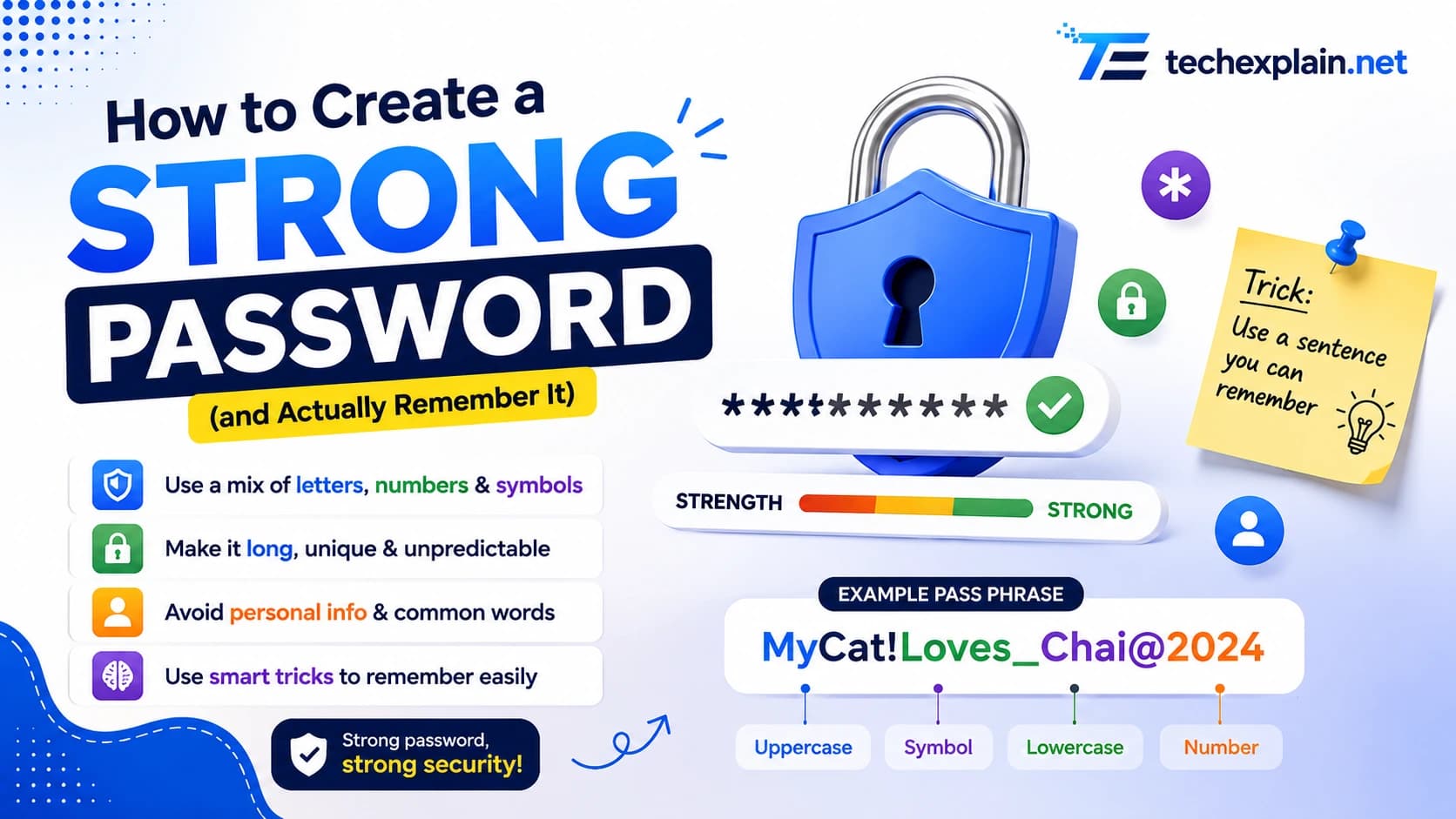
How to Create a Strong Password (and Actually Remember It)
Learn how to build a long, memorable password (or passphrase) that's actually hard to crack, plus tips on password managers and two-factor login.
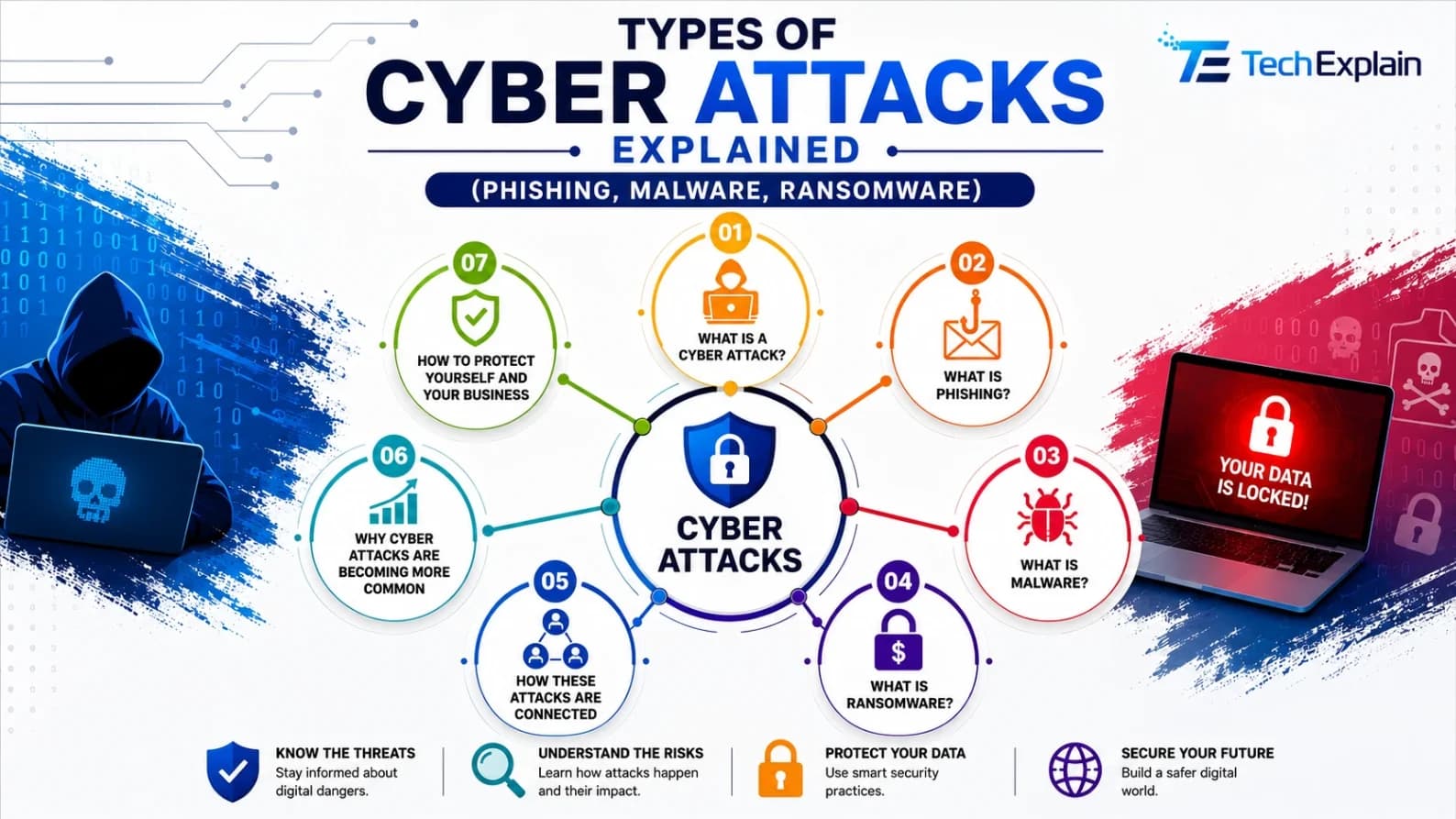
Types of Cyber Attacks Explained (Phishing, Malware, Ransomware)
A simple guide to phishing, malware, and ransomware, and how to protect yourself from common cyberattacks.