
How to Create a Strong Password (and Actually Remember It)
Learn how to build a long, memorable password (or passphrase) that's actually hard to crack, plus tips on password managers and two-factor login.
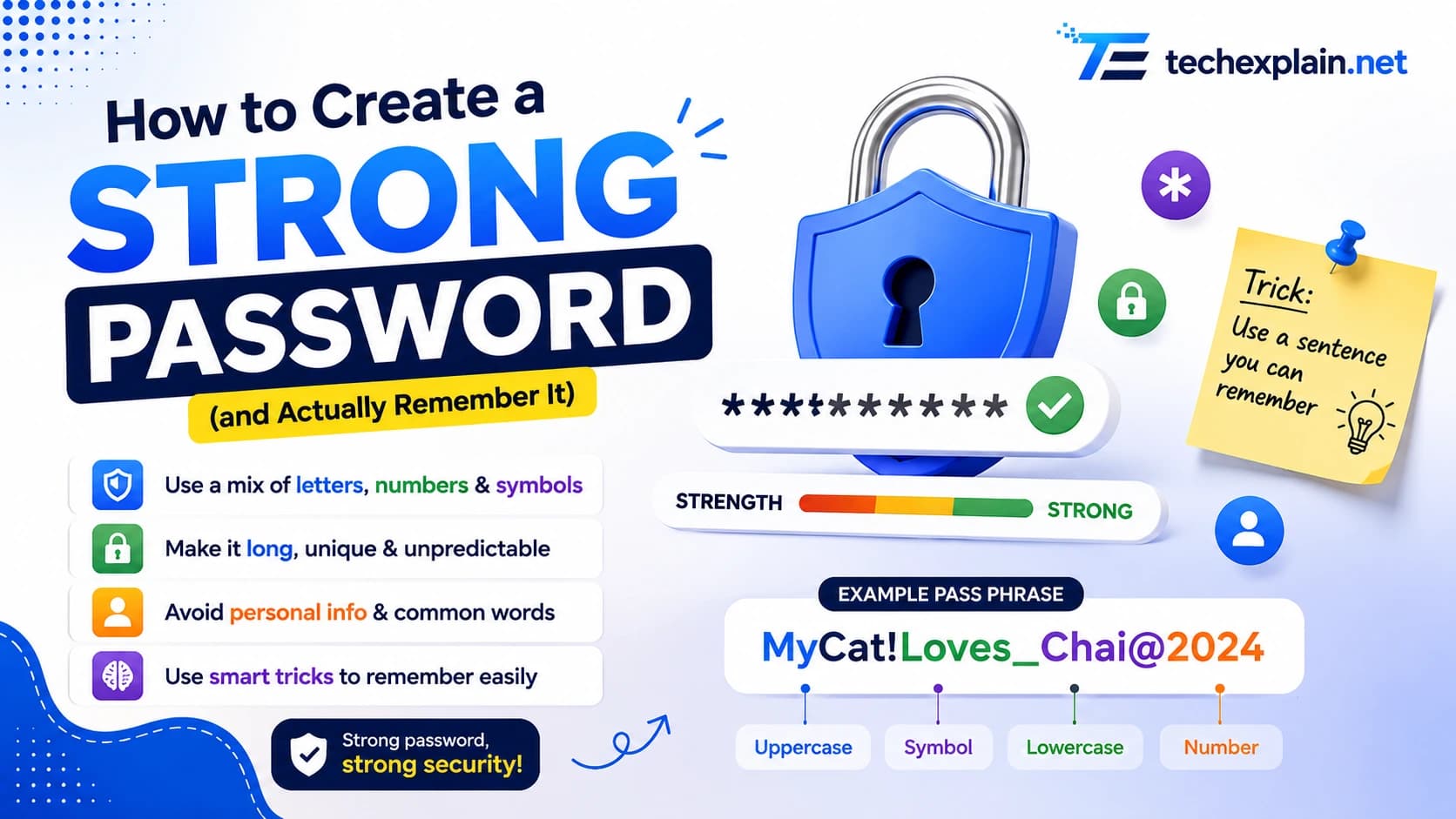
To create a strong and memorable password, use a long passphrase of four or more random words, or turn a personal song lyric into an acronym by taking the first letters and adding numbers and symbols. Always use a unique combination for every login.
Everyone knows they’re supposed to have "secure" passwords, but most of us still opt for short, predictable strings of letters because they are quicker to type and easier to remember. This very balance of convenience and security is the one hackers rely on to get the access they need. Access via brute-forced passwords is one of the main methods of getting access both to individual user accounts and corporate networks. Moreover, the technology to guess passwords becomes faster every year. Fortunately, developing a password that is resistant to any attempts of cracking does not necessarily require either an eidetic memory or a set of cryptic characters that are impossible to recall tomorrow. All one needs to know are a couple of basic concepts and an approach to their implementation. Here I will explain the reason for passwords' easy-to-guess nature, modern suggestions of security researchers, and the way of generating complex passwords that are memorable.
Why Password Strength Matters More Than Ever

Password credential theft is not an uncommon attack technique but rather a standard one. Stolen passwords are still among the most popular ways of attacking, accounting for a huge majority of all basic attacks on websites. The moment your password becomes compromised, an automated process tries to use it against thousands of other websites in just a few seconds, making it one of the worst practices to follow.
Cracking mathematics has undergone a change too. An eight-character password containing only lower-case letters can be cracked in a matter of weeks. The cracking of a randomly selected eight-character password with a combination of all kinds of characters, which took 225 years in 2024,4 has fallen to 132 years in 2026 owing to the increasing speed of consumer and AI-grade hardware. The speed at which cracking can take place in AI-grade hardware has increased by more than1. 8 8 billion percent relative to consumer-grade computers. The implication of this is that passwords considered safe just a couple of years ago are not safe anymore.
What Actually Makes a Password Weak
Weak passwords usually have some common characteristics. They are short in length, consist of a predictable sequence (word and year or name and 123), are reused by the user for various websites and applications or are generated based on information that can be easily acquired from social media sites, for example, the name of one's pet or birthday. Similarly, security questions like “What is your mother’s maiden name?”
How Fast Can a Password Really Be Cracked?
Putting crack times next to each other brings home the danger. The numbers below, based on annual password studies conducted by the cybersecurity company Hive Systems, highlight just how powerful the effect of length is, even compared to special characters and capitalization.
Password Type (8 characters) | Estimated Time to Crack |
Only lowercase letters | About 2 weeks |
Lowercase + numbers | Several months |
Upper + lowercase + numbers + symbols | About 132 years |
15 lowercase-only characters | Hundreds of millions of years |
15+ random characters, unique per site | Effectively uncrackable with current tech |
This is a lesson that is consistent no matter what variation of this study is performed: the password does not need to be composed of tons of seemingly random characters in order for it to be considered secure – all it needs to be is long and unique.
What Current Security Guidelines Actually Recommend
Over the years, you've always heard that you should use a combination of uppercase characters, numerals, and special characters, and that you should change your password every 90 days. All this has changed. NIST, which is responsible for the digital identity standards used by the entire industry and determines password policies, has come around to the "length over complexity" approach.
And here is what this means in practice:
Prioritize length, not forced complexity: These requirements of having at least one capital letter, lowercase letter, number, and special character are becoming obsolete; the recommendation now is that any printable character can be used, even the space character, and people will thus be able to use meaningful phrases as their passwords. Currently, the required length of the password is 8 characters, but it is highly recommended that it be at least 15 characters; at the very least, 64-character passwords are supported.
Stop changing passwords on a schedule: Password change is no longer considered appropriate, and only a password reset will be necessary if there is suspicion that the password is compromised. Repeated password resets encourage people to change their passwords through minimal modifications (Password1, Password2).
Screen against known breached passwords: Companies are advised to keep a list of breached or frequently used passwords, and that is precisely the reason why breach checking tools for personal use are recommended.
Ditch security questions: Password hints and security questions based on knowledge are not recommended since they provide an attacker with an effective hint about the true secret.
Let password managers do the typing: Copying and pasting passwords should be permitted in password fields to allow password managers to work efficiently, and organizations should assist with the usage of password managers to ensure that users have the ability to create unique passwords.
A Simple Method for Building a Password You'll Actually Remember

While knowing the rules is easy enough, implementing them is not. The best rule of thumb here is to simply stop thinking about passwords and start using passphrases, an unbroken series of several unrelated words. Next, add some personal touch to this combination, something that cannot be easily guessed from public sources; adding an arbitrary number or a symbol in some non-obvious place beats adding the year of your birth as the password without adding any extra effort for memorization on your part. Don't forget about the overall length; the minimum target should be 15 characters, since this factor is more important than complexity, and a long passphrase written in plain lowercase letters can be more secure than a short password with all available punctuation used. Don't reuse your passphrase; each important account should have its own one-of-a-kind password, because reuse is what transforms a single break-in into a massive data breach. And don't forget to say it out loud a couple of times when entering.
Let a Password Manager Carry the Rest
Despite having a great system in place, it is not expected that anyone will remember a unique 15+ character long password for all of the accounts they have. That's where password managers come into play. An appropriate password manager creates a completely random password with a maximum length for accounts where typing in the password manually is not required and keeps it encrypted and auto-fills it upon sign-in. One needs to remember just one secure master password created using the technique described above, which will open the vault. This single step improves your security significantly more than any other step on this list.
Turn On Multi-Factor Authentication Everywhere You Can
Having a secure password is just your first step towards securing yourself. Using multi-factor authentication such as text message verification, authenticator apps, security keys, or fingerprints ensures that even if someone gets hold of the password, there is no way for them to log into your account without that second step. This additional step is worthwhile whenever an account supports multi-factor authentication, particularly emails, banking accounts, and password recovery accounts.
Common Mistakes Worth Avoiding
There are certain practices that render even a properly constructed password useless. Keeping your password on a sticky note or in an unencrypted file negates any benefit you derive from creating a secure password in the first place. Using the same secure password for several websites leaves you vulnerable if there is ever a data leak at any one of them. Sharing passwords via SMS or email can leave a trace that might be uncovered by an attacker in the future.
Frequently Asked Questions
Is a longer password always safer than a shorter one with more symbols?
Almost always, yes. More length means many more combination possibilities for an attacker to go through than another character or capital letter does. A 15-character passphrase consisting of regular words written in lowercase will last much longer than an 8-character password full of special characters.
How often should I actually change my passwords?
When only because there is a definite reason for it: a data breach warning, an odd login notification, or a website telling you that your password was compromised. Updating your unique and robust passwords without any particular reason will not secure anything but make you choose weak passwords.
Are password managers actually safe to use?
These trustworthy applications will always secure your information in the local environment, and they will be specially designed to protect you against those cyber attacks that render weak passwords vulnerable to begin with. It’s much more likely that you’ll forget or reuse your password on multiple websites than use a good quality password manager with a secure master password.
What should I do if a site still forces symbols and numbers?
Obey the guidelines on the site, but ensure the fundamental phrase is still long and distinctive. The passphrase, for example, could be made to look like lantern-cactus-harbor-7, which meets the complexity criterion despite being fundamentally long.
Final Thoughts
Creating a good password involves only a few key practices as opposed to having to follow many rules. Strive to create at least 15-character passwords while relying on a passphrase as opposed to using just one word, as length plays a much greater role compared to stuffing in numbers and symbols. If a website does not impose complexity requirements, there is no need to add them unnecessarily, as even a longer, normal passphrase will work better than a shorter "complex" one. Never use the same password for multiple accounts and enable multi-factor authentication whenever available, as it serves as insurance in case the password gets compromised in any way. Utilize a password manager to create and remember the passwords that are unnecessary for you to remember and change your passwords only when you have a valid reason for it, as opposed to sticking to regular intervals. Try avoiding security questions altogether or answer them with fake and unrelated answers known only to you.
A good password is not about being complex; it is all about having more length and uniqueness, using a password manager to take care of accounts you do not need to manually type your password into, and finally adding in multi-factor authentication for everything. Create one great password for yourself and your most important accounts, and you are ahead of the game in fending off attacks against everybody else.
Share this article
Related Articles
What Is Ransomware and How to Protect Yourself
Ransomware locks or steals your files and demands payment to restore them. This guide explains how it spreads and how to stay safe.
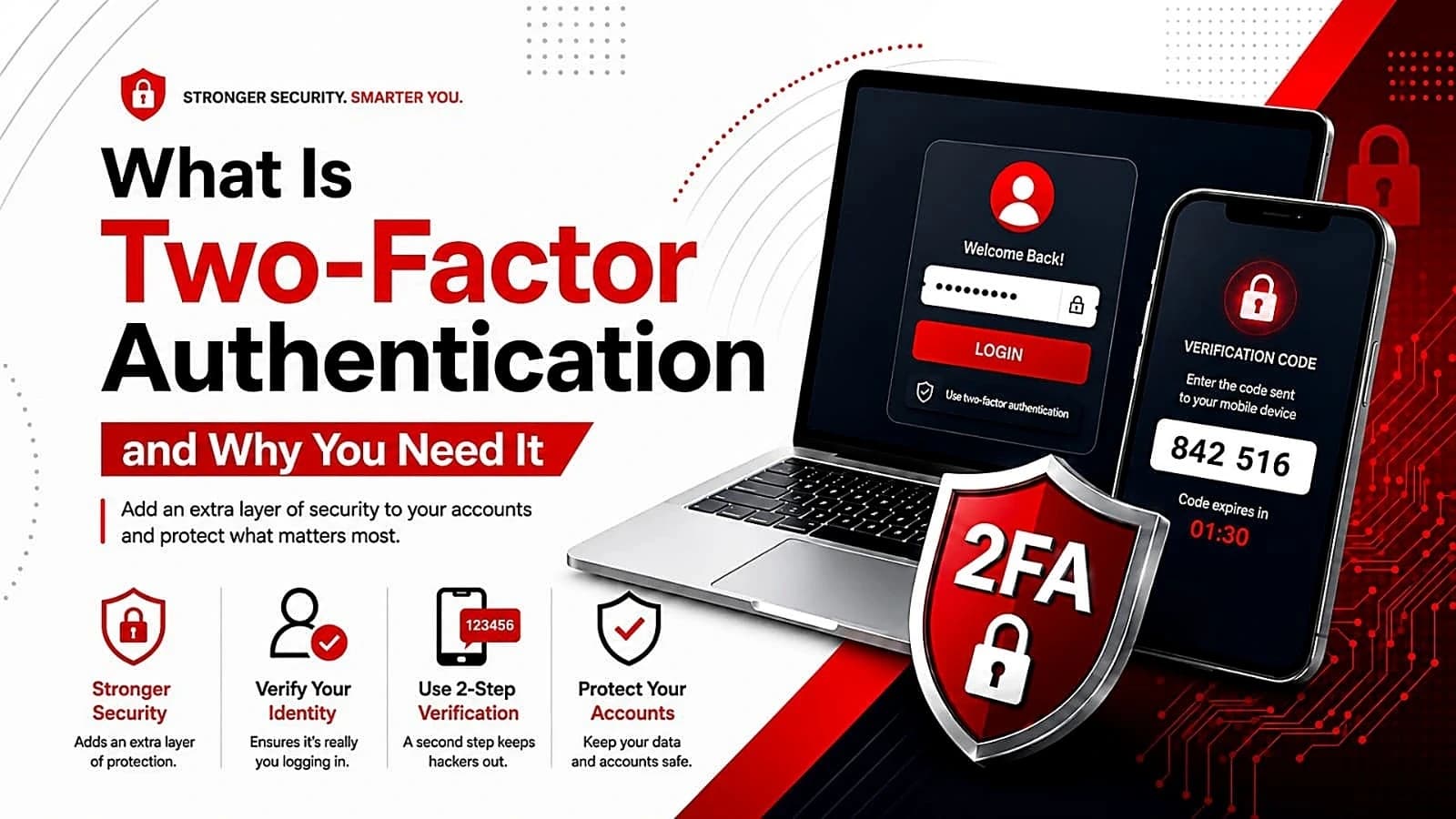
What Is Two-Factor Authentication and Why You Need It
Two-factor authentication adds a second security step to your login, so your account stays safe even if your password gets stolen.
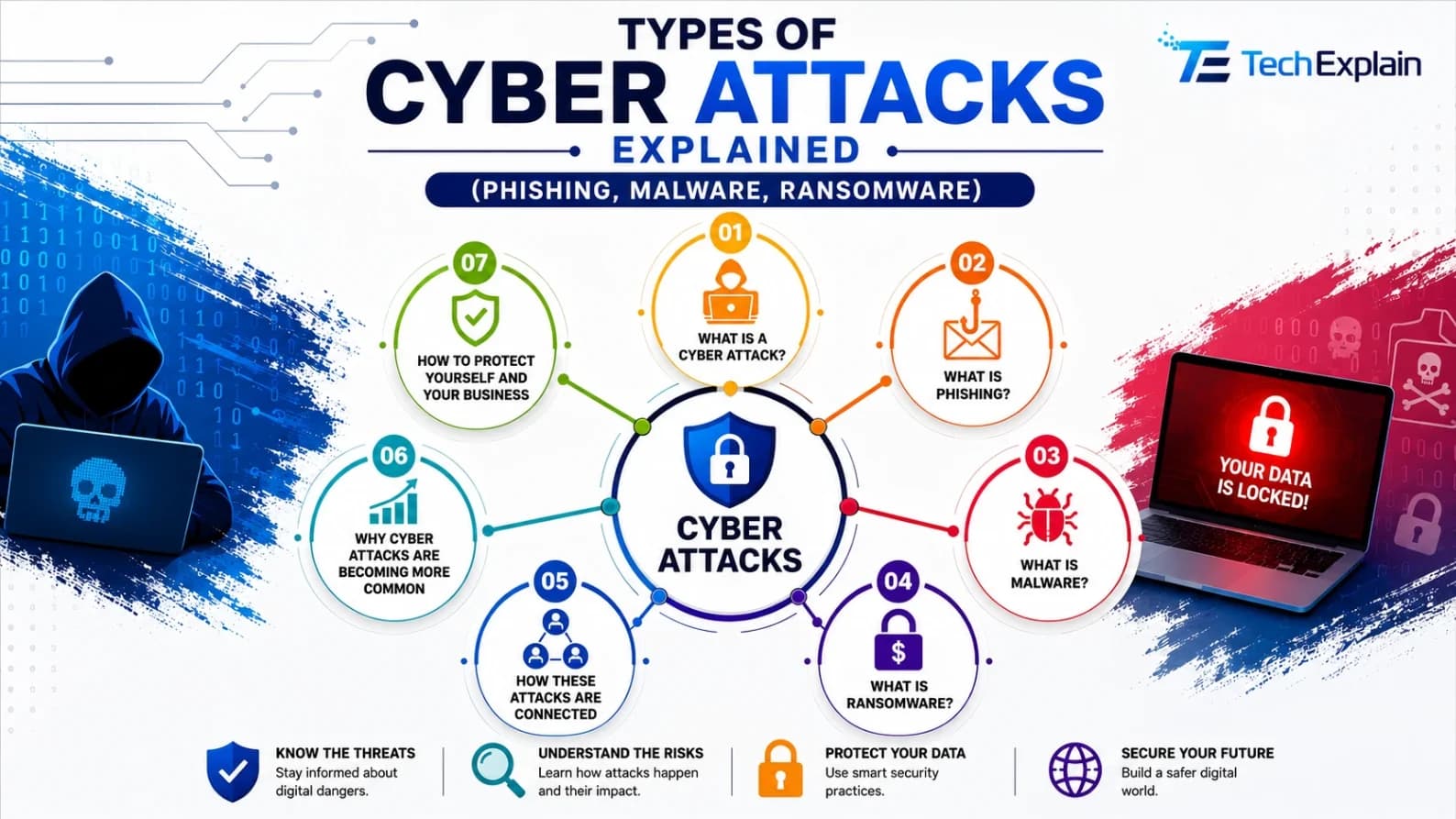
Types of Cyber Attacks Explained (Phishing, Malware, Ransomware)
A simple guide to phishing, malware, and ransomware, and how to protect yourself from common cyberattacks.