
What Is Ransomware and How to Protect Yourself
Ransomware locks or steals your files and demands payment to restore them. This guide explains how it spreads and how to stay safe.
Ransomware is a malicious type of software (malware) that locks or encrypts your files, systems, or devices and demands a payment to unlock them.
The ransomware appears in a situation when one’s laptop shows that all pictures, documents, and files are renamed using some unreadable symbols, while a countdown is taking place asking for payment to get back access to them. Such a situation describes the practical aspects of ransomware and has nothing to do with big corporations anymore. Individuals working remotely and small businesses have become more and more often the targets of such attacks – as proved by the statistics: ransomware accounted for 44% of analyzed cases of data breach in the Verizon Data Breach Investigations Report of 2025, which is significantly higher than in the previous year. Additionally, according to estimates, there were about 179% more cases of ransomware incidents compared to one year ago – due to the adoption of automation in criminal business and the exploitation of software vulnerabilities. In this guide, you will learn (1) what ransomware is, (2) how it gets into your devices, (3) its operational aspects, (4) habits and tools which minimize chances of attack.
What Is Ransomware, Exactly?
Ransomware refers to a type of malware that is designed to block access to the user's data or machine until a ransom is paid. In most cases, the ransom is demanded using cryptocurrencies in order to prevent tracing back to the perpetrator. After infection, the malware can either encrypt the files to make them unavailable without a decryption key or block access to the machine and present the necessary instructions to pay the ransom. The more recent versions of the malware have bypassed the need for encryption and simply steal the files before threatening to reveal them if the victim refuses to pay the ransom.
This strategy is certainly not new, since its origins date back to the late 1980s. Nevertheless, it could only become a widespread problem once the advent of cryptocurrency made payments easier and harder to trace. It is generally considered that this single factor led to the transition of ransomware from obscurity to one of the most widespread and profitable types of cybercrime today.
How Ransomware Gets Onto Your Device
Invasion through ransomware usually does not occur due to a single technical breach. Usually, such a problem occurs when someone unlocks access, allowing ransomware to get in. Some of the ways through which ransomware can invade a computer system include:
Phishing emails. The malware is delivered using a message that appears to be a genuine invoice, delivery confirmation, or even an internal document; hence, the victim ends up clicking on the malicious attachment or link. This technique remains the main route through which ransomware is distributed.
Malicious downloads and compromised websites. Software, applications, or even browser extensions downloaded from unauthorized sources could have a hidden payload that runs discreetly behind the scenes.
Unpatched software vulnerabilities. It is common for older operating systems and software to contain exploitable security flaws that can be monitored and taken advantage of by criminal entities before patching.
Weak or reused passwords. Often, remote access software and administration accounts that are protected by weak or reused passwords act as attack vectors, especially in the case of a lack of MFA.
Malicious ads and drive-by downloads. A visit to a hacked page can trigger an unnoticeable download if the browser and its plugins are out-of-date.
However, once inside the computer, the malicious software will spread itself secretly, looking for useful files and, if the attack is more advanced, finding more computers on the same network before sending out the ransom demand. Individuals, along with enterprises, who are victims of ransomware attacks have increased significantly in recent years, and the ransom demanded by attackers on the basis of a ransomware attack on consumers is now generally in the region of $500 and even goes up to thousands of dollars.
The Main Types of Ransomware
But ransomware isn’t always the same, and it is critical to know what type of ransomware is involved because the best course of action will differ. Most security experts classify ransomware into the following types.
Type | How It Works | Typical Warning Sign |
Crypto ransomware | Encrypts individual files using strong cryptographic algorithms, leaving the system usable but the data unreadable | Files renamed with unfamiliar extensions or appearing as scrambled data |
Locker ransomware | Locks the entire device or operating system rather than encrypting individual files | A full-screen lock message, often with a countdown timer, blocking all access |
Doxware / leakware | Steals sensitive files and threatens to publish them publicly, without necessarily encrypting anything | No visible file damage, but a threat referencing specific stolen data |
Double extortion | Combines encryption with data theft, demanding payment both to decrypt files and to prevent a public leak | Encrypted files plus a separate threat about leaked data |
Scareware | Displays fake virus warnings to pressure victims into paying for bogus "security software" | Persistent pop-ups claiming infection, often without any real file damage |
Ransomware-as-a-Service (RaaS) | Not a technical variant but a business model — developers lease ready-made ransomware tools to affiliates for a share of the profits | N/A — describes how an attack was launched, not what it does to a device |
It is important to highlight RaaS specifically due to the significant role that it has played in changing the threat landscape. This type of service has reduced the threshold for carrying out attacks considerably, due to the ability to provide an easy-to-use ransomware kit to those criminals who lack the technical knowledge needed to carry out attacks.
Why Ransomware Attacks Are Rising
There are a number of developments that are making it easier for ransomware to become more common and more destructive. There is an increasing trend towards attackers employing the technique of double extortion, whereby files will be encrypted as well as stolen copies made of them, ensuring that even when an entity has adequate backups, they must still feel compelled to pay in order to avoid the exposure of sensitive data to the public. The process of identifying weak targets and producing credible phishing emails is becoming easier due to automation and AI, and with the growth of the RaaS model, a developer team can provide a suite of tools to many different groups operating independently of each other. The cost associated with ransomware attacks has increased – according to industry research, it can cost an organization millions of dollars per ransomware attack once the impact on reputation is considered.
How to Protect Yourself From Ransomware
The best part is that the majority of attacks occur due to predictable vulnerabilities, meaning only a limited number of behaviors prevent attackers from succeeding in most cases. Begin by making backups, having several copies of important files through the 3-2-1 scheme — three backups in total with different media types and one of them air-gapped, meaning not connected to the network and thus impossible to access by any ransomware already active on it. This way, you have one of the only options available for you to restore the affected files without having to pay. Always keep your operating systems, browsers, and applications updated, as vulnerabilities in software are one of the most prevalent ways through which ransomware can enter your computer. Use automatic updating when you can so that you do not have to remember to download critical updates yourself. Also, make sure that you use trusted antivirus programs that detect abnormal activity rather than just viruses already present in their database. Be suspicious of any attachment or link in your emails, especially those which are urgent or unexpected, or ask you to "verify" your account details. The reason why phishing is still the number one vector through which ransomware is delivered is that it preys on human trust, not on any particular vulnerability, and nothing can ever be done about that with software. Always use complex passwords for all of your accounts, and where possible, implement two-factor authentication, especially in your emails, cloud storage, and any remote access capabilities.
Lastly, restrict the exposure that any one infected account or device has access to. In a domestic scenario, this could mean ensuring that any visiting devices are only on their own Wi-Fi network. In an enterprise environment, this would involve implementing the least privilege model so that any infected accounts don't have the automatic ability to infect all accounts. This doesn’t prevent any attacks from succeeding, but makes them harder to propagate.
What to Do If You're Already Infected
If an attack is suspected on your computer or other device, disconnect it from the Internet and any other network immediately in order to prevent the spread of the ransomware and additional exfiltration of information. Avoid rebooting or cleaning up your computer at the moment, since doing so might lead to overwriting of any evidence that can help determine the strain of the ransomware. Refrain from paying the ransom first, because it is never recommended due to the fact that it does not guarantee any results and helps fund more attacks in the future. Identify the ransomware strain (if it is possible), contact relevant security organizations, and recover files from a backup copy.
Frequently Asked Questions
Should I ever pay a ransomware demand?
The security specialists and the police would never recommend such an action. The payment does not secure the return of your data to you and finances other criminals for their next attack.
Can antivirus software fully stop ransomware?
Nothing is fully secure by itself. Current endpoint security solutions minimize risk considerably, particularly those based on behavioral analysis, but they should be used together with software updates, secure passwords, and backups.
Are individuals really targeted, or is this just a business problem?
More individuals have become victims. There has been a marked increase in the number of ransomware complaints made by people who use their home computers.
What's the single most effective protection against ransomware?
A fresh backup is always regarded as a more foolproof form of protection because, once the ransomware infects your computer, you will be able to recover the files without any cost at all.
The Bottom Line
The ransomware attack has evolved from being a rare method used in cybercrime to being one of the most prevalent and devastating forms of cybercrime, due to payment using cryptocurrencies, ransomware as a service, and double extortion techniques. Ransomware is known to enter computers through several well-known channels, such as phishing emails, software with vulnerabilities, and weak passwords, which means that the most important security measures against ransomware are not necessarily fancy or costly: off-line backups, updating software, strong unique passwords with multi-factor authentication, and a healthy suspicion about suspicious links and attachments.
Share this article
Related Articles

What Is Two-Factor Authentication and Why You Need It
Two-factor authentication adds a second security step to your login, so your account stays safe even if your password gets stolen.
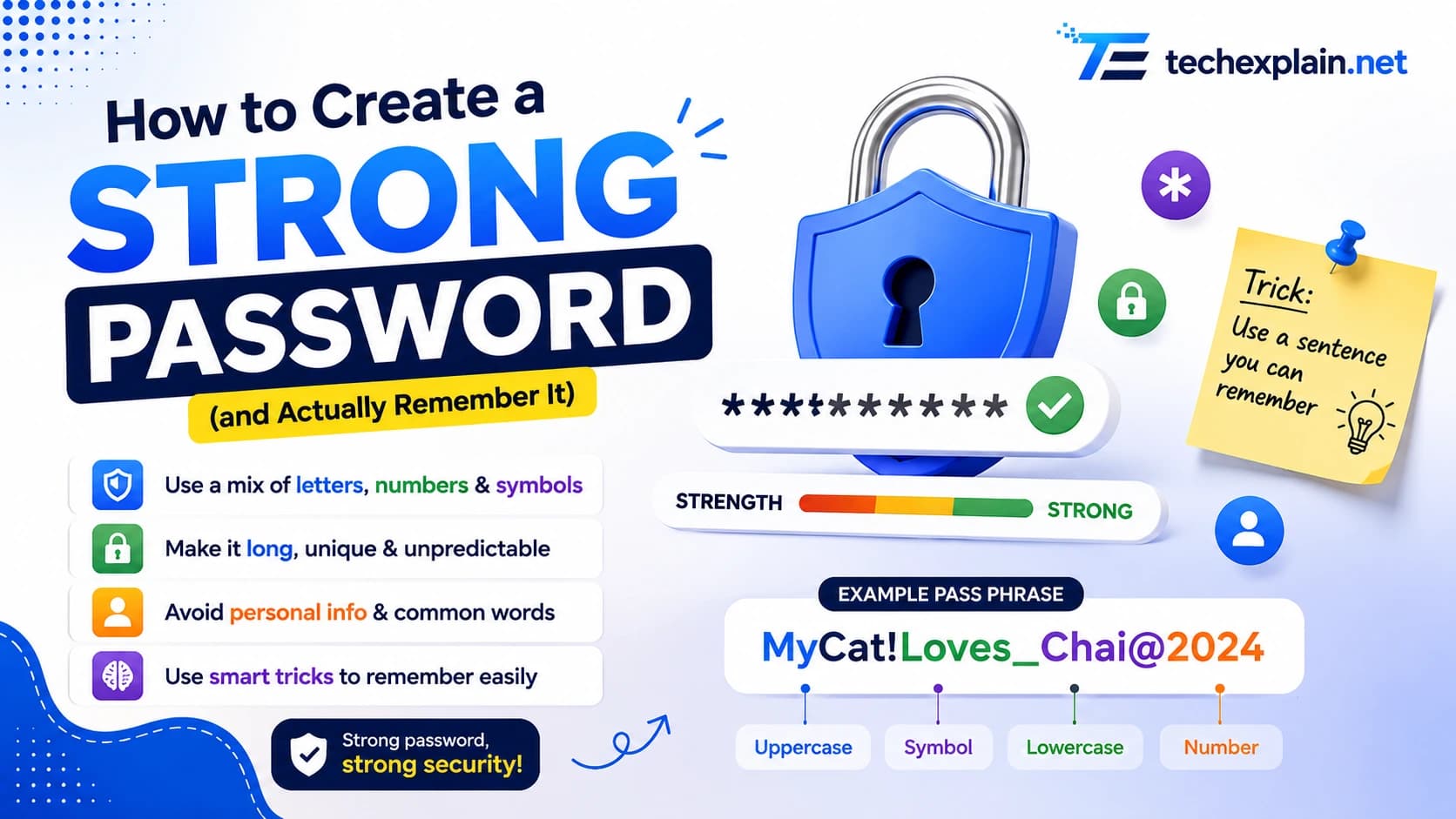
How to Create a Strong Password (and Actually Remember It)
Learn how to build a long, memorable password (or passphrase) that's actually hard to crack, plus tips on password managers and two-factor login.
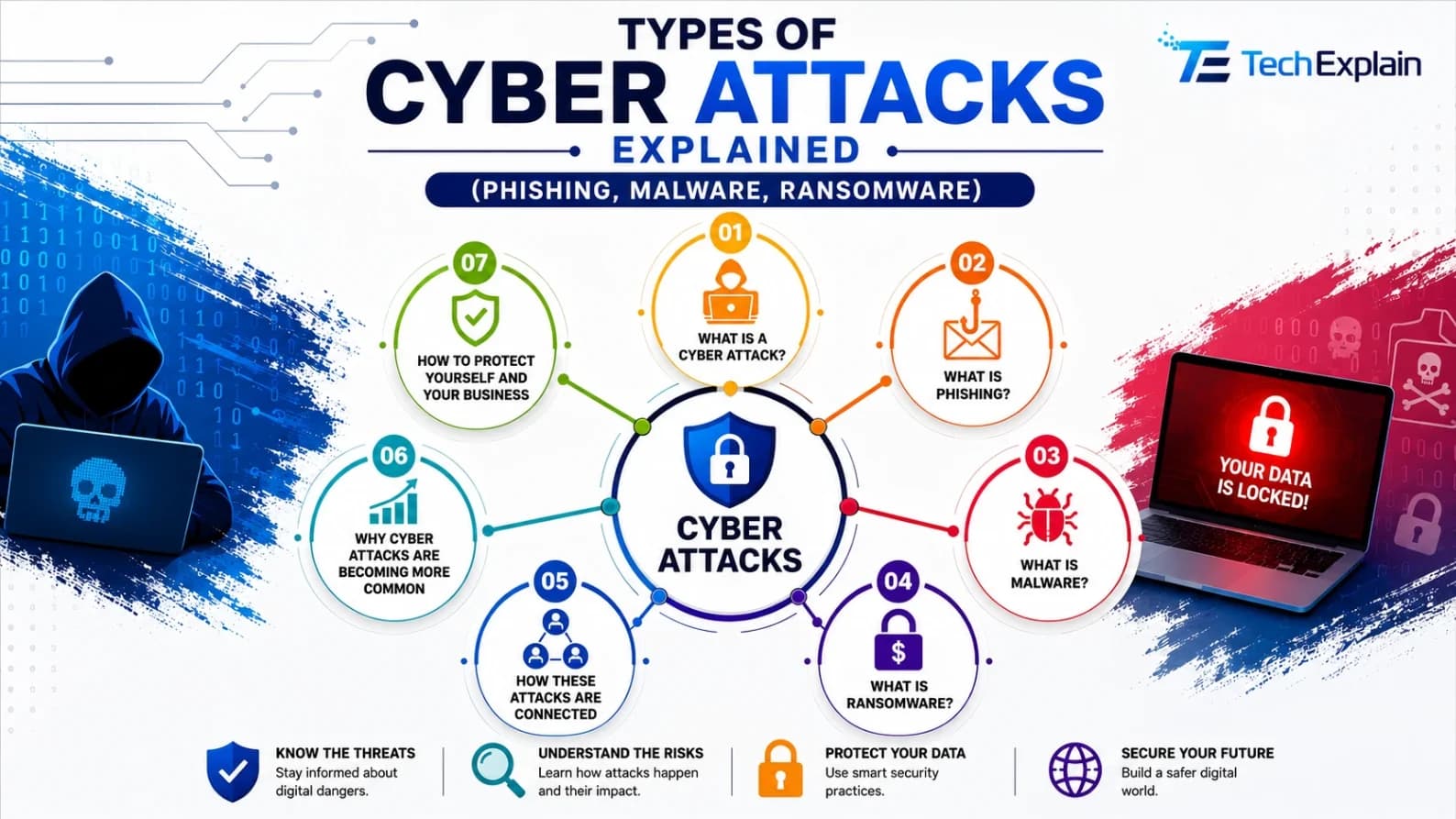
Types of Cyber Attacks Explained (Phishing, Malware, Ransomware)
A simple guide to phishing, malware, and ransomware, and how to protect yourself from common cyberattacks.