How Much RAM Do You Need in 2026?
16 GB of RAM is best for most people in 2026, while 32 GB or more is better for gaming, video editing, and AI tools.
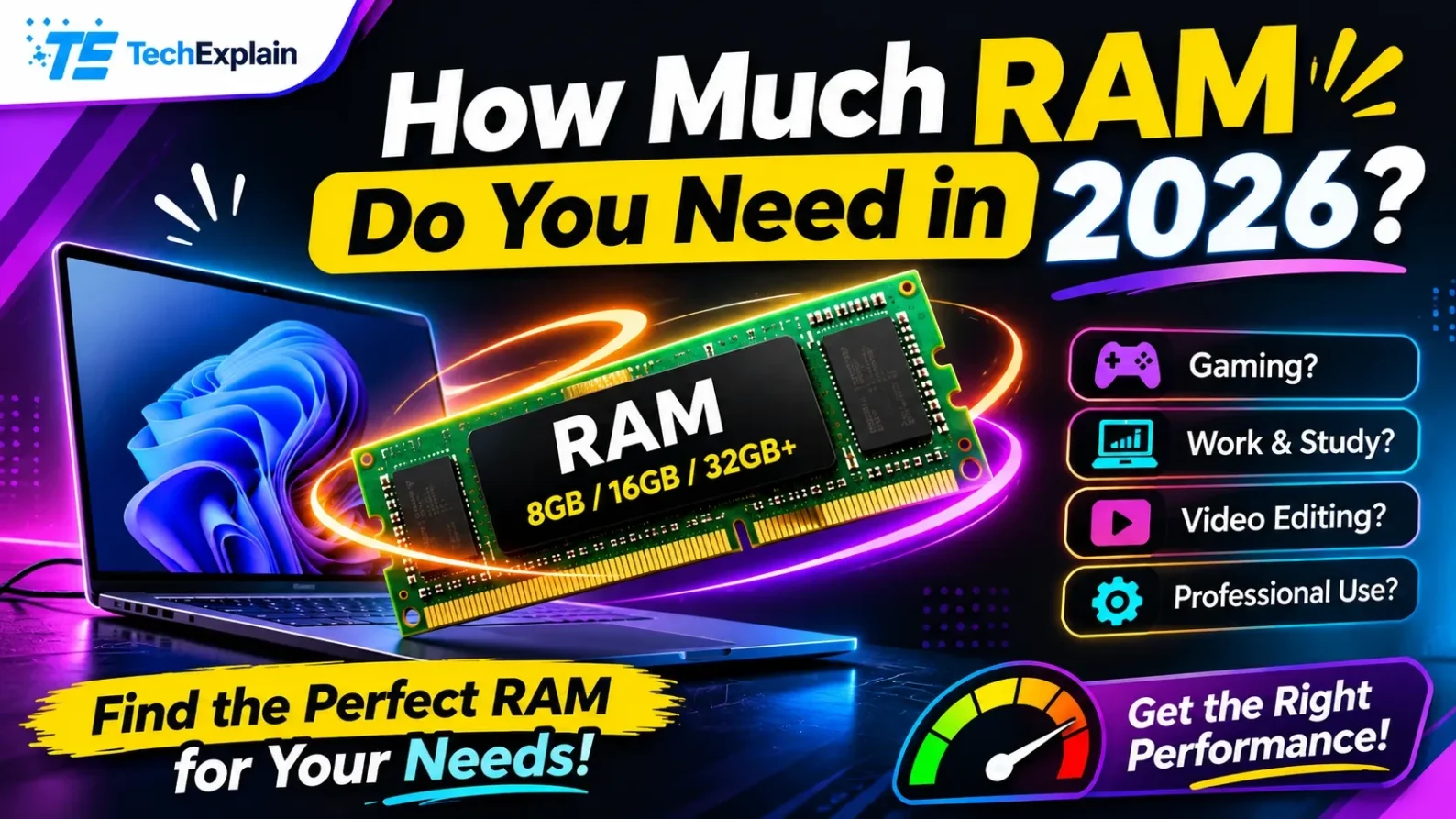
In 2026, 32GB of RAM is the recommended "sweet spot" for a modern gaming PC, while 16GB remains a viable, functional minimum.
16 GB of RAM will be the best variant for most people in 2026, as it is sufficient for normal work, study, and remote work. 8 GB will be sufficient only for Chromebooks and the lightest tasks since the speed gets lower while multitasking on Windows 11. People who want to play large games, edit video content, and use any AI programs on their computers should go with 32 GB. In case of the heaviest work with 3D content or 8K videos, one might require 64 GB of RAM. One may add RAM into his desktop computer later, but the thin laptops have RAM that is soldered onto the motherboard.
In case you would like to purchase a new computer in 2022, do not neglect the information about the RAM amount in the specification table.
For most users, 16 GB of RAM is a suitable choice because it provides enough memory to run multiple applications at the same time without affecting overall system performance. While 8 GB of RAM can handle everyday activities such as browsing, document editing, and basic tasks, it may not be enough for users who regularly work with several programs.
Many computer users also struggle to understand the difference between RAM and storage. However, selecting the wrong amount of RAM can affect how smoothly a computer performs. In this guide, we will explain how much RAM you need based on your daily computer activities. We will also provide a simple comparison to help you choose the right HP computer for your needs.
What Does RAM Do?
Consider your SSD or HDD to be a huge filing cabinet, while your RAM should be thought of as your working desk. Every time you launch an application, your PC will move all necessary data from the filing cabinet to the desk, making it easily accessible. The larger the desk is, the more tasks you may have open without the computer slowing down.
Nowadays, most HP PCs come with DDR5 memory, while laptops use LPDDR5, which is less energy-consuming. All of these memories are fast enough for people's work in 2026. According to Microsoft, the minimum required amount of RAM for Windows 11 is 4GB. After that, all of its processes, along with other applications, will use up the entire memory.
How Much RAM Is Right for You?
RAM should be in accordance with your everyday work. Think about your hardest job that you perform regularly and then consider how much RAM you need. You will find a detailed description after this table.
Use Case | Recommended RAM | Why |
Everyday use (browsing, email, streaming, video calls) | 16 GB | Browsers and background apps can use 8 GB very fast, so 16 GB stops lag during normal multitasking |
Chromebook (online tasks) | 8 GB | ChromeOS uses memory well for online work, so 8 GB is enough |
Students and remote workers | 16 GB | Handles Microsoft 365, video meetings, and a lot of web research at the same time |
Gaming | 16–32 GB | 16 GB is the starting point; 32 GB is better for big games with detailed graphics and for the future |
Creative work (photo, video, design) | 32–64 GB | Adobe Creative Cloud, 4K or 8K video editing, and heavy 3D scenes need a lot of memory |
AI PC and local AI tools | 32 GB | Local AI models keep a lot of data in memory so they can work in real time |
Everyday Use
However, when you spend a lot of time using the Internet, checking emails, watching videos, and making video calls, 16 GB of RAM will be the most optimal choice for Windows 11. Modern browsers consume a huge chunk of memory capacity. In case you open numerous tabs and use other software at the same time, an 8 GB system will quickly run out of memory and start using storage space, which results in performance lags.
The Chromebook remains the only exception. This laptop works with ChromeOS, designed specifically for online activities and optimized in terms of memory consumption.
Students and Remote Workers
Both students and people who work remotely require 16 GB to do their job without any issues. In educational or corporate settings, people usually have to do multiple tasks at once. You may run multiple programs such as Microsoft 365, use a program for video calls, and many browser tabs. All these tasks will take 16 GB of storage space. Also, software is becoming heavier with every passing year.
Gaming
The minimum RAM requirement for modern games is 16 GB. But for hardcore gamers who seek the best performance, 32 GB RAM would be better. Modern AAA titles such as Cyberpunk 2077 and Microsoft Flight Simulator need massive amounts of RAM to render high-quality textures and vast game worlds. Also, game developers demand increasingly higher RAM requirements each year. However, the amount of RAM is not the only thing that matters when choosing memory for your computer. RAM speed also plays an important role in overall system performance and can improve gaming performance, including frame rates in supported systems. For newer computers, DDR5 is a common choice for desktops, while LPDDR5 is often used in laptops because of its power efficiency and compact design.
Creative Work
If you have to produce any photos, videos, or designs for your occupation, then 32 GB is the minimum capacity that you must select. In some cases, you may require 64 GB if your occupation demands. Adobe Creative Cloud applications consume a large amount of RAM. Your needs will vary based on your occupation. If you perform normal 4K editing, 32 GB of RAM is sufficient for your system. However, 8K videos or 3D renderings require more. Even a single Photoshop file with numerous layers can eat up all your RAM instantly.
AI PC and Local AI Tools
If you’re thinking about purchasing an AI PC or AI software that can be run locally on your machine, 32GB is your best option. AI PCs have a specific chip known as an NPU or Neural Processing Unit. The NPU handles all the mathematical calculations related to AI. However, it is the RAM that supplies the NPU with the necessary data. A large language model requires a huge volume of data to be available at all times.
8 GB, 16 GB, and 32 GB Compared
Eight GB is perfect for basic Chromebook usage and minimal web browsing. In 2026, it is the minimum one can choose from and has problems with newer applications of Windows. Sixteen GB strikes the right balance for the majority of users. It serves you well both daily and for students and telecommuters, as well as light gaming.
Thirty-two GB suits gamers, video editors, and AI developers. Moreover, it makes your computer usable for a longer period of time. Sixty-four or even more gigabytes of memory is needed for professional video and 3D work, data scientists, and workstations.
Is 8 GB of RAM Still Enough in 2026?
If Windows 11 is on your primary computer, 8 GB of RAM will be insufficient for proper functionality in 2026. In other words, this is the minimum, but not a comfortable option.
You'll find out about the lack of memory as soon as you try to perform several actions simultaneously. For instance, this could mean using video communication, presenting a slide deck, and opening a web browser. Such activities might be enough to fully load 8 GB of memory. When security services and system updates are added, there is almost no memory available. Thus, all operations take place on the storage drive, slowing everything down.
The exception here is Chromebooks. ChromeOS is based on online services and doesn't have any applications running on the device. Therefore, 8 GB is sufficient for these devices.
How can you determine whether your memory is the reason for slowness? Open Task Manager by pressing Ctrl + Shift + Esc. Go to the Performance tab and see how your memory usage looks when performing your regular tasks. If memory is used constantly for more than 80 percent, you need more memory. Keep in mind that many thin laptops have RAM soldered to the motherboard, so you won't be able to add extra modules later.
Can You Upgrade RAM in an HP Laptop or Desktop?
RAM upgrades in an HP desktop PC are easy because most motherboards in such devices are designed with conventional slots. Thus, the memory modules can be easily replaced or added where necessary.
This is not the case with laptops. Only a few gaming laptops and mobile workstations allow RAM upgrades. Most thin and light HP laptops use soldered memory.
To know whether it is possible to upgrade your computer, look up its model number on the HP support website and check the maintenance manual. Most laptops leave the factory with non-upgradable memory; thus, your initial purchase decision is crucial. Buy sufficient RAM that would serve you well for the next three years.
Tips for Choosing RAM When You Buy an HP Device
Get RAM based on how you actually use your computer nowadays. If you mostly surf the internet and watch videos, then you do not need to spend extra money on 64 GB of RAM.
On the other hand, avoid buying the minimum amount of RAM when purchasing a brand new laptop. An 8 GB laptop with non-expandable memory capacity will have just 8 GB for its entire life till you purchase a new laptop.
The speed factor must also be considered. The latest LPDDR5 RAM is faster and consumes less energy than LPDDR4x memory modules, providing better performance for gaming and creative applications.
Finally, keep in mind that one component alone cannot solve all the problems. Having fast RAM with slow storage will still limit your computer's potential. Thus, a well-balanced computer equipped with 16 GB of fast RAM and an NVMe SSD will outperform a computer with poorly-matched components.
Frequently Asked Questions
Is 16 GB of RAM enough for most people in 2026?
Indeed. 16GB is the size that suits most people today. It provides adequate space to support heavy browsing, video chats, MS Office applications, as well as some basic gaming without slowing down the computer.
Is 8 GB of RAM still good?
In a primary Windows 11 machine, the minimum memory is 8GB, and it lags when running multiple tasks. However, it will be sufficient for a Chromebook since the operating system is optimized for lightweight internet browsing activities.
How much RAM do I need for gaming?
The minimum amount is 16GB for the new games, while the recommended memory for hardcore gamers is 32GB. Big games require a lot of memory to have high-quality textures. 32GB will keep your games running smoothly as well as future upgrades.
Do I need more RAM for an AI PC?
Yes. The local AI model and its tools require a large memory capacity, so 32 GB is the ideal option. Even with the help of an NPU in performing AI-related tasks, the PC requires high memory capacity for data transfer.
What is the difference between RAM and storage?
RAM is the high-speed, short-term work area for the applications that you are running at the moment, while storage is the long-term filing cabinet that stores your data, pictures, and applications even when the computer is switched off.
Can I add more RAM to my HP laptop later?
This depends on the particular model. Most of the HP computers have slots where you can put additional memory modules. However, a lot of thin HP laptops have RAM that cannot be changed and is soldered onto the motherboard.
How do I check how much RAM I have?
In Windows 10 or 11, click on Settings > System > About. Check “Device specifications” to view “Installed RAM.” For real-time usage, hit Ctrl + Shift + Esc and open Task Manager. Under the Performance tab, click on Memory to see the amount, usage, and speed.
Conclusion
The recommended amount of memory in 2026 is 16 GB for regular users, telecommuters, and students. Those who are gamers or creative professionals, as well as those who use AI on their computers, require 32 GB of memory for their tasks. It is really essential to select the correct amount of memory from the very beginning since many new laptops come with non-upgradeable memory.
Share this article
Related Articles
Best Laptops to Buy in 2026: A Simple Buying Guide
This guide shares the best laptops of 2026 for different needs and budgets, and explains the key specs to check before you buy.
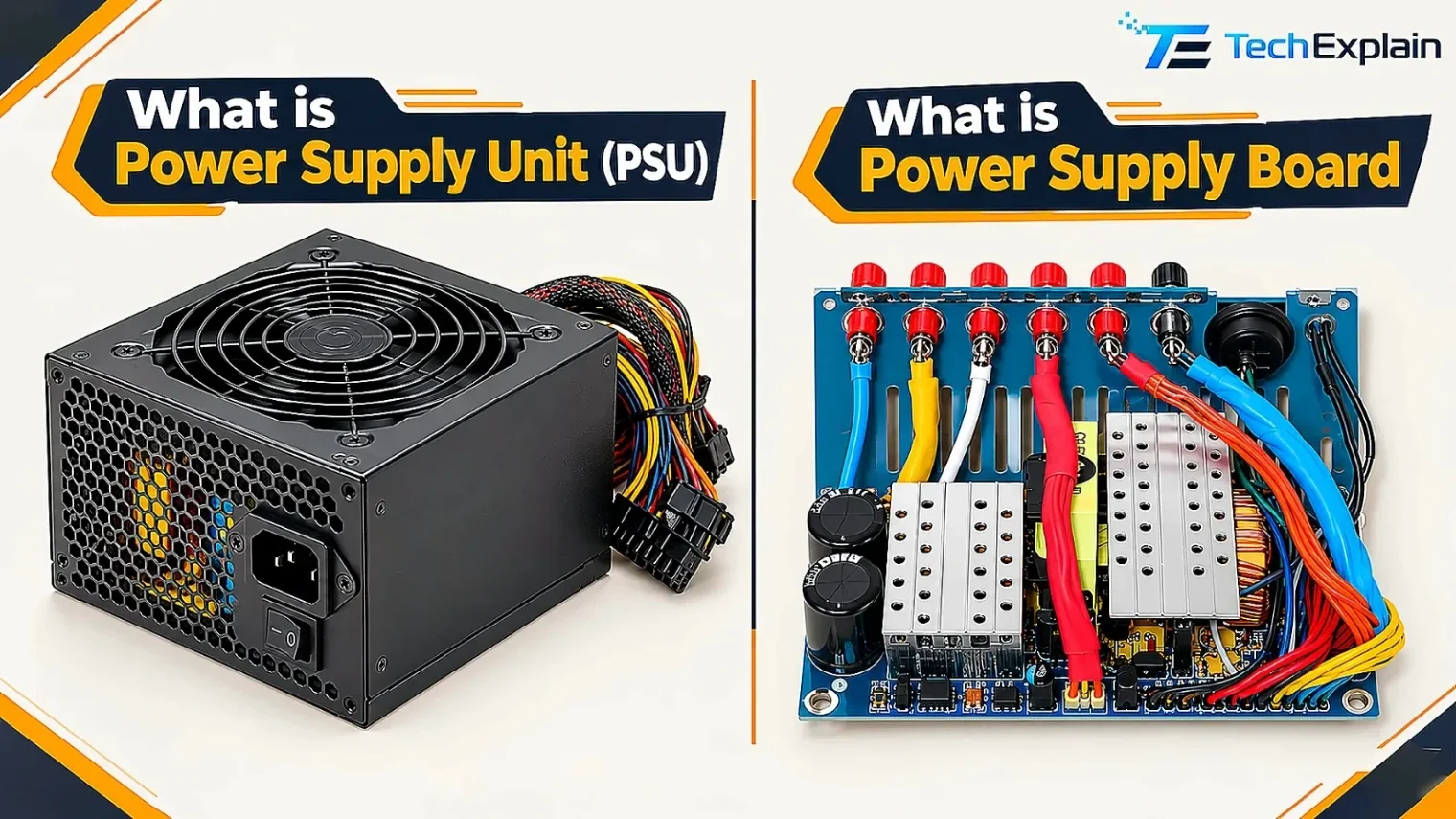
What Is a Power Supply Unit (PSU) and How to Choose One
A PSU changes wall power into safe power for your computer, and this guide shows you how to choose the correct one and when you need a backup.
How to Choose the Right Graphics Card: A Simple Guide for Everyone
A simple guide to picking the right graphics card for your needs.