
How to Choose the Right Graphics Card: A Simple Guide for Everyone
A simple guide to picking the right graphics card for your needs.
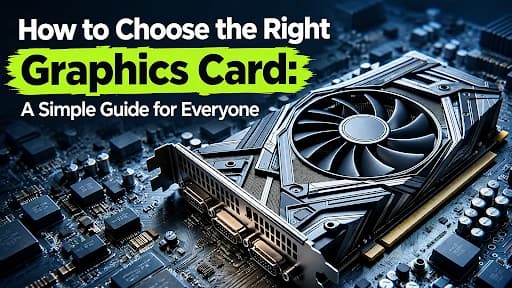
To choose the right graphics card (GPU), start by matching the card's power to your monitor's resolution and the specific games or tasks you plan to run.
Selecting a graphics card might seem daunting due to the variety of terms and many numbers associated with it, as well as marketing jargon used by producers. However, being an expert is not required to make the right decision. Knowledge of what a graphics card is about, its specifications, and how it will be utilized is enough. Today, graphics cards have other applications besides playing games. They are used for video editing, 3D modeling, creating animations, photo manipulation, and using AI tools. Due to their importance for many people, there is a variety of choices for everyone depending on budget, which sometimes becomes a cause of confusion. The wrong selection might end up in money being wasted or an inability to do regular work.
What Is a Graphics Card?
They refer to the part of the computer that creates the images that are visible on the monitor screen. They are integral in creating games, movies, pictures, animation, and three-dimensional designs.
The CPU is the one responsible for general and logical calculations. On the other hand, the GPU specializes in visual calculations, ensuring that images are rendered perfectly and with the utmost precision. The CPU can therefore be viewed as the managerial aspect, whereas the GPU acts as the rendering aspect. Both these aspects work in tandem, and an imbalance between them could lead to poor system performance.
Integrated vs. Dedicated Graphics
Before starting on any purchases, it would be prudent to note that there are two major types of graphics that are available. The integrated graphics are found inside the CPU. These graphics make use of the computer memory and use very little power. They are good enough to perform tasks such as web browsing, writing documents, and watching movies. Dedicated graphics, also known as discrete graphics, are employed through an individual expansion card that comes with its own memory and processing power. These cards tend to be expensive and power-hungry but offer more powerful performance.
Why Your GPU Matters
Within the sphere of video games, it is the graphics processing unit that has the largest impact on game performance. The ability of a good GPU will ensure that there is processing at high resolutions, better quality textures and lighting without any lag. This will result in an increased frame rate measured in frames per second (FPS).
The use of such a graphics processing unit is beneficial to creative activities as well. The creation of videos, special effects, and 3D work will be carried out much faster with the help of a powerful graphics processing unit. Virtual reality puts even higher requirements on the computer because two good-quality images have to be rendered fast with low delay. An inferior graphics processing unit may hinder the good work of the CPU, thus causing bottlenecks.
The Specs That Really Matter
VRAM
Its purpose is to keep textures, images, and all types of visual information needed by the GPU. In order to run regular 1080p games and light loads, having VRAM of 4 to 6 GB will be enough. The common standard for 1080p and some 1440p gaming is 8 GB, but new games might need more of this. To play 1440p games at maximum settings and 4K games on medium-high settings, VRAM from 12 to 16 GB is better. The configurations of 24 GB and more VRAM are good for maximum 4K, highly modded games, and some creative programs for professionals. It is necessary to say that bigger VRAM is not necessarily equal to better performance because extra unused memory leads to extra expenses and no extra speed.
Memory Type and Bandwidth
The graphics cards used nowadays make use of memory technology in the form of GDDR6, GDDR6X, and GDDR7. With the improvements made in newer memory, the data transfer speeds have become much faster. Bandwidth, defined as the speed of reading/writing data in the memory, is just as important as the overall memory.
Cores and Clock Speed
The core count and clock speed can give an idea about how much computing power a machine has. Clock speed is denoted by MHz. It tells us the number of times a GPU core works. The architecture of a new model may work better at a low clock speed.
Architecture
Architecture refers to the basic design of the graphics chip. Newer architectures generally offer improvements such as increased efficiency, frame rates, power savings, and support for newer technologies. It is always a better choice to go for a newer architecture. However, an older card may still be a great choice, especially if you want to save money.
Ray Tracing and Upscaling
Ray tracing produces light, shadows, and reflections in a way that appears lifelike. It is beautiful to look at but does demand quite a bit of your GPU's processing power. In order to solve this problem, many of today’s GPUs feature upscaling techniques, including DLSS by NVIDIA and FSR by AMD. This allows them to render the game in low resolution and then sharpen it, thus increasing your FPS almost without any loss in picture quality.
Power and Cooling
Each card will also give its power requirements. Your PSU must have sufficient wattage capacity and the correct connection cables. Cooling is also an important factor. Overheating causes your card to slow down for safety, and thus you will have reduced performance.
Size and Ports
These are referred to as per the number of slots they occupy, ranging from two to even up to four slots. It is essential to measure the available length, width, and height in your case before purchasing a card to ensure compatibility. It is also essential to consider the ports.
While HDMI 2.1 supports 4K resolution up to 120 Hz, HDMI 2.0 supports up to 4K at 60 Hz.
Choose by Screen Resolution
The screen resolution will give you the quickest indication as to what your choices should be. This determines how much processing power the card requires.
Full-HD (1080p) is the most widespread format for gaming on PC. Even an affordable or average graphics card will provide you with decent performance in this format, even when using a 144 Hz monitor. This configuration will suit you perfectly for quick shooting games and for online multiplayer competition games.
The visuals at 1440p are much sharper and clearer. For mid to upper mid-end GPUs, it is perfect for most gamers. You get high refresh rates along with high graphics settings.
Ultra HD (4K) provides the most superior image quality, but at the same time, it is one of the most difficult resolutions to operate. In order to handle such a resolution, a premium graphics card that comes with high-level VRAM, good memory, and ray tracing capability is required, along with a high-performing CPU and an effective cooling system. The card needs to be matched up with an HDMI 2. 1 or DisplayPort-supported monitor.
The refresh rate is important as well. When the display runs at 165 Hz or 240 Hz, then the graphics card must be better compared to the one needed for a 60 Hz display, as the graphics card should generate more images per second. You also need to consider what kinds of games you like. A gamer who likes action shooters would want high frame rates.
The following table provides a summary of the attributes to be considered at each resolution level.
Resolution | Best For | Card Level | Suggested VRAM | Extra Tip |
1080p (Full HD) | Esports, fast shooters, everyday gaming | Entry-level to mid-range | 6 to 8 GB | A 144 Hz screen works well with a solid mid-range card |
1440p (QHD) | Sharp visuals with high refresh rates | Mid-range to upper mid-range | 12 to 16 GB | Best balance of price and picture quality for many players |
4K (Ultra HD) | Maximum detail, ray tracing, content creation | High-end | 16 GB or more | Needs a strong CPU, good cooling, and HDMI 2.1 or DisplayPort |
NVIDIA, AMD, and Intel
There are three main graphics processor manufacturers. The first company to mention is NVIDIA. This company is famous for its outstanding overall performance in gaming, creative software, and AI. NVIDIA holds a monopoly on such technologies as upscaling and ray tracing. Additionally, it provides mature drivers. The second company, which we need to pay attention to, is AMD. This company usually provides a high performance/price ratio in ordinary gaming, and some of its cards provide increased memory for the price. AMD continues developing its upscaling and ray tracing technologies.
In most cases, products from different brands show little difference in performance. In such situations, the winner will depend on the game, drivers, and resolution. Always make sure that the benchmarks you use are recent and based on the games you play.
Desktop or Laptop?
The desktop is obviously a better choice where graphics are concerned, offering greater capacity for cooling and energy consumption, as well as space for future upgrades. The graphics card could always be replaced if necessary in the future. The laptop is a small and energy-efficient device, but it has restrictions due to the issues of cooling and power consumption. In most laptops, the GPU is not replaceable. Therefore, it is advisable to choose the best graphics card possible for your gaming laptop.
In the event that you have bought a pre-built desktop, then there is a good chance that your computer may be upgradable. There are four main things that must be present in order to successfully upgrade your computer.
Common Mistakes to Avoid
Buyers tend to commit similar mistakes. The first mistake consists in looking for the largest numbers. There is no need to say that high values of VRAM or clock speeds do not guarantee excellent performance in practice. The second mistake is related to the ignorance of the power supply. One should remember that an excellent graphics card cannot function properly without a sufficient power supply. The third mistake is connected with the monitor. An expensive graphics card together with a low-performance monitor (basic 1080p, 60 Hz monitor) is a waste of money. The fourth mistake consists of the absence of measurements. A graphics card that cannot fit into the PC case is a huge problem.
New, Open Box, Refurbished, or Used?
This could influence both the cost and the risk associated with it. A brand new card refers to an item that is completely new and unopened with a full warranty and original packaging. An open - box card refers to an item that is opened right after the purchase and then returned. This card will always be inspected and is cheaper than the others but could lack some accessories. The refurbished card is one which has been repaired and inspected so as to conform to the original standards. This card provides excellent value and a limited warranty. A used card refers to a card obtained from its former user.
When Is It Time to Upgrade?
Graphics cards don’t age like tires; however, they can become obsolete. It’s time to update your hardware if your graphics card is about 5 years old and has problems dealing with modern software and 4K videos. This problem may manifest itself if you have difficulties running new games at 60 FPS or if your frame rate drops below the refresh rate of your monitor. When you are constantly tweaking settings so that games become playable and when video rendering takes a lot of time, it’s time to consider upgrading your graphics card.
Once everything is set, the procedure is quite straightforward. First, back up all your information, and then uninstall the old drivers. Next, plug in the new graphics card, along with its power leads. Once done, install the updated drivers, and then test out your games while keeping an eye on the temperature.
Easy Ways to Get More from Your Card
You can increase the performance of your graphics card without paying for anything. You should always make sure your drivers are up to date, since they become faster with each update and solve various bugs. Clean up your PC from dust and ensure proper ventilation, because heat is the most common reason why cards become slower. Close any unnecessary applications that use more RAM, and enable upscaling if supported by the particular game. When you decide to overclock your card, be careful about it.
Final Thoughts
Selecting a graphics card becomes easy when you ask yourself some basic questions. What is your resolution and refresh rate? What kind of applications are you running? What is your budget? Does the card fit your system and is it compatible with your power supply? With proper answers to these questions, you will find out which one is the best. Compare actual test results, make a comparison between a few cards, and purchase a card that suits you and not the one that has good marketing.
Frequently Asked Questions (FAQs)
1. Do I really need a dedicated graphics card?
It depends on what you do. If you just surf the Internet, do writing, and view videos, then the graphics that are integrated into your computer's CPU are good enough. However, if you need to run modern video games, edit videos, do 3D modeling, and create animations, a separate graphics card would make a huge difference.
2. How much VRAM is enough?
If you want to play games in 1080p resolution, go for 6 to 8 GB, while 12 to 16 GB will suffice for 1440p with maximum settings. If your goal is 4K gaming or serious creative work, then you need 16 GB or even more. Keep in mind that performance and design also count.
3. Is NVIDIA better than AMD?
One does not necessarily beat the other in all scenarios. For instance, the NVIDIA brand usually comes out on top when it comes to ray tracing, upscaling technology, and artificial intelligence work. On the other hand, the AMD brand generally comes out on top in terms of performance per dollar spent and, in some cases, more memory.
4. Can I upgrade the graphics card in my pre-built PC or laptop?
This is mostly true for off-the-shelf computers, provided that the power supply is adequate, space is available inside the computer, and a PCIe slot is available. In most cases, in laptops, once the graphics card is installed in the system, it will not be possible to replace it.
5. What power supply do I need for a new graphics card?
Each card indicates its individual power requirements; therefore, ensure you are aware of the power requirement as indicated by the manufacturer. For top-of-the-line cards, the required wattage for the power supply could be about 850 watts or higher, but for low-end cards, the wattage is considerably lower.
Share this article
Related Articles
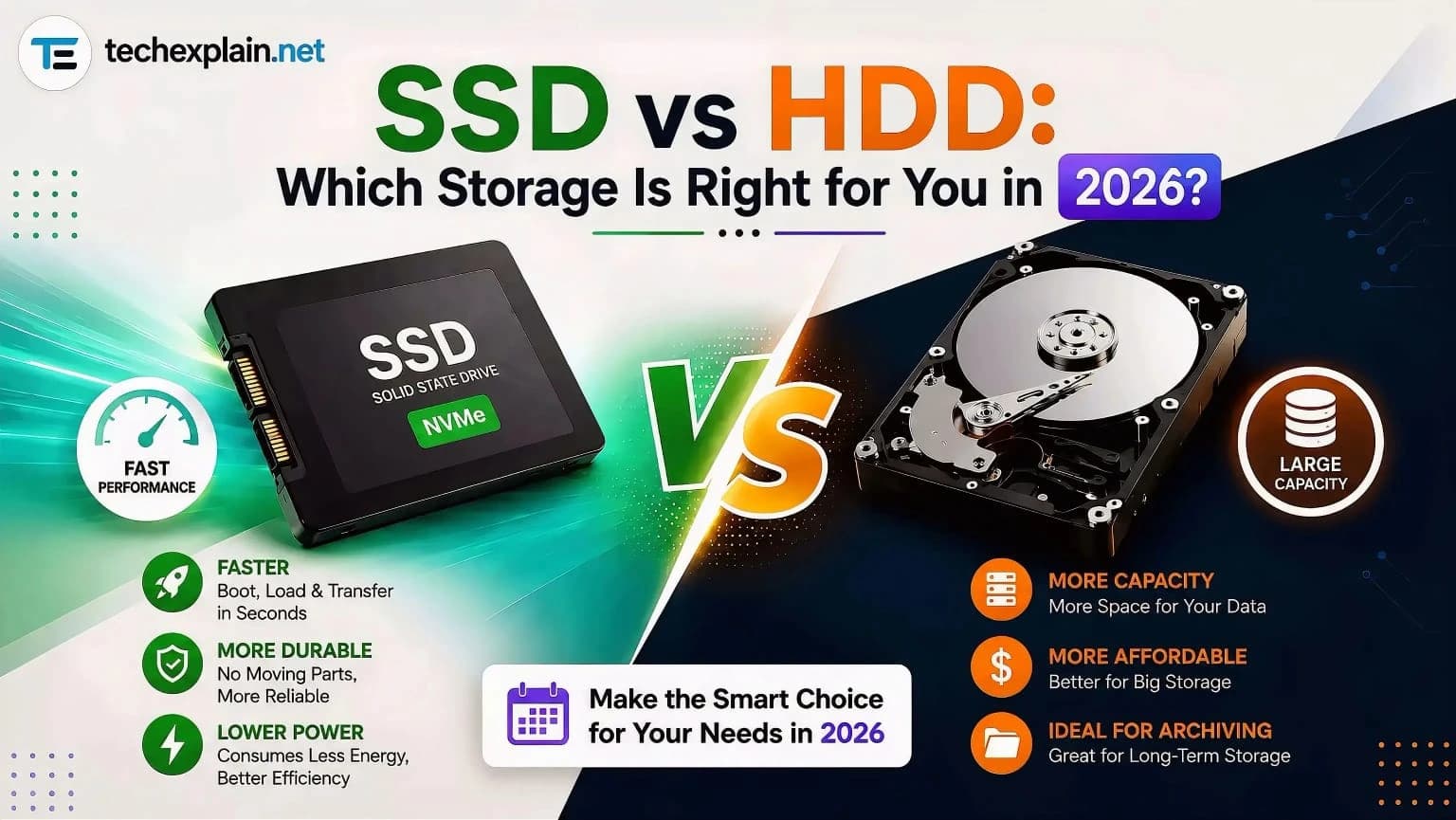
SSD vs HDD: Which Storage Is Right for You in 2026?
SSDs win on speed, HDDs win on price — pick based on what you actually need to store.
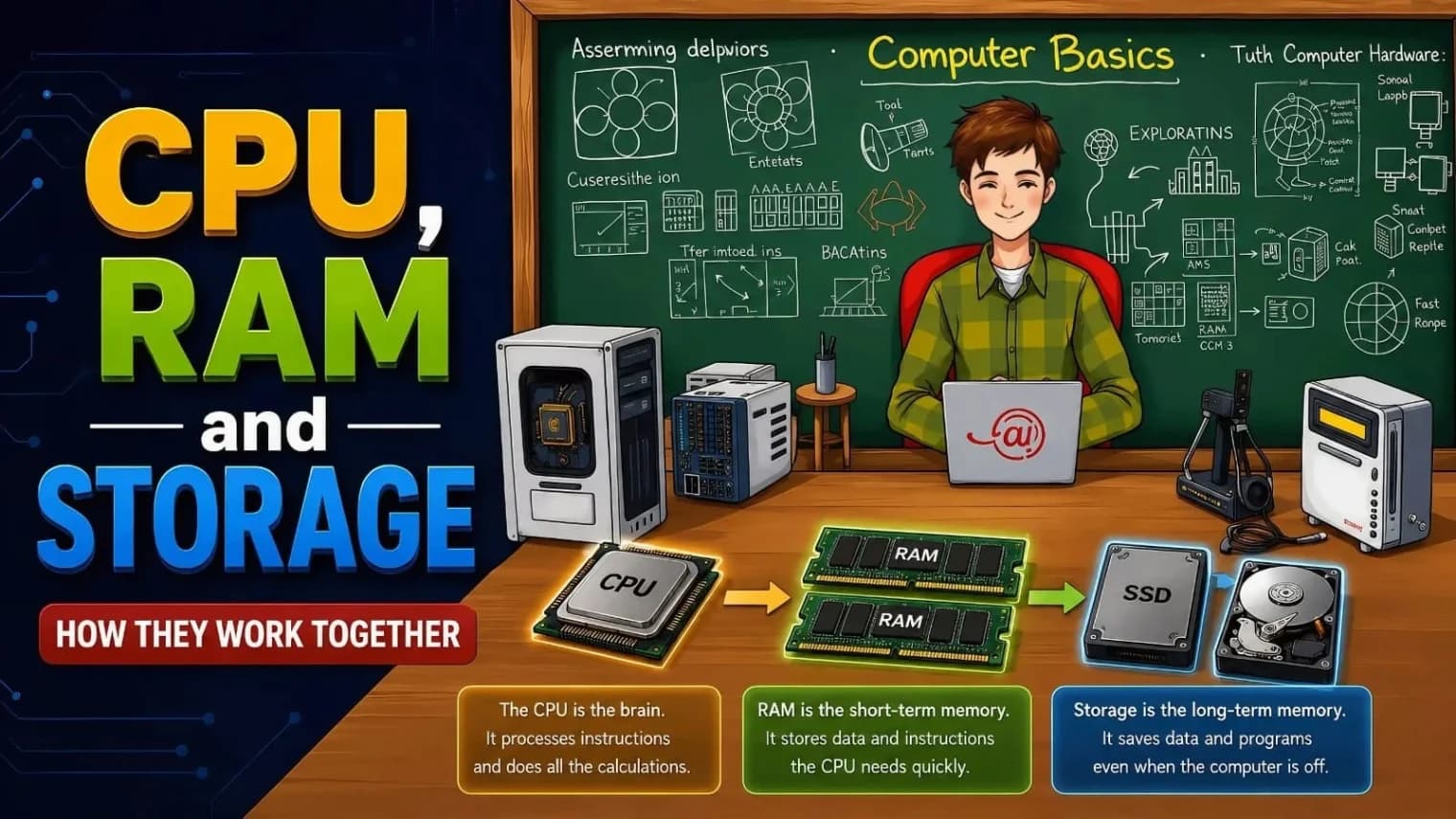
CPU, RAM, and Storage: How They Work Together
The CPU thinks, RAM helps it work quickly by holding what's needed right now, and storage keeps all your files saved for later.
What Is Computer Hardware? Complete Beginner Guide (12 Components Explained)
This guide explains the 12 core components of computer hardware from the motherboard to peripherals in simple, beginner-friendly language.