What Is Bandwidth vs Internet Speed? Explained Simply
Bandwidth is how much data your connection can carry, while speed is how fast that data actually moves.
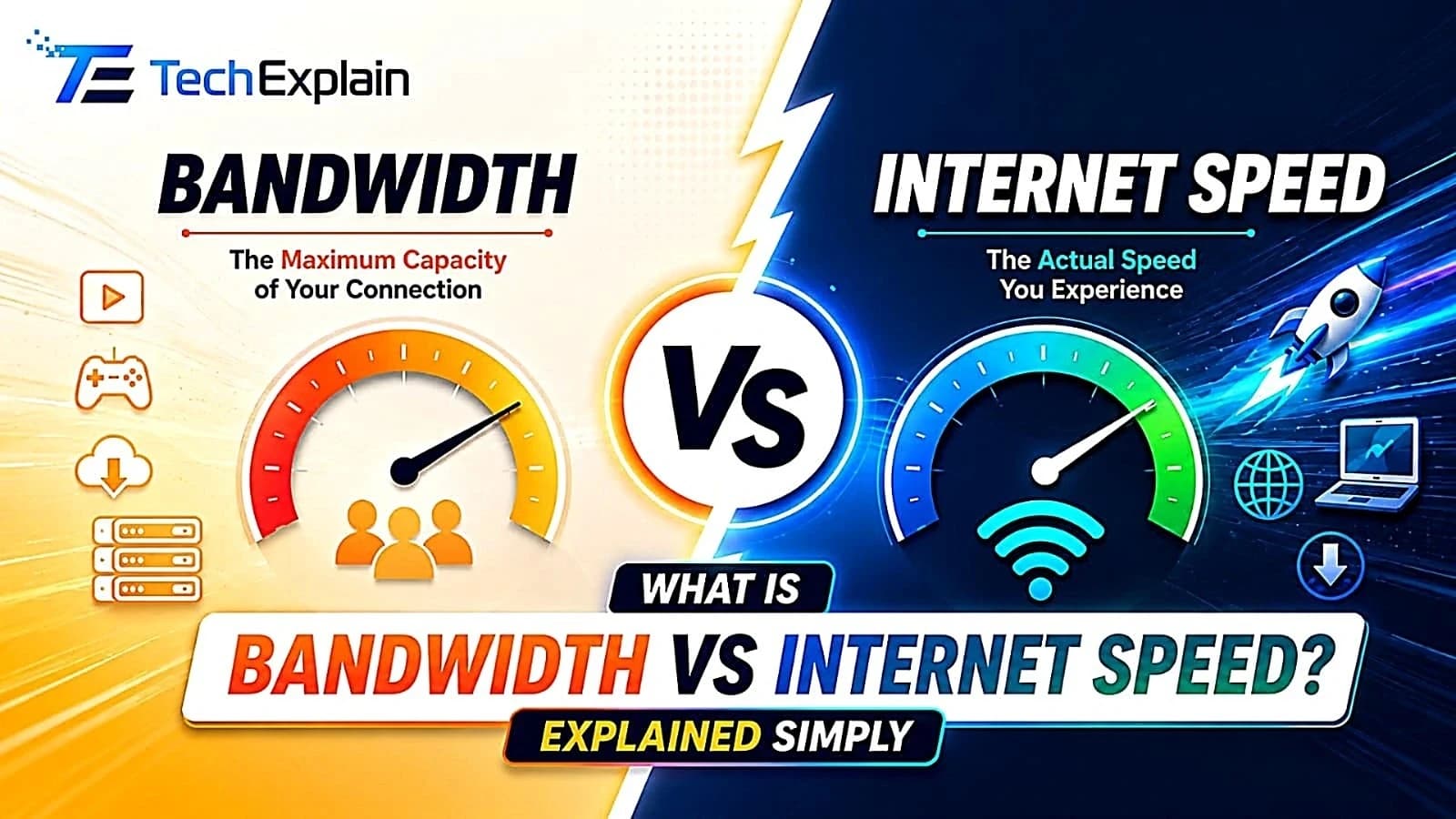
Bandwidth is the maximum capacity of data your connection can carry at once, while internet speed is how fast individual data packets travel.
Have you purchased an “ultra-fast” internet package, but still experienced frozen video content and slow page loading speeds because of several simultaneous users? If you have experienced such things, you have definitely encountered the difference between internet bandwidth and internet speed without noticing it. The vast majority of individuals tend to interchangeably use the words “bandwidth” and “internet speed,” meaning that they are the same thing. This assumption is completely wrong, since bandwidth and speed have distinct meanings. While bandwidth refers to the amount of data that you can simultaneously transmit, speed means the speed of its transmission. Knowledge of this slight but crucial difference will allow you to pick a proper internet plan, to resolve problems with Wi-Fi speed and to stop paying for something unnecessary. In this article, we explain both terms in detail, demonstrate their correlation and provide a handy table, which will help you to calculate how much bandwidth you actually require.
What Is Bandwidth?

Bandwidth is the total number of bits that can flow from your computer to the internet and back within a single instant. This measurement can be made in megabits per second (Mbps) but may sometimes appear in kilobits per second (Kbps) or gigabits per second (Gbps) where there is a need to describe very high speed internet. ISPs refer to bandwidth figures when marketing their plans even if they call it “speed.”
In order to explain bandwidth in simple terms, think about the example of water flowing through a pipe. The wider the diameter of the pipe, the more water will flow through the pipe. No matter how much pressure one applies to the narrower pipe, it will not be able to move more than a certain quantity of water at once. In similar fashion, an internet connection that has high bandwidth will be able to transfer more data at once. Another comparison can be made with the example of a highway.
What Is Internet Speed?

The speed of the internet is the time needed to transfer data between your computer and the Internet, like loading the page, playing the video, or downloading the files, and the measurement is in megabits per second (Mbps). There are three components of speed: download speed which shows how fast you get the information for streaming, surfing, or downloading files; upload speed which tells how fast data moves from your computer to the Internet to send an email, upload photos, or make a video call; and latency that is the waiting period before data transmission happens, in milliseconds, and it is especially important for gamers and people using video calls. The easiest way to illustrate it would be considering bandwidth as the width of the pipe, that is, it shows how much you can pass through, while speed is how fast you move the water right now. It might happen that your speed is lower than the bandwidth due to network congestion, outdated router, weak Wi-Fi, and having too many devices connected at once. In brief, the bandwidth is your capacity, and speed is the actual speed you have now, which may change from time to time despite the constant bandwidth.
The Core Difference Between Bandwidth and Speed
In other words, while bandwidth deals with the capacity of the connection, speed relates to its performance. The former gives you the maximum that you can get from your connection, while speed may change and be either less or more than the maximum limit, depending on various factors like your network environment, number of devices connected, and the actual time of the day. Even though you have a bandwidth plan of 500 Mbps, you may not achieve this maximum, and get only 300 Mbps because of a poor Wi-Fi connection or outdated router.
That is why the speed of the connection that you get through your internet service provider always refers to “up to” some number. This number represents your bandwidth or the maximum amount of data you can transmit. It should be noted that your real internet speed will probably be less than the number and it may change instantly.
Why This Difference Actually Matters
Understanding the distinction between bandwidth and speed is not just about technicalities; it actually has an impact on your day-to-day use of the internet, as well as the cost of using it.
Choosing the right plan. The moment that you get to know that the bandwidth is shared by all your devices at home, you will get to know the reason for your 100 Mbps plan seeming slow when there are five people consuming bandwidth through their activities.
Diagnosing problems correctly.However, in cases when the internet is slow, the problem may not lie in the lack of broadband bandwidth. The problem may be associated with the router, with some interference to the signal, and even with many applications running in the background, which use the internet.
Avoiding overpaying.Others pay for gigabit speed on the Internet although they need only 100 to 200 megabits per second (Mbps). Realizing your needs will help you save money since you don’t always need the fastest connection around.
Supporting the right connection type. Fiber broadband typically gives you the highest speed with maximum consistency, with both upload and download speeds being the same. Cable broadband is also known for providing you with good bandwidth, but the upload speed is relatively low compared to the download speed. DSL and satellite broadband give low bandwidth services.
How Much Bandwidth Do You Actually Need?
The correct amount of bandwidth is based on the number of people using the internet at once and their activities. One individual who browses and checks emails does not need much bandwidth at all; whereas a family of five individuals who stream, play games, and make video calls at the same time requires more bandwidth.
A simple technique that is advised by several experts involves starting with the base number per user and adding additional bandwidth according to the number of tasks that are being done simultaneously like watching videos in HD/4K quality, having video calls, or playing games online, and then adding 20 to 30 percent on top of that.
The following table is an example of the guideline to help with a basic estimate.
Household Type | Typical Activities | Recommended Bandwidth |
Single user, light use | Browsing, email, one HD stream | 25–50 Mbps |
Small household (1–2 people) | Streaming, occasional video calls | 50–100 Mbps |
Medium household (3–4 people) | Mixed HD/4K streaming, gaming, remote work | 100–300 Mbps |
Large household (4+ people) | Multiple 4K streams, gaming, smart home devices | 300–500 Mbps |
Heavy use household or small office | Streaming, live streaming, video conferencing, large uploads | 500 Mbps–1 Gbps |
Take note that specific applications require varying levels of bandwidths. For instance, a 4K video stream usually requires 15 to 25 Mbps of speed, while an HD video stream will consume about 5 to 10 Mbps of speed, a video conference will take up to 1.5 to 4 Mbps, and online games usually take up to 3 to 15 Mbps during gameplay, although downloads require higher speeds.
Common Factors That Affect Your Real Internet Speed
Several factors can affect your real internet speed even when you have plenty of bandwidth available. The number of devices connected to your network plays a big role, since more devices sharing the same connection means less speed available for each one. Your Wi-Fi signal strength also matters a lot, as distance from your router, thick walls, and interference from other electronics can all slow things down. The age and quality of your router make a difference too, since older routers may not be able to support the full bandwidth your plan offers. Network congestion is another common factor, as internet speeds often dip during peak hours, such as evenings, when many people in your area are online at the same time. Background applications can quietly reduce your speed as well, since automatic updates, cloud backups, and other apps running in the background eat up bandwidth without you noticing. Finally, the type of internet connection you have affects your overall speed, as fiber tends to deliver the most stable and consistent speeds, while cable, DSL, and satellite connections each come with their own limitations that can hold your real speed back.
How to Check Your Own Bandwidth and Speed
The easiest way to check how fast your internet connection is going is through a free speed test online. You will be able to measure your current download speed, upload speed, and latency. To have the most precise measurement of the bandwidth, you should do the test when your computer is directly linked to the router via the ethernet cable, because Wi-Fi may slow down the process. It is also necessary to conduct tests during different hours of the day as the speed may vary due to the load on the network.
If the results of your tests turn out to be considerably slower than the speed that your service provider promises, you should try to restart the router, change its position to a better one, upgrade the equipment, or talk to the provider regarding the problem.
Frequently Asked Questions
Is more bandwidth always better? No. It depends on whether the bandwidth is used up by something else. The speed difference between a 200 Mbps and 1 Gbps connection is insignificant for one individual that only surfs the web and watches just one TV series at a time. Bandwidth is important when multiple users or devices are using the same network simultaneously.
Why do I pay for 300 Mbps but only get 250 Mbps on a speed test?This is perfectly normal and natural. Your provider’s advertised speed is the maximum bandwidth that you should receive, and not guaranteed. The actual speed will be impacted by your router, the amount of devices that are using the internet connection at one time, the Wi-Fi signal quality, and congestion of the network around you. If there is a huge difference, it is likely due to equipment issues.
Does bandwidth affect gaming lag? The role played by bandwidth in creating lag while playing games is minimal. This is because most of the online games consume very low amounts of bandwidth when the games are actually being played. The cause of lag while playing games is high latency or an unstable connection.
Can upgrading my router improve my speed without changing my bandwidth?Yes. In the event that your router is either old or cannot support the bandwidth on your package, upgrading it will definitely increase your actual speed although you bandwidth will not change. This is the cheapest way to solve your slow internet speeds problem.
Final Thoughts
Bandwidth and internet speed are two related terms, although they refer to different things. While bandwidth is the amount of data you can potentially transmit, measured in bits per second (like the size of the pipe or the number of lanes on a road), speed is the actual rate of data transmission (how quickly the data moves through the bandwidth). Realizing the difference between these two concepts allows one to choose the most suitable internet package, fix possible problems related to slow connections, and save money on extra capacity that may be unnecessary.
Share this article
Related Articles
5G vs Wi-Fi 6: Which Is Better for Your Devices?
5G is fast internet for outdoors and travel. Wi-Fi 6 is fast internet for home and office. Using both together works best.
How to Fix a Slow Internet Connection: 10 Proven Tips
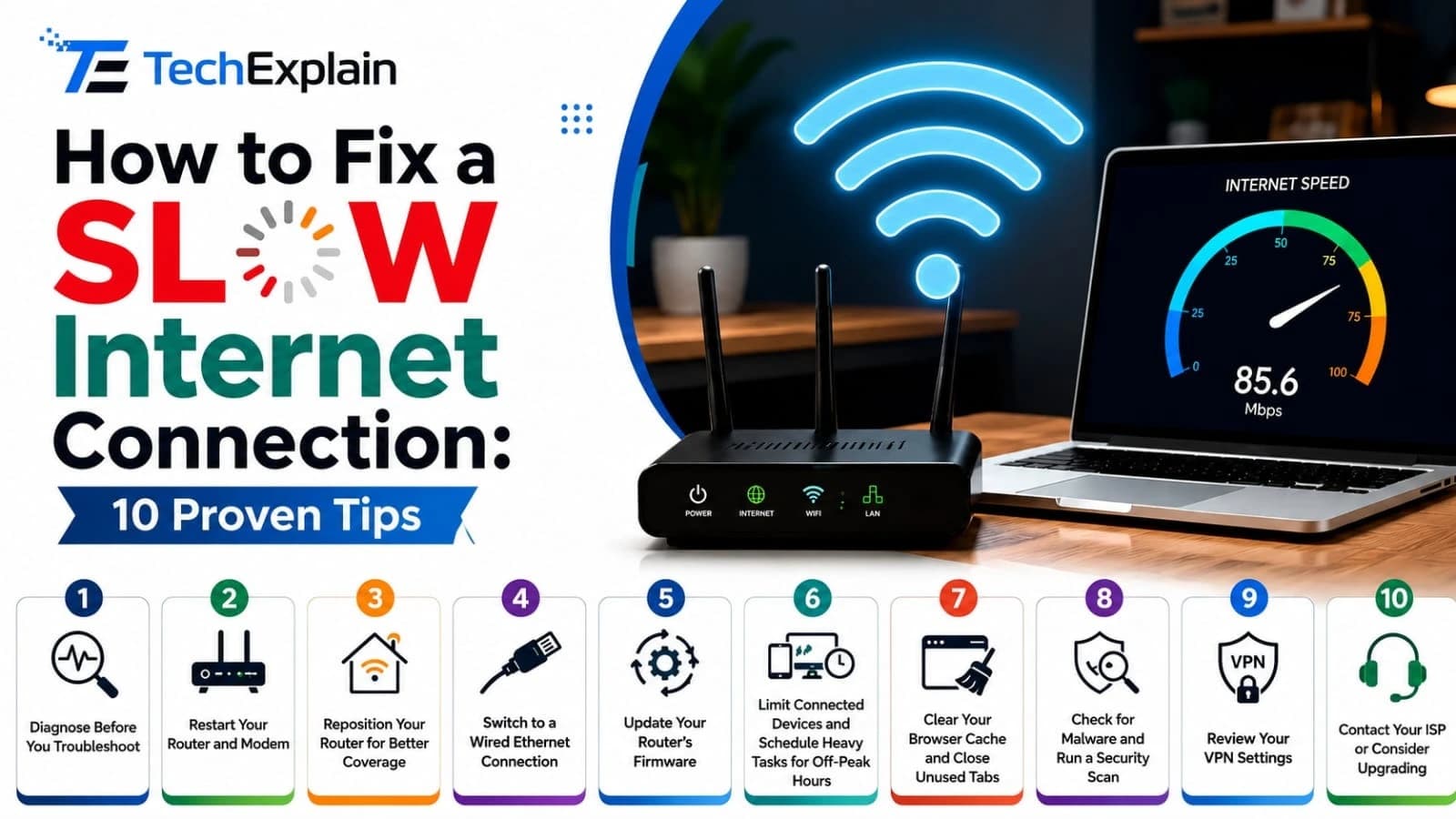
This guide shares 10 simple, tested tips to find out why your internet is slow and fix it fast.
Wi-Fi vs Ethernet: Which Connection Is Faster?
A simple guide comparing Wi-Fi and Ethernet to help you understand which connection is faster and when to use each one.