
Wi-Fi vs Ethernet: Which Connection Is Faster?
A simple guide comparing Wi-Fi and Ethernet to help you understand which connection is faster and when to use each one.
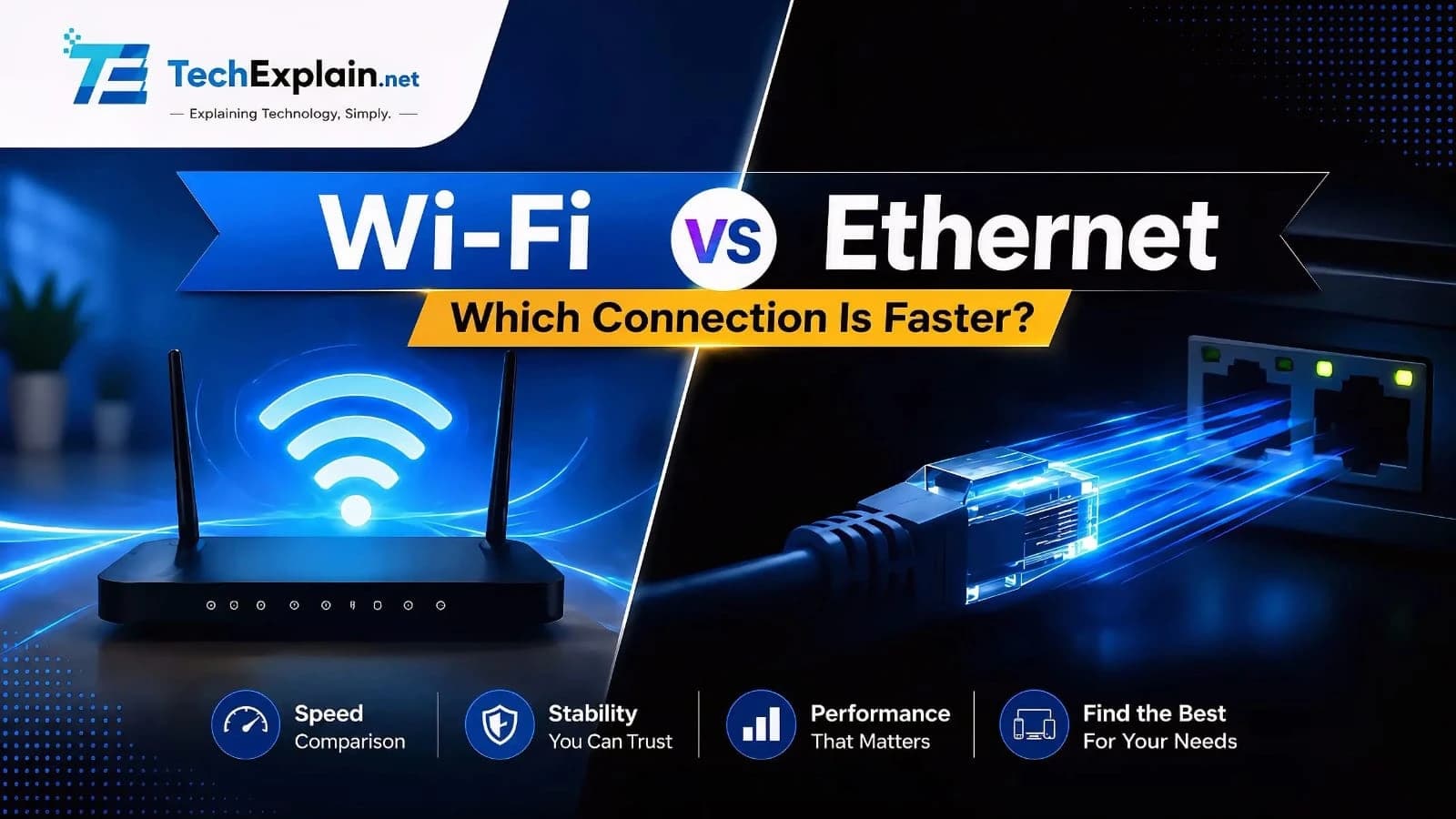
Ethernet is faster and more stable than Wi-Fi. A wired cable connection gives you higher top speeds, less delay (latency), and no interference from walls or other electronic devices. Wi-Fi is easier to use and lets you move around, but its speed drops when you move away from the router or connect many devices.
Nowadays, almost every household is equipped with several internet options. One can connect their computer via a cable, while others prefer a wireless connection via Wi-Fi. Although both ways of connecting to the internet produce the same result, most people want to know which is the fastest and best option for use. Will the Wi-Fi connection be sufficient for every activity, or should one opt for the Ethernet cable connection? This topic has become even more important considering how much our lives rely on fast internet connections nowadays – whether it is talking with relatives from another country via Zoom, attending an online lesson, playing a game online, or streaming movies. In this article, we will provide a comprehensive yet comprehensible explanation of what Wi-Fi and Ethernet are, what their differences are, which one is faster, and how to make the right choice.
What Is Wi-Fi?

Wi-Fi stands for wireless fidelity, which is an effective way of connecting your gadgets to the Internet without the use of any cables. Your router sends out the signal into the air with the help of radio waves, and your mobile phones or laptops receive that signal. That is how Wi-Fi technology works and why it is so popular. You do not have to worry about any wires while working with your laptop or using your mobile phones at home.
Wi-Fi is made up of a single signal for all the devices in the area. Therefore, devices in a house, whether they be cell phones, computers, smart speakers, or smart doorbells, will all be communicating with one single router. The fact that there is only a single router makes Wi-Fi flexible, but it also affects Wi-Fi speed.
What Is Ethernet?
Ethernet is a form of wired connection to the internet that utilizes a physical wire going directly from your computer to your router/modem. This is different from Wi-Fi because it allows for a direct line of communication between your computer and the network. No one else can use that line except for you.
Since Ethernet doesn’t rely on wireless signals that travel through the air to transmit data, it isn’t hampered by obstacles like walls or proximity to the router and other wireless devices. This is one of the major reasons why Ethernet is usually seen as the more stable connection of the two.
Wi-Fi vs Ethernet: Which One Is Actually Faster?
A normal Ethernet cable will provide you with nearly all of its claimed speed, and new types of Ethernet cables will exceed that and be able to handle big files and tasks without reducing their speed. This is the case regardless of the time of day or any nearby equipment.
Wi-Fi technology has come a long way in terms of performance recently, and new Wi-Fi generations can achieve very fast speeds, in some cases almost as fast as Ethernet speeds. However, actual Wi-Fi performance is highly dependent on your distance from the router, the number of obstacles that separate you from the router, and the number of devices that are also connected simultaneously. The practical performance of Wi-Fi near the router is almost equal to the performance of Ethernet, but it significantly degrades with distance or the number of devices.
Latency: The Hidden Difference That Really Matters
There is an additional aspect to be considered aside from just the speed of the network, and that is latency, the short period of delay before a response is received after requesting information. Latency is usually counted in fractions of seconds and plays an essential role in tasks that require immediate response time.
Latency is typically lower for Ethernet connections and is more stable because the signal does not have to contend with the same interference and competition as the signal does while using Wi-Fi. Latency levels for a Wi-Fi connection are usually high and unpredictable due to the fact that all the devices connected wirelessly must communicate with the router in sequence, with factors like distance or interference adding additional time to the process. It is no surprise that gamers and others who require low latency while working with real-time data prefer an Ethernet connection.
Reliability and Stability

The other aspect where the Ethernet system proves to be better is reliability. Since the Ethernet system uses a wired cable to establish a connection, it does not suffer from any interference like microwaves, other Wi-Fi systems, and even walls. Therefore, Ethernet is highly reliable for all devices that stay in one place without movement and require a reliable connection, such as a personal computer, gaming device, and smart television.
In contrast, Wi-Fi tends to be somewhat unpredictable, especially when dealing with large houses and apartment blocks with multiple overlapping wireless networks. The closer your device is to the router, the stronger the signal becomes; However, when there are several devices simultaneously using the Wi-Fi network, the performance slows down.
Why the Two Connections Behave So Differently
One of the factors contributing to increased delay problems for Wi-Fi is related to the way wireless devices operate in terms of sharing the radio waves. All the devices linked using Wi-Fi have to take turns when transmitting data, much like people communicating over one telephone line. The design of the devices, whereby they wait for their turn, ensures that devices do not overlap in transmitting data, but the result is a lot of delays.
However, this is not a problem faced by Ethernet. A wired network acts like a personal, dedicated route from your computer to the router, without any other network traffic occupying the same route. This is one of the major reasons why, despite the most advanced Wi-Fi systems being available in the market, an ordinary Ethernet cable can still deliver more consistent performance.
Security Considerations
The other aspect to consider is security. Ethernet is usually seen as being a more secure technology because of the very fact that the person trying to hack you would need physical access to the cable or the network itself. The signal on Wi-Fi travels through the air and, theoretically, can be intercepted by anyone close by. That’s why it’s crucial to have a good password and the latest security settings on your wireless router.
Real-World Examples of the Difference
When it comes to daily home usage, the distinction between Wi-Fi and Ethernet will usually be made clearer once a particular connection faces pressure. At first, when you connect to your router, the speed and performance of both Wi-Fi and Ethernet may be practically the same, but once you get farther from the router or there is a wall in between, Wi-Fi speed will drop, while Ethernet performance remains about the same as before.
That is precisely why most users realize a distinction in performance when trying to engage in activities that place high demands on the connection, such as online gaming, video conferencing, HD streaming, or moving data from one computer to another. While both types of connections will seem pretty much the same during browsing or receiving emails, once placed under stress, an Ethernet connection prevails over WiFi.
When Should You Choose Ethernet?
In such cases where the connected device is stationary and requires a fast, stable, and continuous connection, using Ethernet cables would be a wise decision. Some of these devices include desktops, game consoles, Smart TV sets that stream videos, as well as home offices that engage in video calling and transfer of big files. The use of an Ethernet cable is advisable whenever a continuous, fast, and reliable connection is needed.
When Is Wi-Fi the Better Option?
Wi-Fi is still the way to go in most cases, particularly where mobility within the house is important, as is the case with cell phones, tablets, and laptops. In activities such as going online, using email, viewing normal videos, and even gaming, there is no need to use anything other than Wi-Fi, provided that one is not too far away from the source. The absence of any wires and improvements in new Wi-Fi technology make this the most sensible option in most cases.
How to Get the Best Performance From Either Connection
Regardless of which connection type is used, there are some basic habits that you can adopt to maximize the efficiency of the connection. One such thing that you can do to enhance the efficiency of your Wi-Fi connectivity is by keeping your router up-to-date and positioning it in an accessible location within your house. Minimizing the number of barriers and obstacles between your computer and the router also contributes to maintaining the strength of the signal. In the case of the Ethernet connection, using quality cables goes a long way.
Frequently Asked Questions
1. Is Ethernet always faster than Wi-Fi?
This is normally the case. Ethernet is known to offer better speed and reliability compared to Wi-Fi in most cases. Particularly, when you are at a distance from the router or when several connections are made, the difference will be much more noticeable.
2. Why does Ethernet have lower latency than Wi-Fi?
An Ethernet connection will use an individual cable only for that particular device; hence, there are no delays. In Wi-Fi technology, multiple devices share one frequency; therefore, delays will be incurred while waiting for one's turn to send data.
3. Is Wi-Fi good enough for online gaming?
WiFi will be effective when playing video games casually, but not during competitive video games since there will be higher lag in WiFi connections compared to Ethernet connections.
4. Does the distance from the router affect Wi-Fi speed?
Yes. The further away from the router you are and the more walls or floors that exist in between you and the router, the slower your WiFi connection will be. This is because Ethernet connections do not rely on wireless signals.
5. Should I use Wi-Fi or Ethernet for my home office?
When the computers or gadgets are stationary, such as a work computer where you conduct video chats, it would be better to use an Ethernet connection than Wi-Fi. However, for your laptop and smartphones, Wi-Fi would be more suitable.
Conclusion
Wi-Fi vs Ethernet: As far as the performance of both is considered, Ethernet is a clear winner in terms of speed of data transfer, delay, dependability, and safety. Thus, Ethernet provides the best option for fixed devices with the requirements of high-speed data exchange and stability of the network connection, such as gaming devices, desktop computers, or home offices. However, Wi-Fi is the best option for mobile gadgets as it provides the mobility and flexibility that are required by everybody.
This should not be viewed as a selection between two options where one option is better than the other. Instead, it is best viewed as two tools that serve different purposes depending on the situation. Most households achieve optimal performance when they use both approaches, connecting their equipment that can take advantage of speed and reliability, while allowing their mobile gadgets the liberty of wireless connection.
Share this article
Related Articles
What Is Bandwidth vs Internet Speed? Explained Simply
Bandwidth is how much data your connection can carry, while speed is how fast that data actually moves.
5G vs Wi-Fi 6: Which Is Better for Your Devices?
5G is fast internet for outdoors and travel. Wi-Fi 6 is fast internet for home and office. Using both together works best.
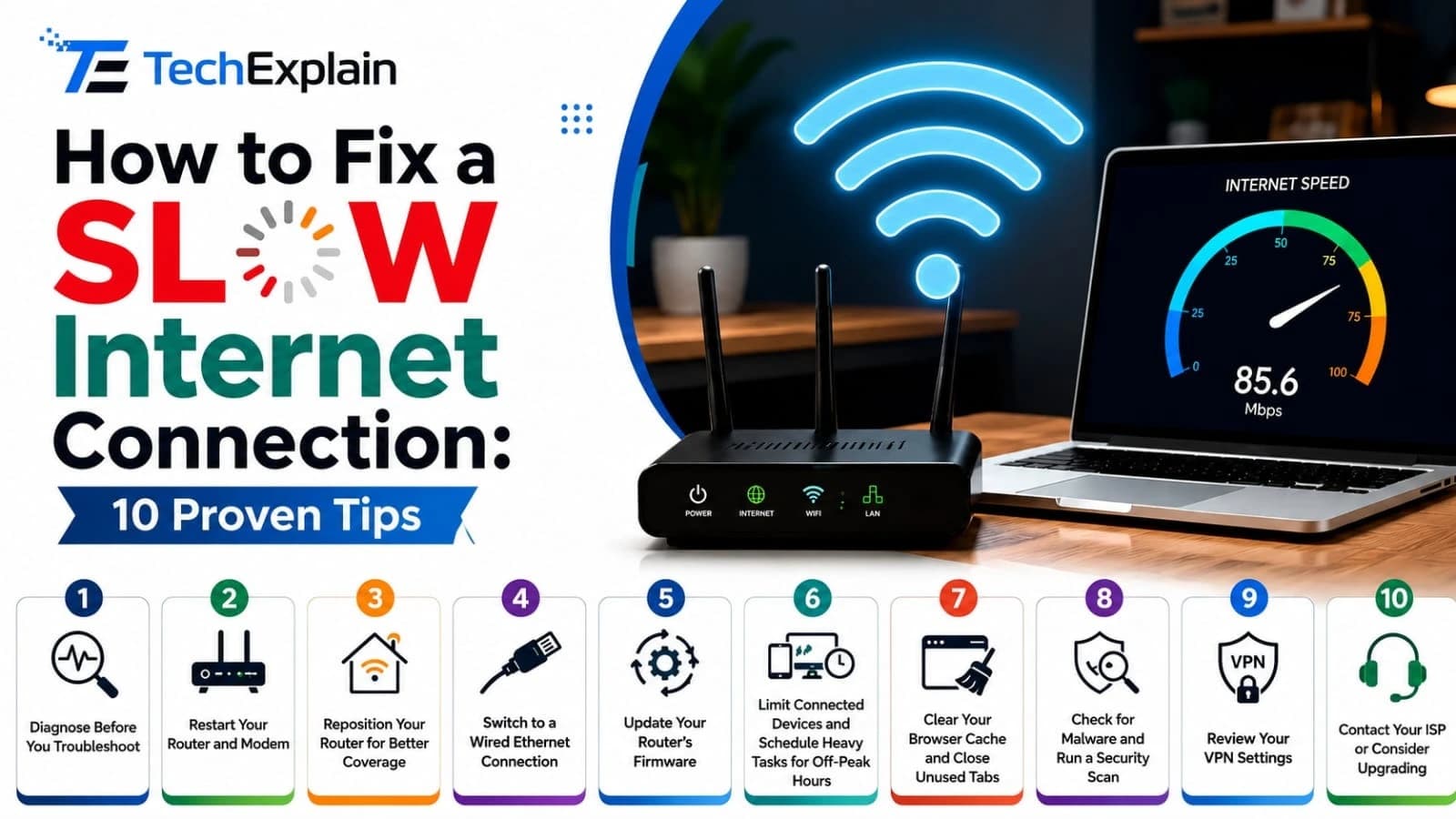
How to Fix a Slow Internet Connection: 10 Proven Tips
This guide shares 10 simple, tested tips to find out why your internet is slow and fix it fast.