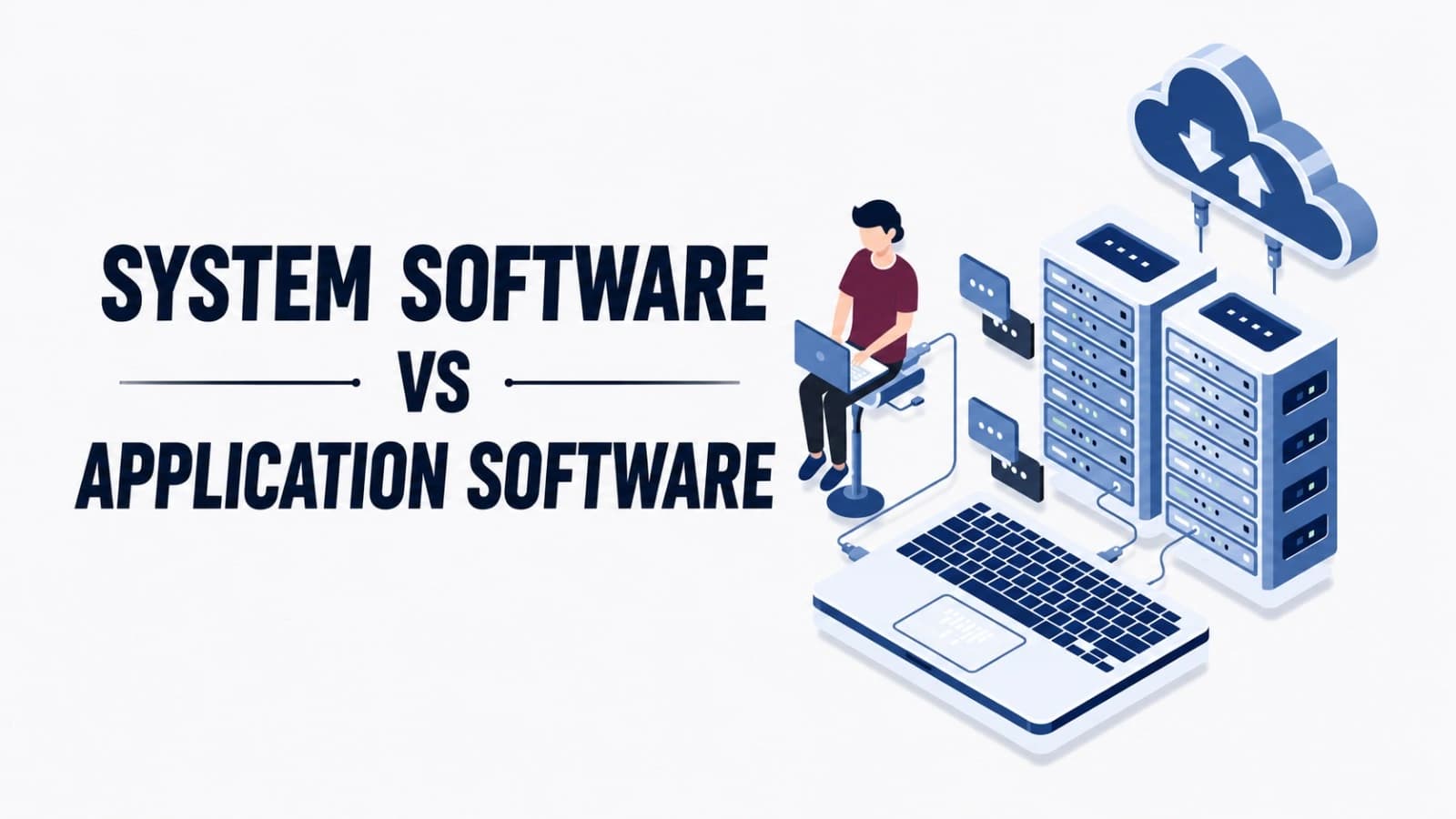
System Software vs Application Software Explained
System software manages a device's hardware behind the scenes, while application software is what users directly interact with to perform specific tasks.
Introduction
System software manages computer hardware and provides a platform for other programs to run, while application software is designed to perform specific tasks for the user. A computer cannot function without system software, but application software is optional depending on what you need to do.
All the devices that you use, ranging from your laptop to your mobile phone, have two major types of software installed in them – system software and application software. While both are used extensively by everyone on a daily basis, most do not know what they mean or how they function. This paper provides an analysis of both types of software in simple words, with practical examples, comparison tables, and frequently asked questions about each.
What is Software? A Quick Foundation
The computer, mobile phone, or any other intelligent device that you may be using relies on some set of instructions known as software. Software can be said to be an amalgamation of various programs and instructions that control the working of hardware devices. If there were no software present in the computer, then it would have been just another metallic gadget that is useless without any software instructions.
There are two broad classifications of software, which include system software and application software. These both interact in order to perform different functions. The distinction between the two forms of software is crucial not only in computer science but in every individual's understanding of how computers operate in general.
What is Application Software
Application software represents programs created to assist in the execution of specific tasks by users. As opposed to system software that is responsible for controlling the computer, application software is developed for the final user of the software. It resides above the system software and uses it to provide some services.
Examples of application software include word processing software such as Microsoft Word, spreadsheet software such as Excel, browsers like Google Chrome and Mozilla Firefox, media players, photo editing software, and mobile applications such as WhatsApp and Instagram. The reason why most people come into contact with software on a daily basis is because of their applicability to everyday activities.
Application software can also be divided into general-purpose software (software used for day-to-day activities such as typing and browsing), specific-purpose software (made for a certain industry like accountancy and hospitals), and customized software (software made specifically for certain businesses).
System Software vs. Application Software

In essence, the primary difference between system software and application software lies in the objective of each and in who its target audience is. System software is designed to perform certain management functions in regard to the computer's hardware and internal operations without distracting the user from his or her activities and with no need to control this software. At the same time, application software is designed directly for the user to help him or her accomplish certain tasks through its means. While system software is preloaded on the computer and is constantly running in the background, application software is installed by an individual depending on his or her needs and requirements and can only be used when a certain task needs to be accomplished.
System Software vs Application Software Table
Feature | System Software | Application Software |
Purpose | Manages and controls hardware and system resources | Helps users perform specific tasks |
Target User | Mainly used by the system itself, in the background | Directly used by end users |
Dependency | Works independently of application software | Depends on system software to run |
Examples | Operating systems, device drivers, utilities | MS Word, Excel, Chrome, Photoshop |
Visibility | Runs in the background, mostly invisible to users | Visible and directly interacted with |
Installation | Comes pre-installed with the device | Installed separately based on user needs |
Complexity | Generally more complex and technical | Usually simpler and user-friendly |
In conclusion, through this comparison, we have been able to identify that system software constitutes the basis, while application software is developed on top of it to provide users with their daily use.
Understanding System Software and Application Software
In general, there are two major groups of software, which have their own sub-types.
Types of System Software
The system software is generally categorized into a number of distinct groups. Operating systems are considered to be the main category of system software because they coordinate and manage all the resources of computer hardware and software. Device drivers are another class of software that works as a kind of small program and provides a channel for interaction between the operating system and hardware components of the computer. In addition, the firmware is considered to be part of the system software as it consists of a set of instructions that control hardware operations and are programmed in hardware devices.
Types of Application Software
The general-purpose software comprises those applications which include everyday applications like word processing software, web browsers, media players, etc. These are applications used by everyone irrespective of their field of work. Then there is business software, which is made according to the special needs of the business, like accounting software, inventory control software, etc. There is custom or bespoke software that is even more specialized than other software applications. It is made specifically to suit the requirements of the company that uses it. Mobile applications or those applications that run on handheld devices like smartphones and tablets have emerged as one of the most popular application software of recent times.
Together, these types cover almost everything a modern computer or device runs, from the moment it powers on to the moment a user opens an app to get a task done.
Operating System
An operating system (OS) is the most significant component of system software that is present in any machine. An operating system forms the connection between the user, application software, and computer hardware. Whenever you start any application or save any document, or attach any printer to your computer, the operating system performs its operations in the background.
The OS coordinates memory management, takes care of inputs and outputs, allocates the processing power, and creates a consistent platform for the execution of application software. Common types include Windows, Mac OS, Linux, Android, and iOS. An OS is needed for any software applications to work properly on your computer, as without it, nothing would be coordinating with the hardware.
System Software Components
System software, on the other hand, is not one program alone, but rather a combination of several elements. First and foremost is the operating system, which manages the hardware, memory, and processes. Equally important are the device drivers, which are programs through which the operating system is able to interact with the hardware components. These include the printer, graphics card, and keyboard, among others. Another essential component is the firmware, which is defined as low-level software incorporated into the hardware itself; a typical example of this is the BIOS on a computer. There are also utility programs such as antivirus programs.
All of the above elements have their own significance, and when combined, they help to operate the computer effectively and securely while ensuring compatibility with all kinds of application software installed on it.
Real-Life Examples of Application Software and System Software
In order to help you grasp this idea better, I have provided a few everyday examples below.
System Software Examples
In regard to system software, an example would be how Windows 11 and Mac OS runs the processes on your laptop behind the scenes long before you launch any application. The same applies for Android and iOS, where these operating systems power up each time you activate your phone and toggle applications. Even a seemingly small thing like a printer driver, which facilitates communication between your computer and the printer, falls under this umbrella of system software, as does Windows Defender, among others.
Application Software Examples
On the other hand, there are applications such as those you intentionally open and use to perform certain tasks. A good example of this type is Microsoft Word, which is used by many to produce documents, write reports, and assignments. The WhatsApp application enables people to communicate with their friends and relatives by sending instant messages, while Google Chrome enables you to access the web pages that contain information. Photoshop can be used to edit photos, while Spotify allows you to listen to music. All these applications depend entirely on the system software to work properly; however, each of them is selected and used by an individual who is using the device.
In other words, the operating system may be likened to the structure of the building, whereas the application software refers to the things that one uses inside the house. The two are different from each other in terms of purpose and importance.
Final Thoughts
Learning the distinction between system software and application software will help you understand how your device works. System software is headed by the operating system and controls the hardware and provides the necessary environment, whereas the application software takes advantage of this environment to offer useful solutions to users.
Both software types are equally important and complement each other. If there is no system software, then there would be nothing to run applications on. Application software, on the other hand, gives the computer utility in real life. The two together make up the whole software environment we depend on today.
FAQ's
Q1: What is the main difference between system software and application software?
Application software helps users perform certain tasks, whereas system software controls the hardware and creates an environment in which other software programs can operate.
Q2: Can application software run without system software?
Incorrect. Application software requires the help of system software such as the operating system to access hardware facilities.
Q3: Is an antivirus program system software or application software?
Anti-virus software is usually referred to as system software since it protects and preserves the entire system, although there are also people who see it as application software.
Q4: What are some common examples of operating systems?
The common operating systems that are currently in use include Windows, macOS, Linux, Android, and iOS.
Q5: Why is system software important?
This is due to the fact that system software forms the base of the computer, as it manages all the hardware resources of the computer.
Share this article
Related Articles
What Is SaaS (Software as a Service)? Explained Simply
SaaS lets you use software online through a subscription instead of installing and maintaining it yourself.
What Is Firmware and How Is It Different from Software?
Firmware is the hidden code inside hardware that makes it work, while software is what users directly see and use.
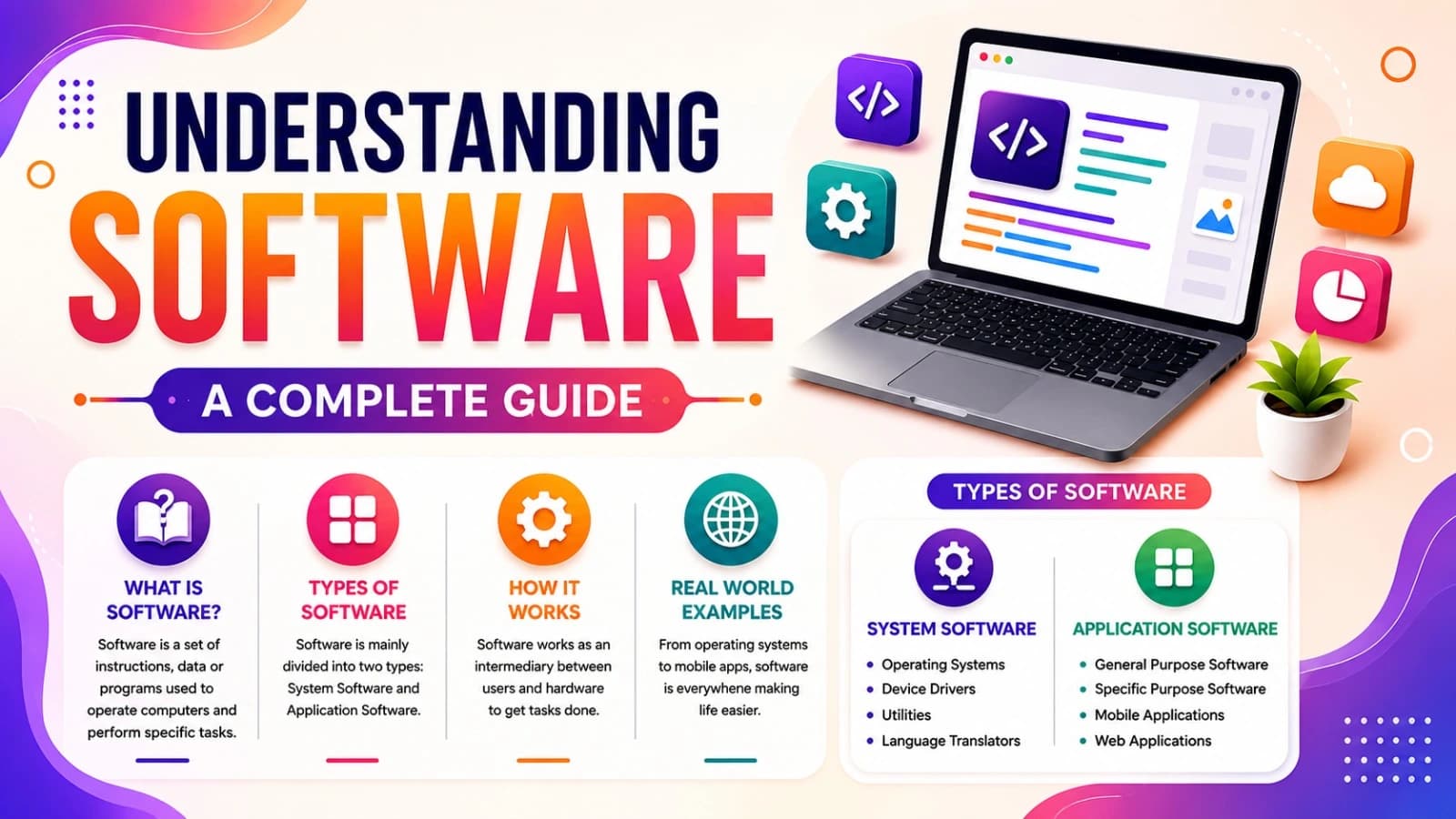
Understanding Software: A Complete Guide
A simple guide to understanding software, its types, how it works, and everyday examples.