What Is SaaS (Software as a Service)? Explained Simply
SaaS lets you use software online through a subscription instead of installing and maintaining it yourself.
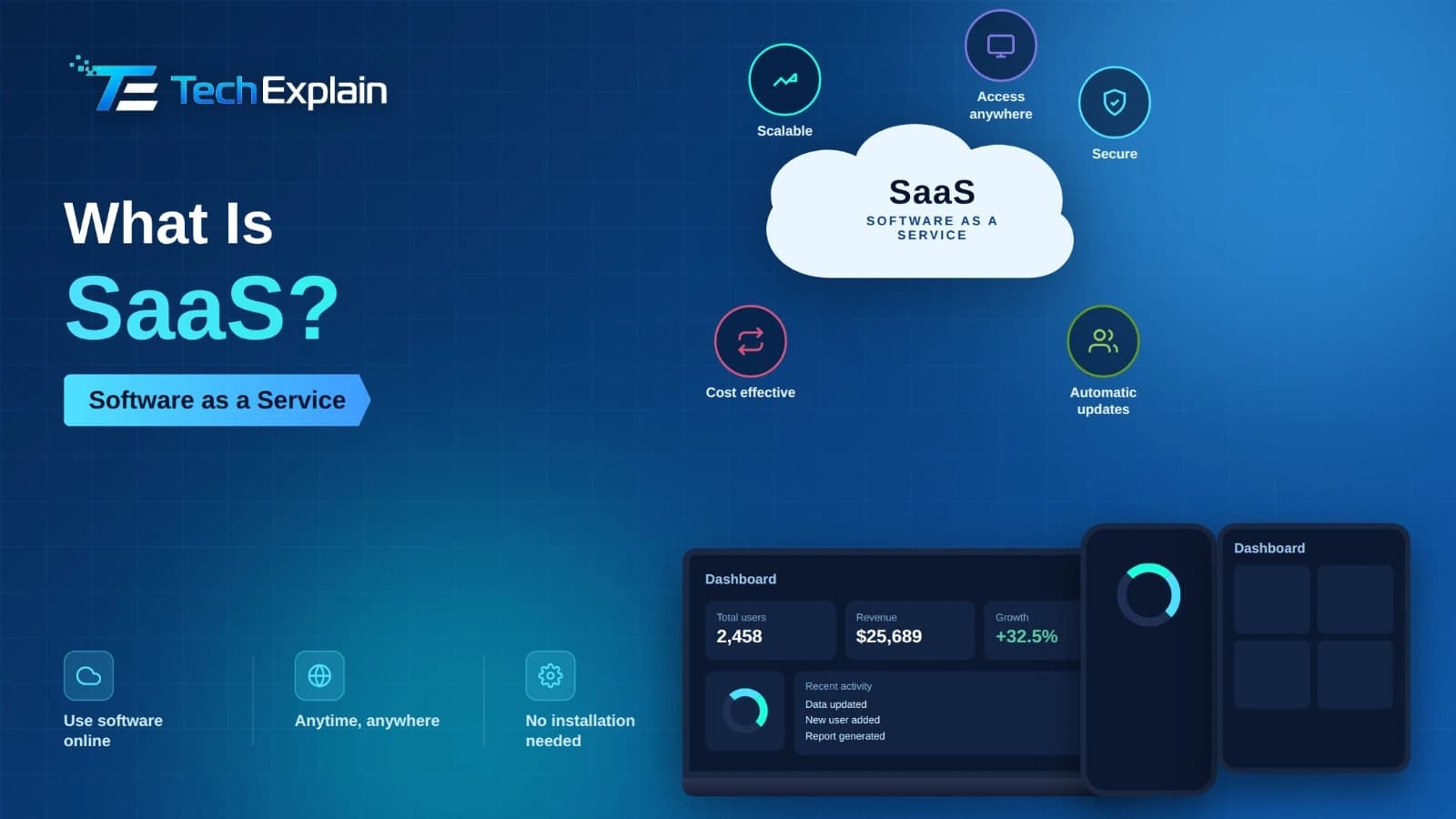
SaaS (Software as a Service) is a way to use programs over the internet. You do not download or install anything on your computer or phone. You just log in through a web browser. You pay a small fee each month or year instead of buying the program forever.
Even if you do not know what SaaS is, chances are you have been using this type of software many times in your daily life. If you read your Gmail, send Slack messages, join meetings on Zoom, or manage your sales pipeline with Salesforce, you use SaaS without being aware of it. The concept of SaaS, or Software as a Service, is one of the most important innovations of the contemporary era of technology, but people still find it difficult to grasp its meaning. To put it simply, SaaS is software accessible via the internet rather than installed on a user's device. You neither purchase a disc, nor download heavy software, nor think about updates and maintenance of the server. You just go to your web browser and log in. The idea of SaaS has transformed the use of technologies by people and organizations. Instead of spending money on expensive hardware, software, and IT specialists, firms can easily subscribe to an application and start working with it the next day. In this paper, we will explore the concept of SaaS, its functioning and popularity, differences from old software solutions, and some famous applications that are, in fact, examples of SaaS.
What Does SaaS Actually Mean?
Software as a service is an acronym that refers to SaaS. It entails a mode of software delivery in which the application software is hosted on servers of the service provider and offered to customers through the internet in either the form of a browser or lightweight applications. Rather than buying and installing the software on your computer, you subscribe to it regularly at a monthly or annual cost.
In other words, the organization that develops such software, called the SaaS provider, bears the entire burden of hosting the application, ensuring the smooth operation of the servers, performing the necessary security updates, and developing new functionalities. You, as an end-user, do not need to worry about any of those processes at all. All that is required of you is simply logging into the app, using it, and logging out. That contrasts greatly with the previous model of using software products, which required users to purchase the software and install it on their computers.
An illustration should help to clarify the concept. One could consider the contrast between purchasing an encyclopedia set printed in books that will be out of date within a few years and accessing an online encyclopedia that stays current on its own and is available to one from anywhere at any time.
How Does SaaS Work Behind the Scenes?
Most SaaS programs are designed through an architecture referred to as multi-tenancy architecture. Multi-tenancy architecture refers to a scenario where one copy of the software serves multiple clients concurrently, with all data of different clients kept isolated from one another. In other words, all clients share the same physical structure but have their data kept separately. This can be visualized in terms of a building where all tenants live in one building but have individual apartments of their own where they keep their personal belongings.
Once you launch a SaaS software program, it communicates with the servers maintained by the software firm via the Internet. This happens not on your computer but in another place. The processing power is provided at the software vendor's end, and you just receive the output. Due to remote processing, SaaS applications work well even on less powerful devices, including tablets, laptops, and smartphones, which cannot handle the installed software programs effectively.
Updates are yet another aspect that is different in the SaaS model. It eliminates the process of installing a new software version since it is updated automatically by the service provider. One day it might not exist, but the next day it just pops up when you sign in.
Why Has SaaS Become So Popular?
The emergence of SaaS has a lot to do with the development of cloud computing and the increased bandwidth of the internet. Yet, the adoption of this technology is based not only on it but also on certain factors that are quite practical.
Cost is a significant one. Traditional software used to be very expensive, involving an initial cost, server expenses, and maintenance expenses. However, SaaS turns this around by charging smaller but recurring payments, which allows even a small business or an individual to get access to highly advanced software, something which was not possible before.
Another important aspect is that of accessibility. Given that the software is delivered via the cloud, users can access it regardless of location and using any kind of device. This is particularly significant in the wake of remote working becoming increasingly common, whereby workers spread out across different places or even different countries could access the same application and the same information at the same time.
Thirdly, scalability is what makes SaaS appealing for expanding businesses. For instance, a small company may begin by using a lower tier that suits them, but once they expand their business, then they will be able to upgrade to other levels without having to switch their platform.
In addition, the aspect of maintenance-free service is a silent but very strong advantage. There will be no need for organizations to have an internal IT support team that would deal with patching, bug fixing, and server management.
SaaS vs PaaS vs IaaS: Understanding the Cloud Computing Family
SaaS can be discussed together with two more concepts, that of PaaS and IaaS. The latter concepts stand for Platform as a Service and Infrastructure as a Service, respectively. This distinction is needed to understand where SaaS stands among cloud computing models.
Model | What It Provides | Who Manages It | Typical Users | Example |
SaaS (Software as a Service) | A finished, ready-to-use application accessed online | The provider manages everything — infrastructure, platform, and app | Everyday users and businesses who just want to use software | Gmail, Slack, Zoom, Salesforce |
PaaS (Platform as a Service) | A platform with tools to build, test, and deploy custom applications | The provider manages infrastructure; the user manages the app they build | Developers and technical teams | Google App Engine, Heroku |
IaaS (Infrastructure as a Service) | Raw computing resources like servers, storage, and networking | The provider manages hardware; the user manages everything running on it | IT teams and system administrators | Amazon Web Services, Microsoft Azure |
As is evident from the table above, the SaaS model ranks at the highest level of usability. You do not require any technical expertise to use SaaS software because you only need to log in and get down to work, whereas the PaaS and IaaS models target individuals who wish to build their own systems.
Everyday Examples of SaaS You Already Use
Probably one of the simplest ways of understanding the concept of SaaS is the realization that many common applications that people use follow the SaaS model. The suite of Google tools such as Gmail, Google Docs, Google Sheets, and Google Drive is a perfect illustration of SaaS applications being used daily by many individuals for communicating and collaborating.
Salesforce was the one that led the way in SaaS CRM in the business world, back in 1999, where sales reps could track their leads and pipeline from the comfort of their browsers rather than having to use desktop-installed software. Slack revolutionized office communication using channel-based messaging, which is completely web-based, while Zoom was known for its video-conferencing solutions offered as SaaS applications. In the e-commerce world, Shopify is another SaaS platform that offers complete store operation services from the cloud without the need for any server or payment management facilities.
The above are just some of the examples that clearly demonstrate that SaaS is not a niche concept but one that is currently making up the backbone of our online operations.
Benefits of SaaS for Businesses and Individuals
This is how the benefits of SaaS have made it surpass traditional software as the standard for most new applications. Since SaaS is inexpensive, firms can use enterprise-level software without having to make huge investments. The fact that software is automatically updated means users always enjoy the most recent and most secure versions of applications. Users need not install any software because the software can be accessed by any computer with internet access. This type of software is convenient and flexible since the subscription fee can be increased or reduced depending on the situation. Most importantly, the vendor takes care of servers and security, making it easier for businesses to focus on other activities.
Potential Drawbacks to Keep in Mind
However, there are still some downsides that come with using SaaS. Because the SaaS products operate on the internet, weak connectivity could affect access to the programs and information. Companies are also dependent on the software vendor when it comes to the product’s reliability, security, and maintenance – therefore, choosing the right vendor becomes crucial. Although subscription costs are lower than one-time payment costs, it is important to consider that the cost might increase with time as more employees are added or a higher-tier package is used. Furthermore, since the data is hosted outside of the company's computer network, additional compliance issues might arise.
Frequently Asked Questions
Is SaaS the same as cloud computing?
That’s not quite accurate. Cloud computing is the general term, which comprises SaaS, PaaS, and IaaS. In simple terms, SaaS involves using software available via the Internet, but cloud computing includes much more than that: it includes platforms and infrastructure for building applications.
Do I need technical skills to use SaaS software?
No. The design of SaaS applications is such that normal users can just log in using the browser and begin to use the application without needing to know how the backend works.
Is SaaS safe for storing business or personal data?
Most SaaS vendors have spent a lot on security features, certification, and audits to ensure that their clients' data is secure. It is therefore advisable to consider the security measures adopted by your vendor when dealing with confidential business data.
What is the difference between SaaS and traditional software?
Software is usually bought only once, installed on the client’s machine, and updated manually. On the contrary, the use of SaaS involves payment through subscription, remote hosting of the application, and automatic updating.
Can SaaS applications work offline?
Some SaaS software allows limited usage in an offline environment and, once connected back to the Internet, it gets synced; However, most of the SaaS applications are made to work online only.
How much does SaaS typically cost?
Prices differ greatly depending on the vendor and plan chosen, although most of the software uses a tiered pricing system per subscription, which is usually charged on a monthly or annual basis according to user size and features included.
Final Thoughts
Software as a service has stealthily taken over as the backbone of much of our internet world. From the very first time you check your email to the very processes that keep our global companies running, Software as a Service has done away with the old practice of purchasing, installing, and maintaining software. Instead, it offers the convenience of logging on and getting instant use. The simplicity, cost-effectiveness, accessibility, and scalability of SaaS are precisely what make it such an effective means of software distribution.
Knowledge of SaaS can no longer be regarded as a niche piece of information that is known only to IT specialists – it is a fundamental element of the digital literacy of modern people. If you are an entrepreneur trying to decide on an organizational model or an individual who is just interested in the technology that surrounds him/her, the understanding of SaaS is crucial.
Share this article
Related Articles
What Is Firmware and How Is It Different from Software?
Firmware is the hidden code inside hardware that makes it work, while software is what users directly see and use.
System Software vs Application Software Explained
System software manages a device's hardware behind the scenes, while application software is what users directly interact with to perform specific tasks.
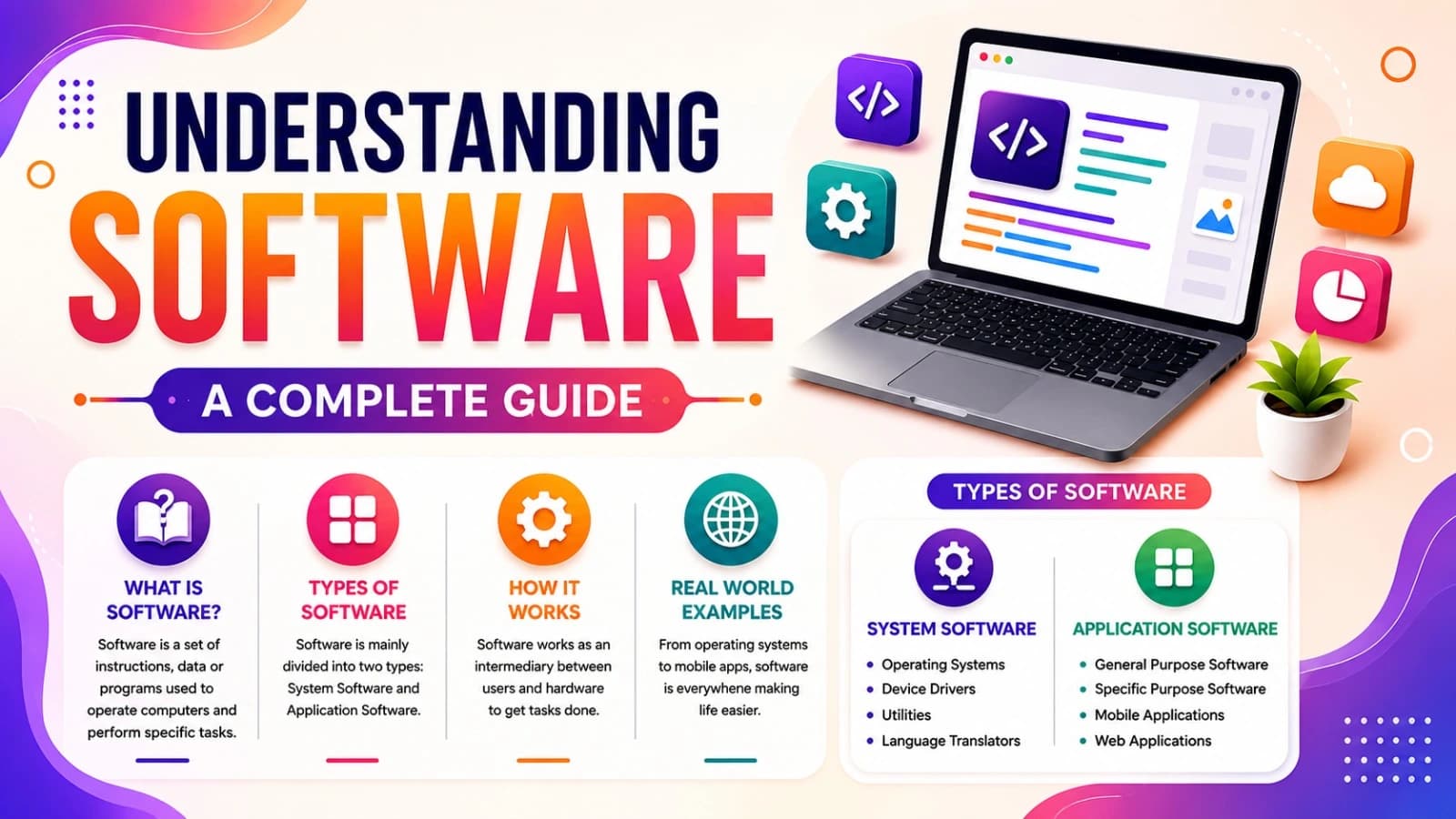
Understanding Software: A Complete Guide
A simple guide to understanding software, its types, how it works, and everyday examples.