Understanding Software: A Complete Guide
A simple guide to understanding software, its types, how it works, and everyday examples.
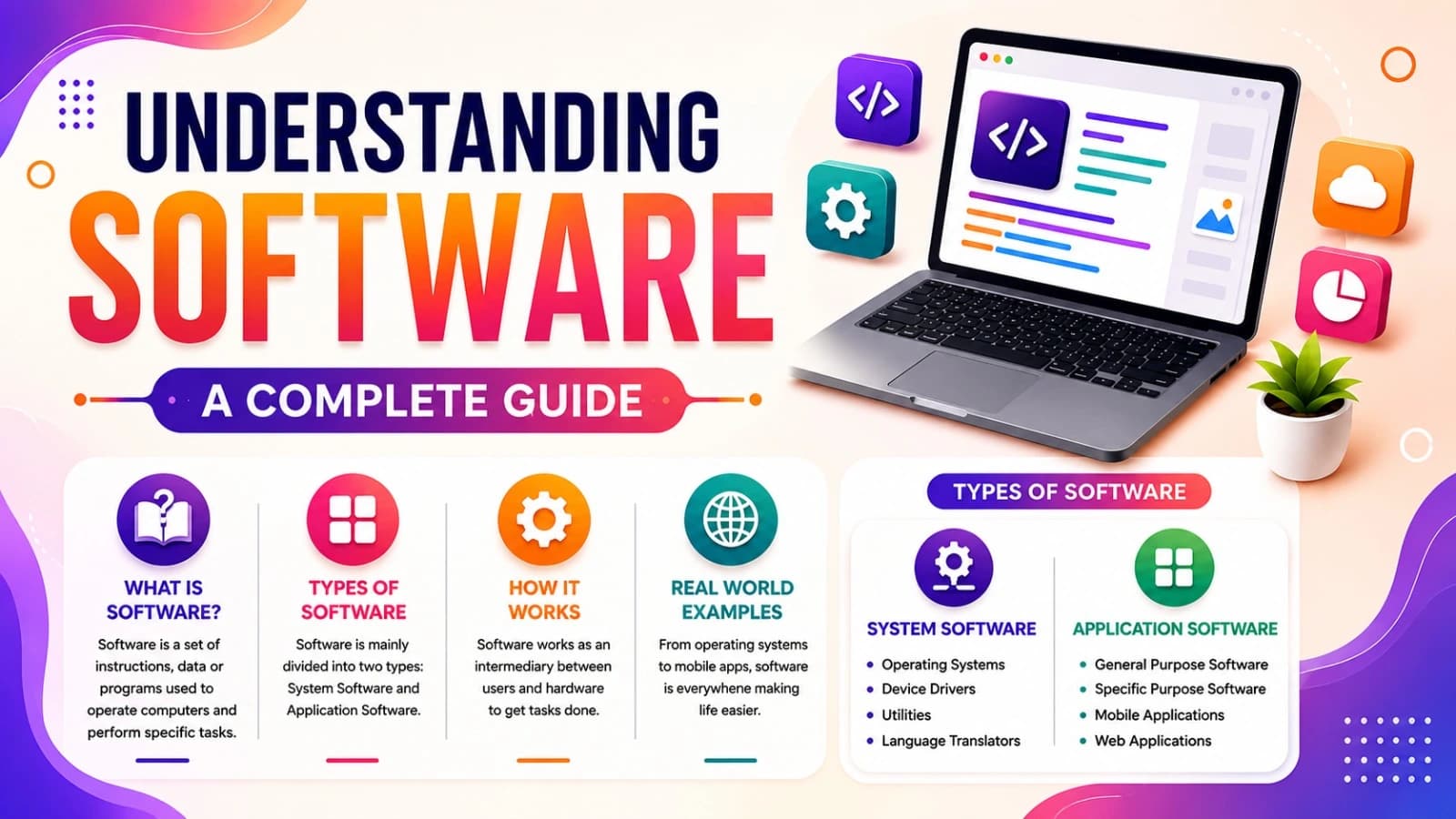
Software is a set of digital instructions and data that tells a computer how to work and complete tasks. The main categories are system software, application software, and programming software.
Software is made up of electronic codes and programs that allow the computer to perform numerous activities. However, the majority of individuals who use software on a daily basis fail to stop and think about what software really is, how it is different from hardware, and what types of software exist. The following guide explains the basic definition of software, explains all the types of software, and provides examples of each.
What Is Software?
Software is a set of instructions, data, or programs that tell a computer, smartphone, or other digital device what to do and how to do it. Unlike hardware — the physical components such as the processor, screen, or keyboard — software is intangible. You cannot touch it, but you can see and interact with its effects: a webpage loading, a game responding to your taps, or a spreadsheet recalculating a formula. In simple terms, hardware is the body, and software is the mind that directs it. A computer without software is just an inert collection of circuits; software gives that machine purpose and behavior.
How Software Works
In basic terms, software is a set of commands and information that guides a computer or digital device on what actions to take and how to carry them out. Hardware, on the other hand, includes the tangible components of a system — such as processors, displays, and input buttons — that you can physically touch. Software itself has no physical presence; it becomes noticeable only through what it does, like a webpage loading on your screen, a character moving inside a game, or figures changing instantly within a spreadsheet. Software typically goes through three layers before reaching the user: first, the source code, written by developers; then execution, where the processor carries out the instructions; and finally the user interface, the visual or interactive layer the person actually experiences.
Software vs. Hardware: The Key Difference
Hardware and software differ in nature, examples, durability, upgrade paths, and dependency on one another, as summarized below.
Aspect | Hardware | Software |
Nature | Physical, tangible | Intangible, code-based |
Examples | CPU, RAM, monitor, keyboard | Operating systems, apps, games |
Wear and tear | Degrades physically over time | Doesn't wear out, but can become outdated or buggy |
Upgrades | Requires replacing physical parts | Requires updates, patches, or reinstalls |
Dependency | Useless without software to operate it | Useless without hardware to run on |
Hardware and software are interdependent. A high-end laptop is worthless without an operating system, and even the most advanced app cannot run without a device capable of processing it.
Types of Software
There are two main classes of software – system software and application software – and many other subclasses of software such as programming languages and utilities.
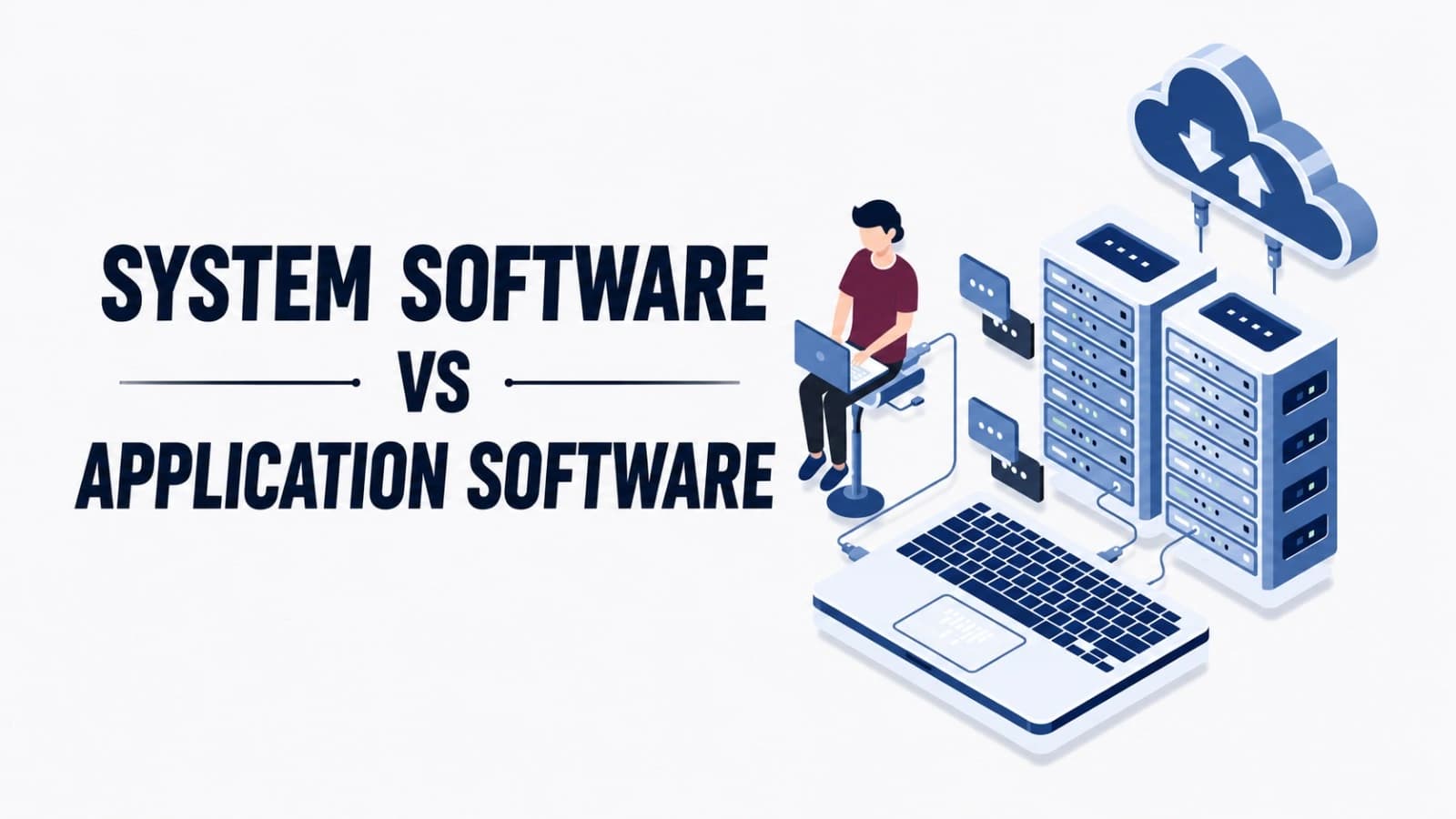
System software takes control of and manages the hardware to ensure proper functioning of application software, serving as an intermediary between the computer hardware and application software. This includes operating systems such as Windows, Mac OS, Linux, Android, and iOS, which manage computer hardware resources and user interaction; drivers, which are little pieces of software that enable operating systems to interface with the hardware components, such as printers, graphics processing units (GPUs), or web cameras; firmware, which is the low-level software stored in the hardware itself, such as BIOS or UEFI on a motherboard or firmware of smart televisions; and utility software, including antivirus software, disk cleaners, and compressors, such as WinRAR and CCleaner.
Application software which allows people to do particular tasks according to their needs and is the main type of software that comes to mind whenever people hear the words "software" and "app". It includes productivity software such as Microsoft Word, Excel, Google Docs, and Notion that helps people to compose texts, deal with data, and arrange their tasks. It also incorporates communication software such as WhatsApp, Zoom, Slack, and Gmail through which people can chat, have video conversations, and send emails. Entertainment software, including Netflix, Spotify, and video games such as Fortnite and Minecraft, can be considered another example of this type of application that provides users with media content and entertainment opportunities. Furthermore, there is educational software such as Duolingo, the Khan Academy, and learning management systems including Moodle that help with teaching and studying processes. Moreover, one can mention business and enterprise software, among which there is Customer Relationship Management (CRM) applications such as Salesforce through which companies can organize customers' data and track their contacts and thus increase the efficiency of sales and services. The next type of application is the so-called Enterprise Resource Planning (ERP) solutions such as SAP that integrate several core business functions, namely financial, human resource, supply chain and operational activities into one software. Finally, graphic and design software helps people to create visual materials and develop interfaces for print and digital platforms, including software such as Adobe Photoshop, Canva, and Figma.
Programming software: Also included in development software are the software tools used by programmers to develop, test, and debug other software applications. These include the code editors and integrated development environments such as Visual Studio Code, PyCharm, and IntelliJ IDEA; the compilers and interpreters such as GCC (for C and C++) and the Python interpreter; and version control systems, where Git is one version control system and GitHub & GitLab are the online platforms.
Web-based and cloud software: It has become increasingly crucial with the increase in internet use because users can use software entirely from the internet via a web browser, without installing it on their machines. The first category is SaaS (Software as a Service) applications, including Google Workspace, Dropbox, Canva, among others, which run on web browsers and are hosted on remote servers. The second category is web applications, including Amazon, Facebook, online banking websites, among others, that work like software but work via the browser. The third category is cloud computing, including Amazon Web Services, Microsoft Azure, Google Cloud, among others.
Embedded software: runs on special hardware that is built to perform a particular task instead of using a generic PC. For instance, such programs are the ones that control the washing cycle of the washing machine, control the ABS of a car, or operate the Nest Thermostat.
Real-World Examples of Software in Daily Life
To give meaning to these categories, one will use software daily without even realizing the number of different software they use on a daily basis. In the morning, an alarm from their iOS or Android operating system is used together with the weather app that accesses live data from the cloud server. On their way to work, Google Maps – a web application – uses GPS and traffic analysis algorithms to compute a route for them. Once at work, the user may need to work with Microsoft Excel – a productivity software – and communicate on Slack – a communication software – while saving files on Google Drive, which is a cloud software. In the evening, one uses Netflix – an entertainment software – to watch their series while the embedded software of their smart TV processes and displays the video smoothly on the screen. Finally, the smartwatch, which has its own software, analyses sleeping patterns through onboard sensors.
Why Understanding Software Types Matters
The differences between the classifications mentioned above are not just theoretical knowledge but can help companies choose which solutions to apply — choosing, for instance, between a custom-designed solution and a ready-made SaaS. The same can be said about students and job-seekers who know what skills are required for a particular classification — be it web or mobile development, embedded systems, etc. Also, the user can better cope with his/her problems since knowing the origin of the problem makes its solution easier.
Frequently Asked Questions
The operating system is one form of system software?
It is one vital element that any computer needs, since the operating system is responsible for making sure that everything else works well in the system.
How are software and applications different from each other?
Application" or the popular acronym "app" is typically a more informal word that means application software, especially when used on mobile phones. All apps are software, although not all software can be called an app; such examples are system software and embedded software.
Can there be software without hardware?
No, there cannot. Software needs hardware for its storage, execution, and display purposes. Cloud-based software, too, works on hardware in some servers, although not visible to the end user.
What are the different kinds of software?
Different kinds of software include: system software (operating systems, drivers, firmware); application software (productivity applications, communication applications, entertainment applications); programming software; web-based / cloud software; and embedded software.
Conclusion
Software lies hidden behind almost all digital actions, whether it's booting up your computer or your refrigerator running due to embedded software. Once you learn about the different types of software – system software, application software, programming software, cloud software, and embedded software – you'll have a better idea of how the digital world really works underneath the hood. From now on, whenever you open an application or stream videos, you'll have an idea of what type of software powers them.
Share this article
Related Articles
What Is SaaS (Software as a Service)? Explained Simply
SaaS lets you use software online through a subscription instead of installing and maintaining it yourself.
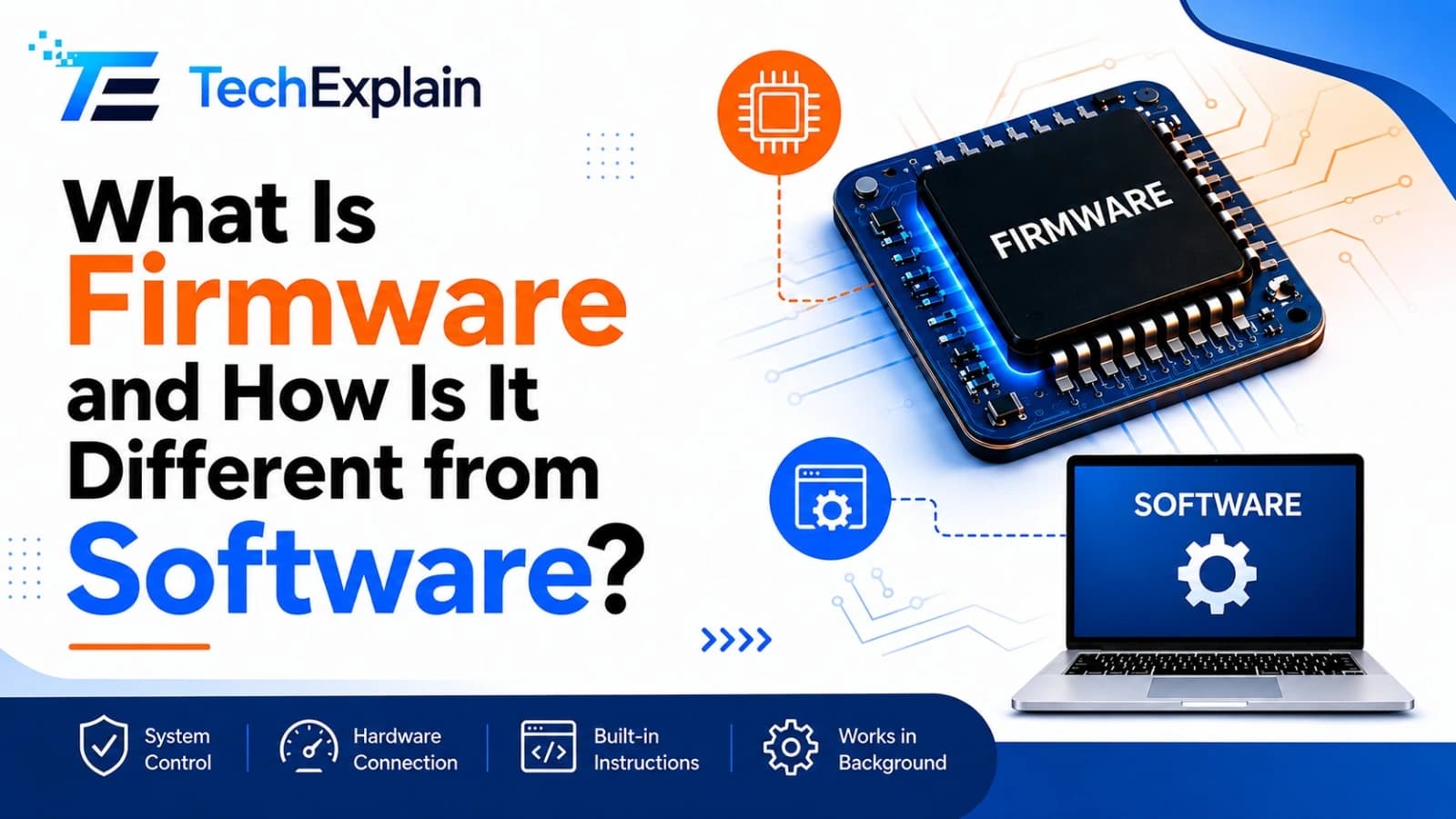
What Is Firmware and How Is It Different from Software?
Firmware is the hidden code inside hardware that makes it work, while software is what users directly see and use.
System Software vs Application Software Explained
System software manages a device's hardware behind the scenes, while application software is what users directly interact with to perform specific tasks.