
What Is Firmware and How Is It Different from Software?
Firmware is the hidden code inside hardware that makes it work, while software is what users directly see and use.
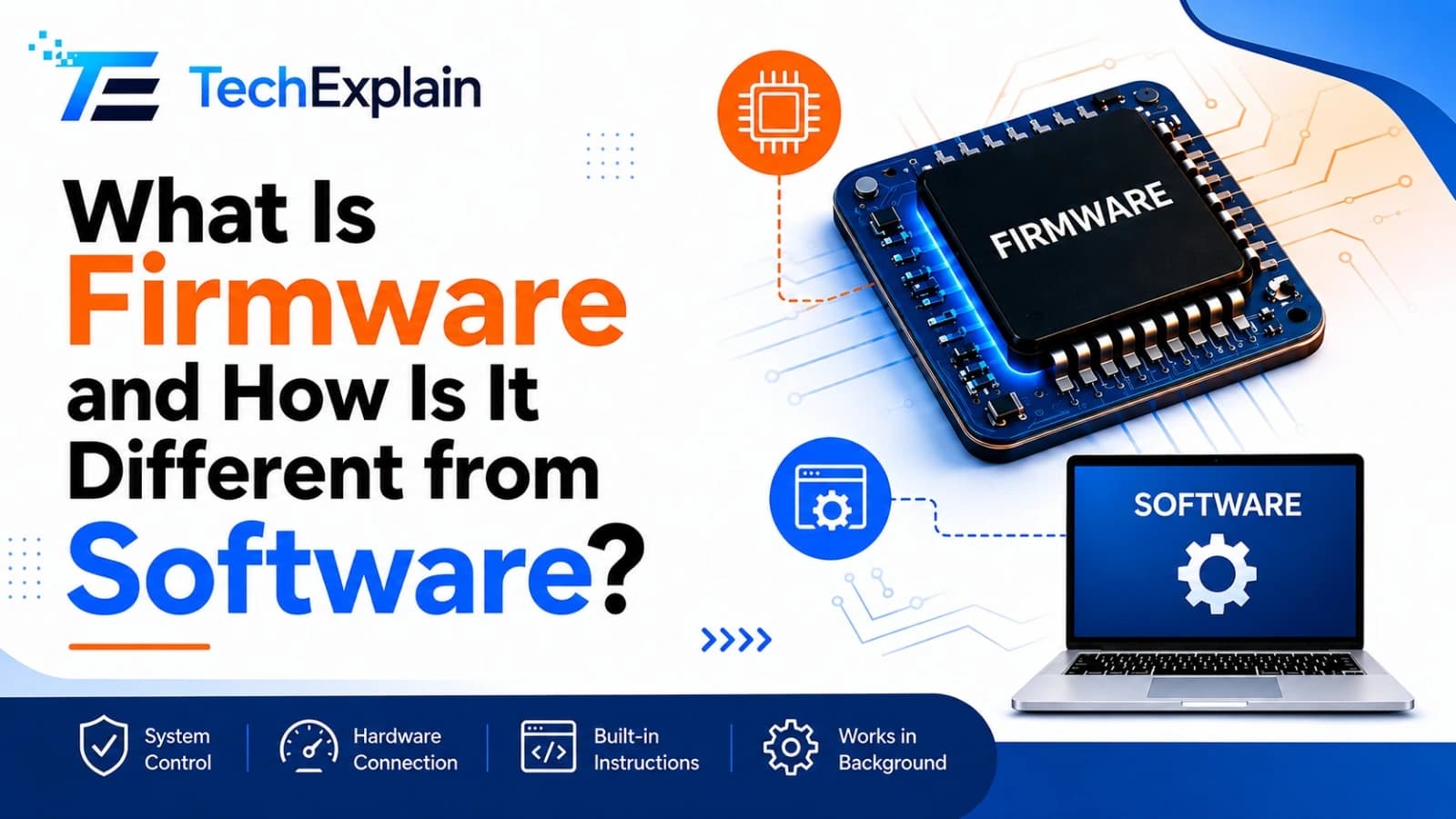
Firmware is a specific type of low-level software permanently saved inside a hardware device's memory chips. It gives direct, basic instructions on how the physical parts must work. Software is a broader term for programs that run on top of an operating system to let users do tasks.
All of today's technology, from the smartphone in your hand to the router that is quietly running in the corner of your living room, is a blend of hardware, firmware, and software. Both of these terms are used interchangeably, but there is a difference in their meaning: firmware is software in its own right. However, there are distinct aspects of both in regard to the process of booting up devices, updating and upgrading hardware, and maintaining and protecting them. This article will help to explain the exact definition of firmware, how it differs from regular software, the locations of firmware in different devices, and why it is increasingly relevant in the world of hardware.
What Is Firmware?
Firmware refers to software that is integrated into the actual hardware itself. Such software is found in the non-volatile memory of the hardware in forms of ROM, EPROM, and flash memory. Unlike the software applications that we use by opening them from time to time, firmware does not require active usage from the user. This is because it operates on a lower level and executes the commands needed for the hardware to function.
Firmware, however, was invented way back in 1967 by a scientist named Ascher Opler. He used the term to refer to programs located “in-between” hardware and software, a description which is highly accurate even to date. This is the intermediate level that makes it possible for the hardware to interact with the software (operating systems).
One can think of firmware in terms of the engine of a car. It’s not something you see or interact with when driving the car, but without it, everything else wouldn’t be able to work. Furthermore, unlike how the word “firm” in firmware seems to indicate that it is something that cannot be modified, that's not always true. Manufacturers do issue firmware updates from time to time for various reasons, albeit much less often than software updates.
Where You'll Find Firmware
Firmware is present in most of the electronic gadgets one owns, regardless of whether or not the gadget is a computer. The most common type of firmware is the BIOS or UEFI firmware, which is used in computers and laptops in order to perform the startup process prior to the start of the operation of the operating system. Firmware is used in routers and modems to manage the way in which network traffic flows within the network. Printers require firmware for managing the printing processes as well as for controlling the hardware parts within the printer. Smartphones and the Internet of Things (IoT) devices utilize firmware for controlling the internal hardware like sensors and radios.
What Is Software?
Software, however, is the wider set of programs and applications that use the hardware and firmware to carry out certain tasks for users. This is the software you interact with, such as the web browser, word processor, video game, mobile application, and operating system software, including Windows, Mac OS, and Android. Typically, software is stored in easily accessible storage devices such as hard drives or solid-state drives rather than directly on the hardware chip.
Flexibility is one of the most defining qualities of software, because it can easily be installed, upgraded, edited, or uninstalled using any type of software, without any special software or skills being required. Software is usually written using high-level programming languages like Python, Java, or C++.
Computer software can be classified into two main classes:
System software: This includes the operating system and utilities that coordinate and control hardware resources for the running of other applications.
Application software includes the actual applications opened by the user to accomplish particular tasks like web browsing, image editing, and spreadsheet management.
Firmware vs. Software: Key Differences
Despite being regarded as a part of software, there are some important differences between firmware and software that should be noted. These differences include the storage of firmware, frequency of changes, and user interaction.
Aspect | Firmware | Software |
Purpose | Provides low-level instructions for hardware to start up and operate | Performs specific, user-facing tasks and functions |
User interaction | Rarely interacted with directly; operates in the background | Directly used and controlled by the end user |
Update frequency | Updated infrequently, often only for bug fixes or security patches | Updated frequently, sometimes automatically |
Programming languages | Typically written in low-level languages like C or Assembly | Often written in higher-level languages like Python, Java, or C++ |
Hardware dependency | Tightly bound to specific hardware components | More hardware-agnostic; can run across various compatible devices |
Examples | BIOS/UEFI, router firmware, printer firmware | Operating systems, mobile apps, web browsers |
Why the Distinction Matters
However, at the outset, it may be thought that the issue is entirely theoretical in nature, yet there are practical considerations that emerge when one delves deeper into the subject.
Device Startup and Functionality
While an operating system controls hardware components and acts as a base upon which applications work, it cannot perform such tasks without the hardware being initialized by the firmware beforehand. The firmware acts prior to the loading of the operating system and checks hardware components for proper initialization to allow the operating system to take control. It is impossible for a device to boot without the firmware working properly.
Update Behavior and Maintenance
The process of software updating is relatively simple and occurs often and without much risk. Most of the time, software update processes are automatic and in some cases simply involve a click of a button. In the case of a problem, reverting is relatively easy. However, firmware updating is relatively risky, and it rarely occurs.
Cybersecurity Implications
Indeed, cybercriminals have turned their attention to firmware because it is at the same level as the security software being used to detect threats. In cases where the firmware layer has been compromised, this may provide criminals with constant access to a computer because this kind of access will persist even after the OS is reinstalled. The fact that the security measures do not reach the firmware level means that firms need to ensure that this issue gets the same level of priority when addressing patches as other security software.
Real-World Examples
The distinctions between the two become clearer as one considers the interaction of firmware and software in common gadgets and appliances. In laptop computers and personal computers, the firmware, either in the form of BIOS or UEFI, initiates booting and sets up hardware modules, whereas the operating system takes the helm for allowing people to use various applications. In routers and IoT appliances, firmware takes care of how data packets are handled within the device, and users set up network parameters using software applications or interfaces on the web. In smartphones, firmware takes care of all the hardware functionality, like radio, camera sensors, and battery controller, and the mobile operating system and apps take care of all the actions that users perform through their interface with the gadget.
Firmware and Software Working Together
Firmware and software are not competitors but partners. The functionality of the modern device requires both firmware and software to perform their tasks. Firmware takes care of initialization of the hardware and ensures correct communication between the hardware components of the device and the outside world, while the software gives the user the ability to use the device. The more technologies get intertwined with each other in the future (for example, through IoT, home automation, wearable devices, etc.), the less distinction there will be between firmware and software. At the same time, the more modern firmware becomes advanced, and the more advanced software gets closer to the hardware layer.
Frequently Asked Questions
Is firmware a type of software?
Yes. Firmware does belong to the category of software; however, it has some unique characteristics of being a type of specialized software that gets integrated into the hardware. Therefore, it can be said that firmware is indeed a kind of software.
Can firmware be updated like regular software?
Yes, it is possible to upgrade firmware; however, it is much rarer than upgrading software. The main reasons for upgrading firmware are to address bugs, solve security issues, or make the hardware compatible with new functionalities. Since firmware is strongly connected with hardware, the process of updating involves more risks compared to updating software.
What happens if firmware becomes corrupted or fails to update?
In the case of corrupted firmware, the computer will either not boot at all or won’t be able to use some functions of the hardware component—an event referred to as “bricking.” This is the reason why updates for firmware are always accompanied by guidelines or procedures that help recover from such an issue.
Do I need to update my device's firmware regularly?
Firmware should stay relatively up-to-date, particularly for routers and IoT devices. This is because out-of-date firmware has security holes that have not yet been patched. But firmware does not need updating as often as software, and it should only be updated if the firmware provider offers an update.
Why is firmware a common target for cyberattacks?
The reason why firmware is more difficult to inspect and secure than other types of monitoring systems is because it works at a lower level than them. Should hackers manage to infect firmware, they will have persistent control over the computer even if the operating system is completely reinstalled or if the device is factory reset.
What's an easy way to remember the difference between firmware and software?
Consider the engine of a car as the firmware and the dashboard and the controls as software. The engine performs necessary tasks that you don't ever come into contact with, but the dashboard and the controls, which you interact with, are the software.
Conclusion
The terms firmware and software could sometimes be confused since both appear in a similar discussion setting, but their functions in the technologies we use differ completely. While firmware refers to the low-level programming code that boots up the system and makes sure the various hardware components work together, the software is the high-level programming code that creates the applications used by users. The importance of distinguishing between these two technologies cannot be overstated since this knowledge can help us appreciate their relevance when it comes to maintenance and updates. As such, we can better understand the need for secure firmware in our technology in the modern connected world. For instance, anyone who tries to figure out why the router at home requires a firmware update will appreciate how important it is to distinguish between these two.
Share this article
Related Articles
What Is SaaS (Software as a Service)? Explained Simply
SaaS lets you use software online through a subscription instead of installing and maintaining it yourself.
System Software vs Application Software Explained
System software manages a device's hardware behind the scenes, while application software is what users directly interact with to perform specific tasks.
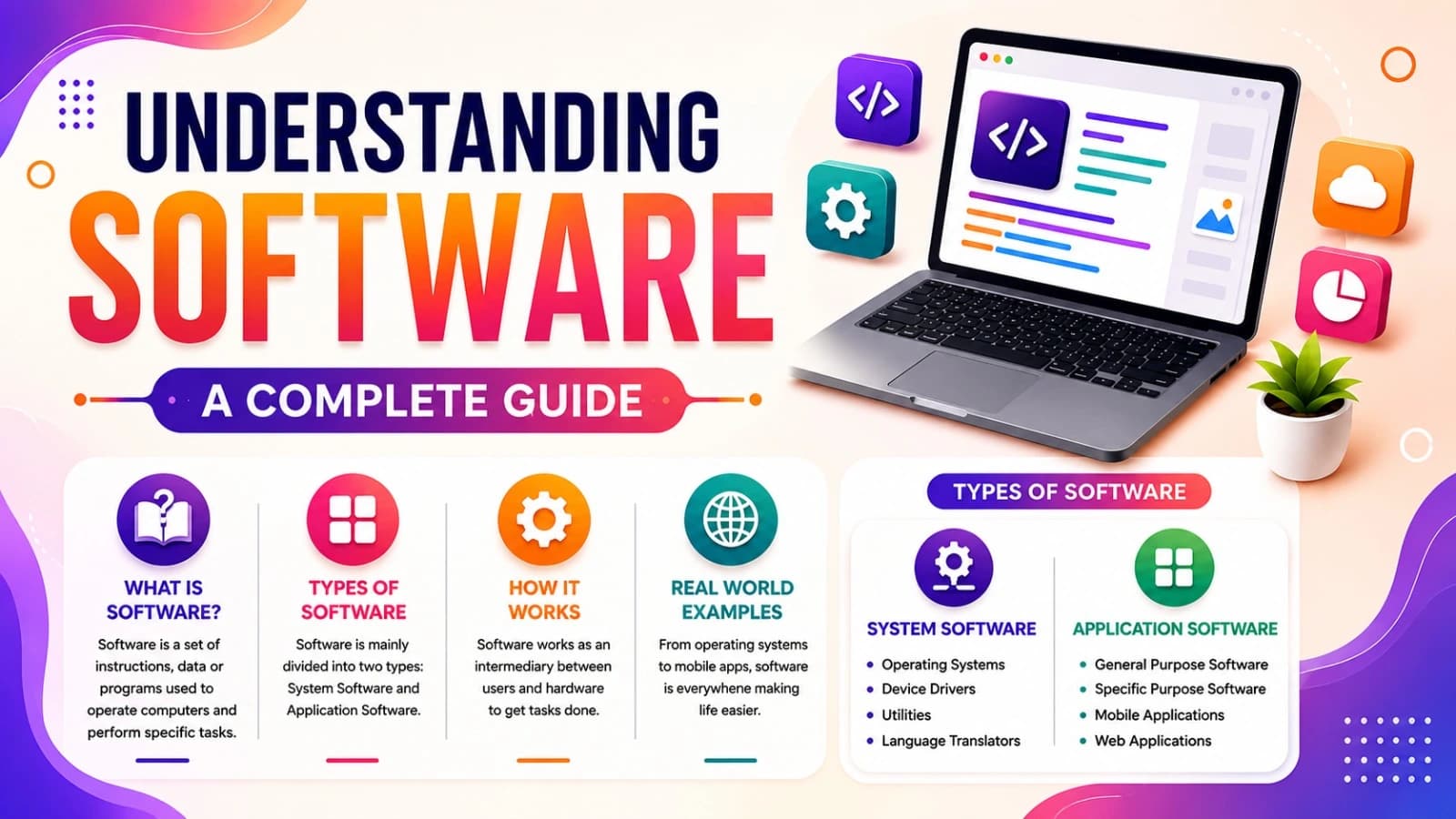
Understanding Software: A Complete Guide
A simple guide to understanding software, its types, how it works, and everyday examples.