
SSD vs HDD: Which Storage Is Right for You in 2026?
SSDs win on speed, HDDs win on price — pick based on what you actually need to store.
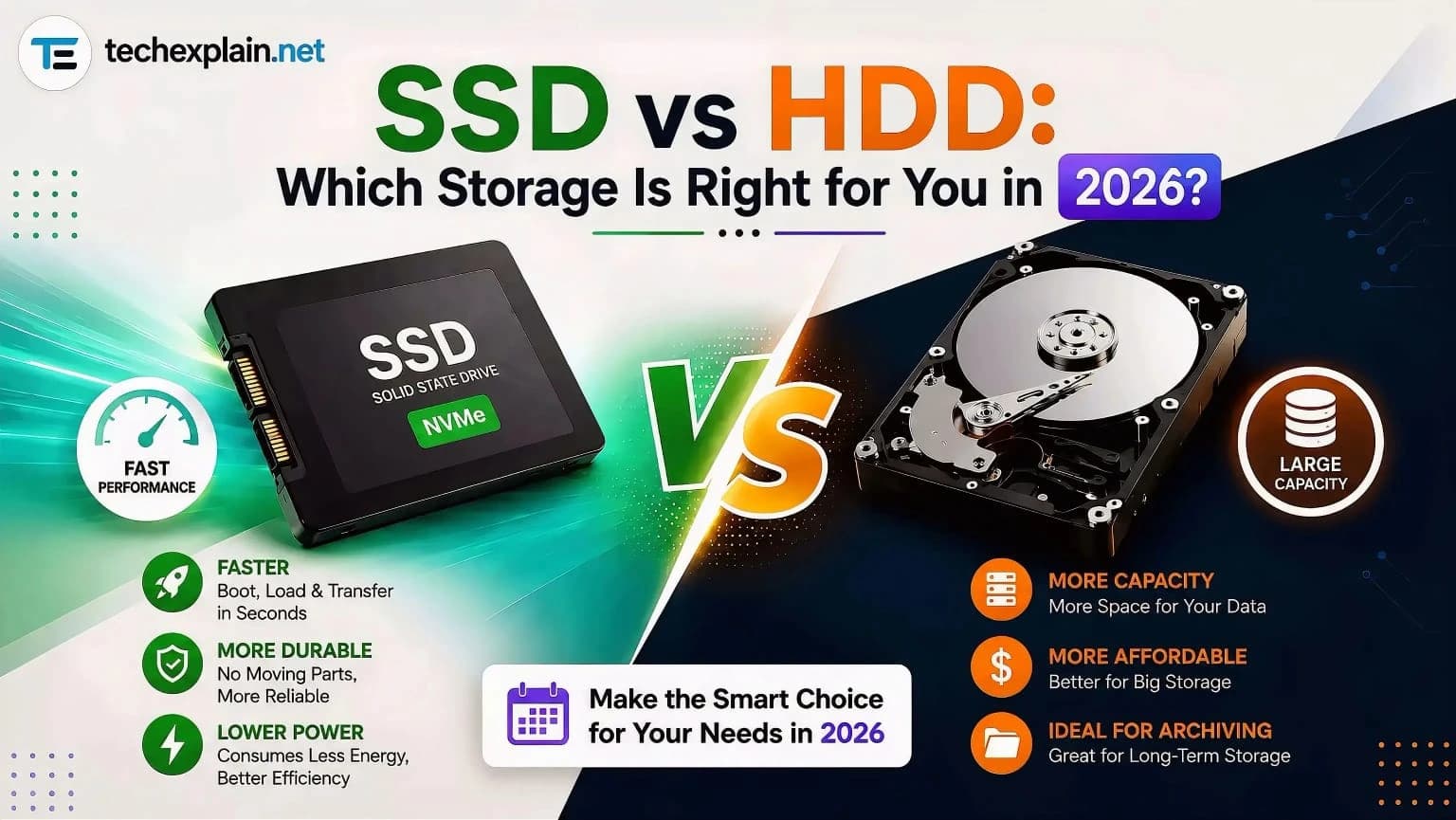
In 2026, an SSD is the right choice for your main system drive because it provides fast speeds, quick boot times, and reliable performance. An HDD is still useful only if you need cheap, massive storage for long-term backups and media archives.
The choice of an HDD or SSD was relatively straightforward in the past: it boiled down to the budget available. In 2026, the choice is more complicated, influenced by a worldwide shortage of NAND flash chips, an increase in the cost of SSDs, and usage scenarios that call for different storage solutions for different tasks. No matter whether you are configuring a gaming desktop computer, a home NAS, editing 4K video material, or simply purchasing a laptop, knowing the current differences between these two types of storage solutions can save you both time and money. This article is intended to show what those differences really are.
What's the Basic Difference?
Data storage on a hard disk drive (HDD) involves storing data through spinning discs made up of magnetically stored data and a mechanical arm that carries a reading and writing head to locate data. In comparison, an SSD contains data storage units made up of flash memory chips without any moving parts at all. Data is located electronically, and this removes the need for the delay involved in locating the data using a mechanical arm.
Speed: No Contest in 2026
Where pure performance goes, SSDs are no longer a serious contender to HDDs. A standard 7200 RPM HDD has a maximum sequential transfer speed of 80-160 MB/s. A SATA SSD, being one of the simpler and cheaper variants of solid-state drives, has a maximum speed of 500 MB/s. But here’s where NVMe SSDs enter – as their name suggests, NVMe drives do not use the SATA interface anymore and go straight to the PCIe bus. The maximum sequential transfer speed of current NVMe drives is above 7000 MB/s, while PCIe 5.0 drives achieved 14500 MB/s in tests, compared to 285 MB/s for HDDs tested under the same conditions. That’s almost a 50x difference.
The disparity becomes even more pronounced for workload cases based on random accesses rather than massive sequential transfers, which are particularly difficult for mechanical storage. Testing of databases has demonstrated that a single NVMe SSD can achieve hundreds of thousands of transactions per second when working with any mainstream database management system, whereas a similar enterprise HDD achieves just a small part of that number using the same set of data, creating an enormous discrepancy, sometimes exceeding a 300x difference. That is one of the reasons why modern gaming consoles no longer support HDDs at all. Game engines perform asset streaming from the storage in real time, which mechanical seek latency is unable to cope with, no matter what array the drives form.
Price: The Gap Has Never Been Wider
This is where things get interesting and why 2026 is definitely different from just two years ago. A NAND flash shortage, primarily due to increased demand for AI and data centers in mid-2025, has caused prices for SSD drives to go up drastically while HDD pricing remained stable. From a consumer's perspective, an internal HDD of 1 TB costs between $30 and $45, whereas an SSD of the same storage capacity costs about 85-100, making the SSD price twice or even three times higher on a per-gigabyte basis. For example, at 4 TB, the cost of an SSD drive is about four to five times higher per terabyte compared to HDDs, and when it comes to 8 TB and beyond capacity, there really is no other choice but to buy an HDD because SSD drives are simply not available anymore.
This pricing difference becomes even more pronounced when we consider the enterprise segment. Based on the pricing trends observed at the beginning of 2026, an enterprise SSD of 30TB is priced nearly 22 times higher than a 30TB HDD, although the difference between their costs has become increasingly significant due to a 470% increase in flash memory pricing compared to a much lower hike in HDD pricing. In any situation where one needs to deploy a large-scale storage solution, either for an expanding personal media library or for a corporate data center, tiered storage becomes a necessity.
Factor | SSD | HDD |
Typical speed | 500 MB/s (SATA) to 14,500 MB/s (NVMe PCIe 5.0) | 80–285 MB/s |
Price per TB (1TB, 2026) | ~85–100 | ~30–45 |
Price per TB (4TB+) | 4–5x more than HDD | Cheapest option |
Moving parts | None | Yes (spinning platters, read/write arm) |
Durability/shock resistance | High, resistant to drops and vibration | Lower, vulnerable to physical impact |
Noise and heat | Silent, runs cooler | Audible hum, more heat generated |
Best for | OS, apps, games, video editing, databases | Bulk storage, backups, archives, NAS |
Lifespan concern | Limited write cycles (rarely an issue in normal use) | Mechanical wear over years of use |
Durability and Reliability
The lack of moving parts within an SSD makes it much more resilient against physical shock, drops, and vibrations – one of the main reasons why SSDs became the gold standard when it comes to laptops. In contrast to HDDs, which feature spinning plates and a delicate read/write head, SSDs are not susceptible to any kind of damage resulting from accidental drops while the device is being used. Moreover, even though there is a limit to the number of write operations per memory cell in an SSD, for 99.99% of all average and even gaming users, it does not pose any real problem because SSDs have enough write tolerance to last a lifetime in any case. Unlike SSDs, HDDs fail slowly and usually provide their owners with signs of failure in the form of strange sounds.
But noise and temperature are other considerations, although on a lesser scale. Hard disks are noisy due to the spinning of the platters, while solid-state drives do not generate any sound whatsoever. And when it comes to temperature, SSDs generate less heat than HDDs.
Matching the Drive to the Job
Choosing the right answer very much depends on how you will be using the storage. If you buy a new laptop to browse the web, work on documents, or for general use, it would be reasonable to choose an SSD, despite its higher price tag. Even if it is just a basic SATA SSD, it will make the laptop feel much faster than a laptop using a hard disk inside. As far as gaming PCs go, the choice should be made between an NVMe SSD and your gaming operating system along with active gaming content. In case you have a large library of games that you do not play, you can simply use a secondary HDD for storing the games that you rarely use.
There is no doubt that video editors and other creative individuals who have to work with large media files greatly benefit from SSDs, especially when used as a scratch or working drive because going through the 4K and 8K videos on mechanical drives can be a really tedious process and may slow down the whole editing process considerably. The same problem applies to database administrators because workloads consisting of lots of random reading and writing operations, such as transactional databases, will perform better on SSDs and will never reach the performance provided by multiple mechanical drives in RAID.
At the opposite end of the scale, should you be building a home server, NAS device, or even just looking for a place to back up years of photos, documents, or archives, an HDD may just prove to be the more economical choice. The point here is that when you do not care about performance but instead mostly focus on capacity, you may save some considerable money from switching from an expensive SSD to a less pricey HDD at higher capacities, particularly after you have several terabytes of infrequently accessed data. What is more, reliability at rest, or the ability of the disk to store data for a long time in the absence of any activity, also usually favors HDD.
Frequently Asked Questions
Is an SSD really worth the extra money in 2026?
For your primary drive, absolutely. There is more of a price difference now, but there is still a world of difference between SSD and HDD performance when it comes to boot time, application loading, and overall speed. Most people feel that it is worth spending extra money on a smaller SSD.
Why have SSD prices gone up so much recently?
The global NAND flash shortage caused by AI and data center demands pulling supply out of consumer applications caused SSD prices to rise steeply from mid-2025 to 2026. On the other hand, HDD prices have remained relatively constant over the same period.
Can I just use an HDD and skip an SSD entirely?
It is possible, although not advised, to use it as your primary drive in 2026. The loading of your OS and your applications will take longer than most other available technologies. The HDD would be better used for backup or storage purposes rather than the main drive.
Do SSDs wear out faster than HDDs?
Not really. There is an inherent limit to the number of write cycles in SSDs, but current generation SSDs can handle many more writes than any ordinary person or even hardcore gamer can put in during the lifespan of the drive. For HDDs, the wear and tear comes automatically from the movement of parts.
What's the best setup for someone on a budget?
A small SSD (500GB - 1TB) for the OS, programs, and your current games/projects with an HDD for backing up, archiving, and files that you do not need immediately. This allows you to have speed where you need it and storage where you do not.
Is NVMe always better than SATA SSD?
Yes, NVMe is certainly much faster when we consider speed. However, in terms of regular tasks such as surfing on the web or office use, the performance difference between a SATA SSD and an NVMe SSD is not really apparent. The benefit of having an NVMe SSD becomes apparent in video editing, gaming, and databases.
Will HDD prices eventually catch up to SSD prices, or vice versa?
The current high prices of SSDs are expected to continue until at least mid-2026, owing to continuing shortages of NAND. It may be that only when the new capacities in flash production come online by 2027-2028 will there be any hope of prices returning to previous levels.
Final Thoughts
Neither SSD nor HDD is the winner of the race in 2026, as both technologies do not compete for the same position in the IT industry at all. SSDs have managed to leave HDDs behind in terms of performance, and the difference between the two technologies only becomes bigger due to the emergence of every new generation of NVMe SSDs. SSDs are the obvious choice when it comes to systems requiring quick performance such as operating systems, working applications and games, creative tasks, and databases. HDDs have retained their position as the cheaper alternative in terms of massive storage and have even gained an additional advantage due to the shortage of NAND.
However, as far as most consumers are concerned, the real solution does not lie in opting for either one of the two, but in adopting a blend of the two. Store your operating system, applications, and everything else you use regularly on your SSD to get the speed that has come to be expected in today’s computing, while relegating your archive, backup, and infrequently used files to your HDD at a comparatively cheaper cost. This is the optimal setup for consumers who want to harness the strengths of both forms of storage without having to pay extra for their SSDs.
Share this article
Related Articles
What Is a Power Supply Unit (PSU) and How to Choose One
A PSU changes wall power into safe power for your computer, and this guide shows you how to choose the correct one and when you need a backup.
How to Choose the Right Graphics Card: A Simple Guide for Everyone
A simple guide to picking the right graphics card for your needs.
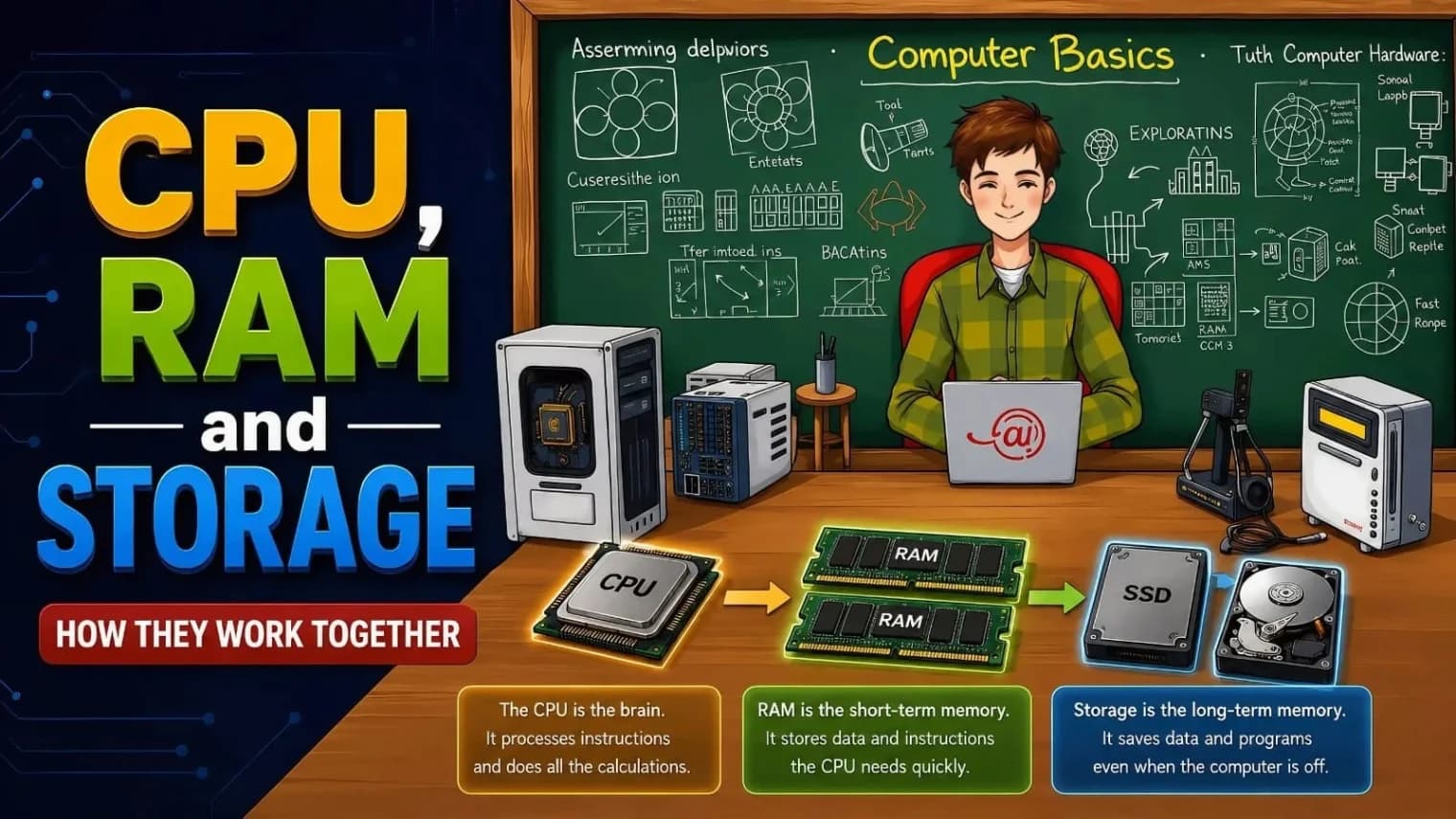
CPU, RAM, and Storage: How They Work Together
The CPU thinks, RAM helps it work quickly by holding what's needed right now, and storage keeps all your files saved for later.