
CPU, RAM, and Storage: How They Work Together
The CPU thinks, RAM helps it work quickly by holding what's needed right now, and storage keeps all your files saved for later.
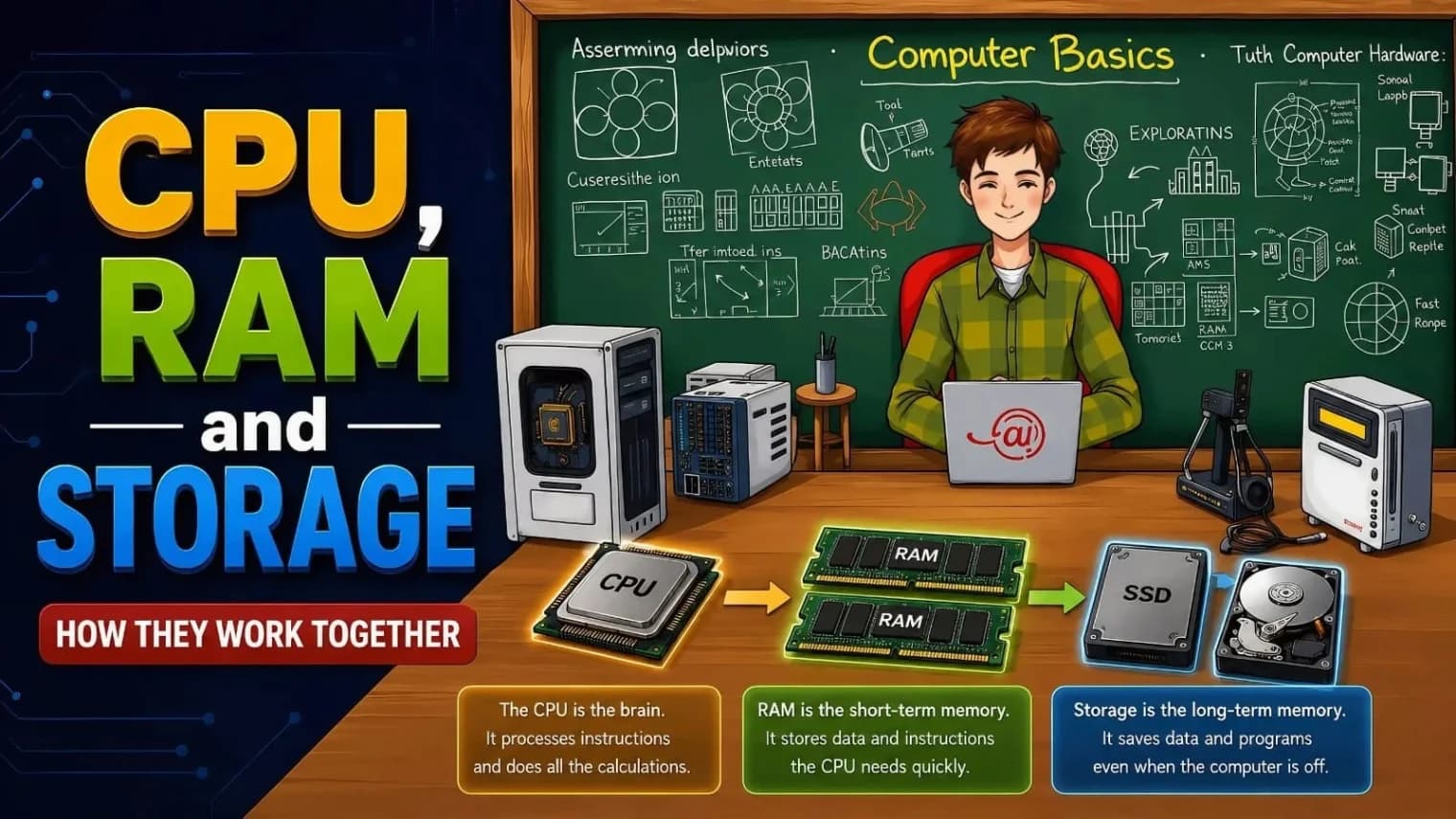
The CPU is the "brain" that executes calculations, RAM is the short-term workspace holding active data, and Storage is the long-term cabinet keeping files safe when powered off. They collaborate constantly: opening an app loads it from storage to RAM, where the CPU can process its data
Whenever you turn on your computer, use the Internet, or play games, three basic hardware components function simultaneously to ensure smooth operation: the CPU, RAM, and storage. Although most users know these terms well, not everyone knows what these components do and how they affect each other. It is easier for a user to understand which factors influence the performance of his/her computer when he/she knows about the functions of the aforementioned components
What Is a CPU and What Does It Do?
The CPU or Central Processing Unit is commonly referred to as the brain of a computer because it performs several important tasks. It is the part of the computer that understands software instructions and executes all mathematical and logical operations. Every time you edit a document, use a program, or even press a button, it is the CPU that coordinates all of these activities.
There are three primary things by which a CPU's performance can be assessed – clock speed, cores, and threads. Clock speed refers to the number of instruction cycles a processor is capable of carrying out per second, usually measured in gigahertz (GHz). The cores are simply the multiple processing units inside the processor, enabling it to carry out multiple tasks simultaneously rather than completing one after the other. By the use of threads, a single core can carry out multiple instruction streams. Therefore, a CPU with more cores and threads will easily carry out multiple applications at once; this is the reason why a six-core processor performs better at multitasking than an older dual-core processor. Nonetheless, the CPU alone cannot accomplish a lot – it does not have much memory, and for it to accomplish anything, it requires some sort of temporary space where it can store the information that it is currently using. That is RAM.
Understanding RAM: Why It Plays a Vital Role
In this case, the RAM works as your desk where all the documents and papers that are currently being used are stored for quick access. However, storage works as a filing cabinet, keeping all the documents safe when not in use. More space on the desk means that you will be able to manage multiple documents simultaneously, and there will be less need to get documents from the filing cabinet.
Computers today typically come with 8GB, 16GB, and 32GB of RAM, depending on the purpose they serve. While 8GB of RAM serves well for common uses like surfing the internet, watching videos, and using office applications, 16GB of RAM would be more suitable for gamers or users who like having several applications running concurrently. If you use your computer for video production, 3D modeling, software development, or any other demanding task, 32GB of RAM or even more will suit you best.
Most modern computers have 8GB, 16GB, or 32GB RAM, all designed for various tasks. Sixteen gigabytes can be considered a comfortable amount if one likes to play computer games or constantly switches applications. Users engaged in video editing, 3D modeling, programming, or any similar activity require more memory, 32GB or more.
Upon shutting down the computer or rebooting it, all the data in the RAM is cleared. Having more RAM makes the machine more responsive and allows it to support more programs running simultaneously; However, having more RAM does not provide any extra storage space. If the physical RAM runs out of space, the OS will utilize some portion of the storage device as virtual memory. This reduces the performance of the machine since storage is slower than RAM.
What Is Storage and How Is It Different from RAM?
The storage component in your computer is the place where your computer operating system and programs are stored, in addition to all your documents and files, even when your computer is switched off. Storage differs from RAM in that storage can hold your data permanently and is not meant to be a temporary data storage component like RAM.
Two primary types of storage drives currently exist. The HDD or hard disk drive, is an old technology that consists of rotating magnetic disks, but although it is relatively inexpensive, it is not fast either. The other one is the SSD, or solid-state drive, which is based on flash memory chips and does not have any moving parts, making it faster than the HDD in terms of both reading and writing data. Changing from an HDD to an SSD is perhaps one of the greatest improvements that you can make to your older computer, as it decreases the boot time of the PC as well as the loading time of apps drastically. Moreover, among the types of SSDs, the NVMe SSD is connected to the motherboard and is faster than others, such as external and SATA SSDs.
How CPU, RAM, and Storage Work Together
After getting to know about these individual parts, it will be easier to explain their cooperation when you work on your computer. Let's say you double-click an icon of a game or application. In this case, first of all, the operating system looks for the corresponding program file on the storage device, as all data is stored there permanently, and then copies it from storage to RAM, as it is much quicker to access the information in RAM rather than in any storage device. Now the CPU can access the data easily and execute the instructions that are needed for the program to work. If the CPU requires some data that hasn't been copied yet to RAM, it asks for it from the storage directly, and it takes some time. All new data created while working on the computer, for example, saving a document or making a screenshot, is processed by the CPU and sent to storage. It happens almost immediately, but this chain shows the importance of these three parts. As
As mentioned above, if the storage device is not quick enough, the CPU waits a lot for the data, and if the RAM is too small, the system is forced to send the data to and from the storage device all the time.
Why a Balanced System Matters More Than a Single Powerful Part
The most typical error in choosing and upgrading a PC is that the buyer thinks only of one element of the computer. It usually is the CPU, but sometimes RAM or storage capacity as well. However, the truth is that there should be a balance between all three elements for better performance. Even with the fastest CPU, the performance is poor if there is not enough RAM – with 4 GB of RAM, it is impossible to run several programs at once, as the amount of available space is insufficient. Also, no matter how much RAM there is, the system will spend time loading files from the storage, which means that a high-performance SSD cannot compensate for the slow HDD. The same situation is in the case of the CPU, as an outdated processor cannot quickly process instructions even with a fast SSD. That is why it is recommended to test all three elements simultaneously. Otherwise, the user should consider that a mid-level CPU, minimum 16 GB RAM, and SSD (not HDD) will perform significantly better than a more expensive CPU alone
Signs Your System Needs an Upgrade
If you are confused about which part limits the performance of your PC, you should know that certain indicators are usually associated with every part. If the CPU is limiting the computer’s performance, then your computer will feel slow even when just a couple of programs are running, and fans will be noisy while performing easy tasks. If the amount of RAM is insufficient, then your computer will freeze or shut down itself due to the presence of too many tabs or applications being opened. In the case when the limiting factor is the storage of the computer, then the main indicator would be that it takes too much time for your computer to start and for applications to launch.
Final Thoughts
The CPU, RAM, and storage device are not rivals; they work together as a team with unique functions. The CPU is responsible for the execution of operations, while RAM provides you with a place to perform operations at lightning speed. At the same time, the storage device retains your data and applications forever. When all three devices work well together, your computer works smoothly. When there is something wrong with any of them, the performance of the computer will be poor despite its high capabilities.
If you’re shopping for a new laptop, planning to build your own PC, or just wondering why your computer seems to be running slowly, having this ratio in mind will definitely aid you in making better choices. Rather than going for the highest value on a computer’s specs sheet, try to find the combination of components that will fit together nicely.
Frequently Asked Questions
Does more RAM always make a computer faster?
Well, not always. Extra RAM will only be beneficial if the current usage exceeds the amount of memory that you have. When you have adequate RAM for all the applications you use, extra RAM will not give any significant performance advantage because the processor and the hard drive speed will become the bottleneck.
Can I upgrade my CPU without changing anything else?
In almost all situations, only in the case that the new CPU is compatible with the socket type of the current motherboard. If not, then the new motherboard must also be bought, along with any necessary replacement RAM.
Is upgrading storage or RAM more important for speed? This upgrade will depend on which of the parts is currently hindering the efficiency of the computer. Should you experience slowness in the startup process, opening applications and long load times, it is recommended to replace the traditional hard drive with a Solid State Drive (SSD).
How much RAM do I actually need in 2026?
For casual web surfing and office work, 8GB is adequate, but 16GB is now the comfortable norm. Those who game, create, and manipulate large files and run many applications can use 32GB or more to their advantage.
Why does my computer slow down when RAM is full? When there is insufficient room in RAM, the OS uses some of the hard disk drive as a substitute memory called virtual memory. Because the hard drive is much slower compared to RAM, performance suffers greatly.
Share this article
Related Articles
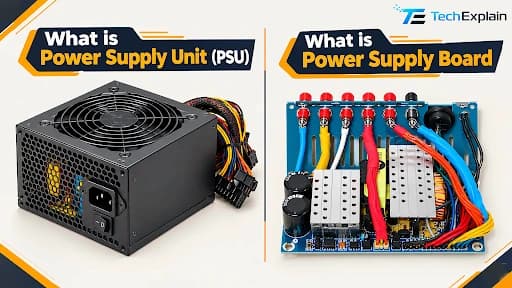
What Is a Power Supply Unit (PSU) and How to Choose One
A PSU changes wall power into safe power for your computer, and this guide shows you how to choose the correct one and when you need a backup.
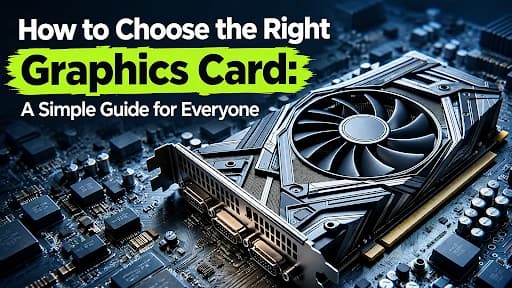
How to Choose the Right Graphics Card: A Simple Guide for Everyone
A simple guide to picking the right graphics card for your needs.
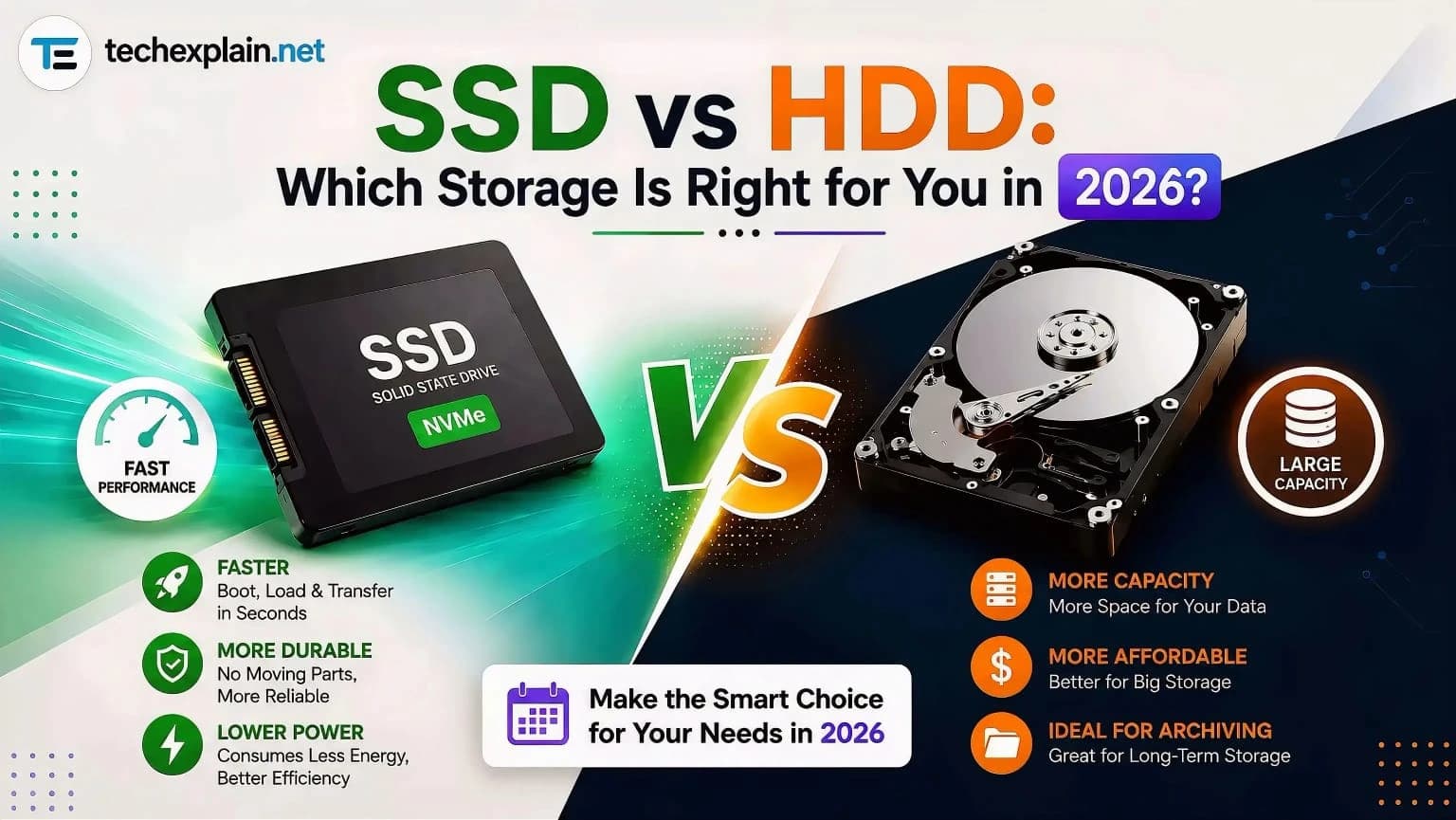
SSD vs HDD: Which Storage Is Right for You in 2026?
SSDs win on speed, HDDs win on price — pick based on what you actually need to store.