Google Search Console vs Google Analytics 4: Differences, Features & Which One Do You Need?
Search Console shows how people find your site on Google, while GA4 shows what they do after they arrive, so you need both.
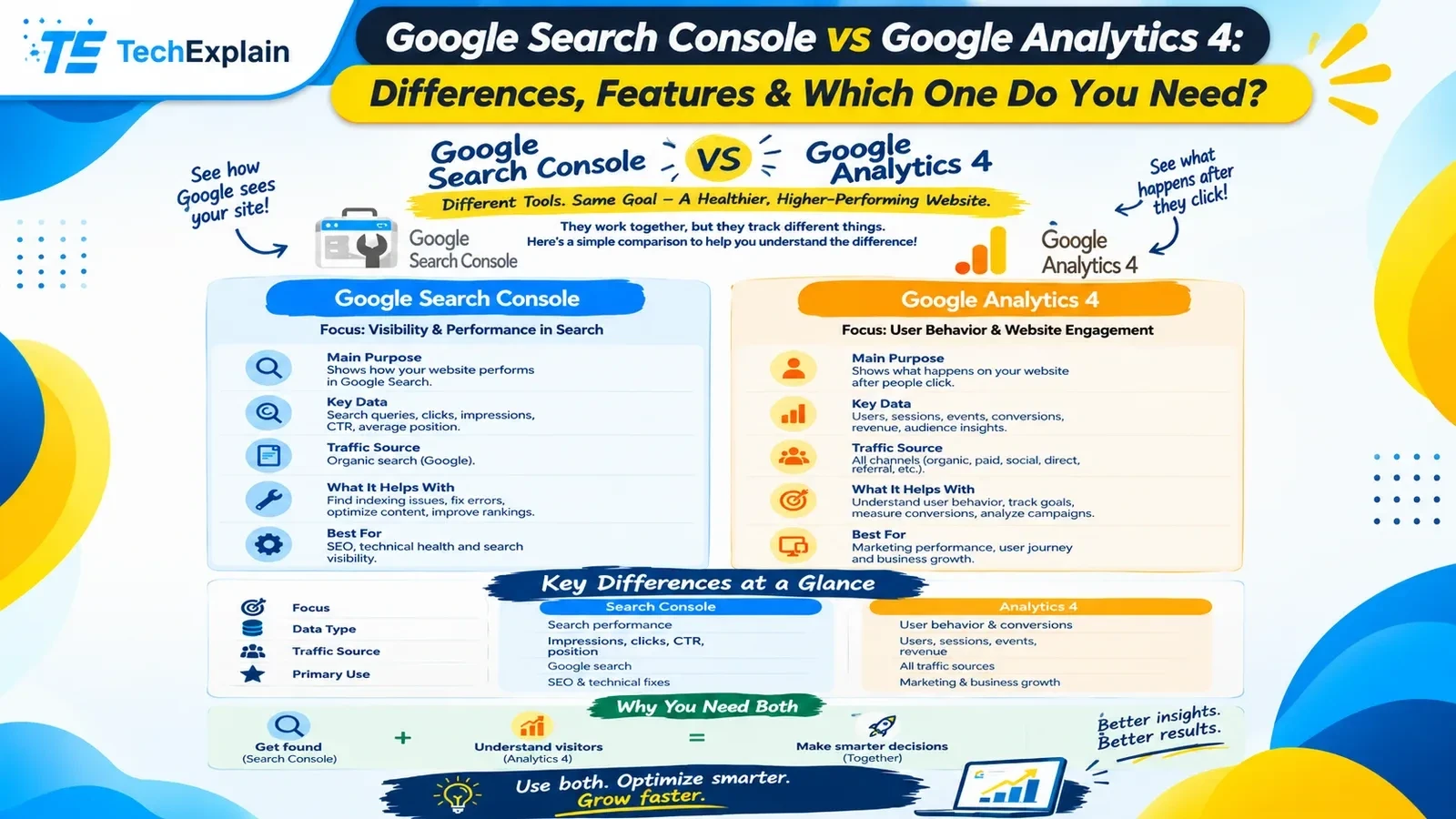
Google Search Console tracks how your site performs in Google Search before users click, while Google Analytics 4 (GA4) tracks what visitors do on your site across all channels after they arrive. Most websites benefit from using both together.
When running a website, blog, or e-commerce store, there are two important questions that you must ask yourself. How do customers find my website, and what happens after they get there? Google provides two free tools for answering these questions. It is a common misconception among beginners that these two tools are the same. In this guide, we will explore the differences between these two tools in layman’s terms. We will discuss what each of these tools does, what data is provided by each of them, why their figures differ, and what their benefits are.
The Short Answer
The simplest way to distinguish between the two tools is as follows: Google Search Console reports on what happens before the visit, whereas Google Analytics 4 reports on what happens after the visit. It tells you about the frequency of appearance of your pages in search results, the number of clicks on the pages, and the searches that made the users click on the pages. Google Analytics 4, or GA4, analyzes your website's visitors. It tells you about the number of visitors, the origin of visits, pages viewed by the visitors, and whether the visitors performed any actions, such as making purchases or filling in forms.
What Is Google Search Console?
This website analytics tool allows the owners of the website to track the performance of the website on Google Search. This website analytics tool is very effective since it provides you with all types of data about the performance of your website on Google Search.
This includes the number of impressions, meaning the number of times your page showed up in the search results. It also provides the number of clicks, meaning how many times people clicked on your link. In addition, the CTR, meaning the share of the impressions that resulted in clicks, as well as the average position of your page, is given. In addition to the above, all the queries used to get to your pages are listed there.
The service will help identify whether the page is indexed, which means that it is included in Google’s database and can be displayed as a result of searches. Moreover, problems with crawling, mobile usability, and page experience can be identified using this tool. In addition, the sitemap can be submitted to make it easier for Google to find new pages. It is possible to analyze a certain URL in order to see how Google understands it. This is why the service is most effective when it comes to SEO and search visibility. The performance data is stored in Search Console for about sixteen months.
What Is Google Analytics 4?
Google Analytics 4 is a free solution that analyzes the behavior and actions of users on the website or application once they land there. The primary purpose of GA4 is the description of users' activities and engagement. If Search Console brings users to the website, GA4 analyses what happens next.
GA4 gathers information on users, sessions, events, conversions, revenue, and audiences. Sessions are just visits. Events include all possible actions such as loading a page, scrolling, clicking on a link, or purchasing something. Conversions are some significant user actions such as buying something or signing up. GA4 reports on sources of traffic, devices, and languages used by visitors.
Unlike Search Console, GA4 does not relate to Google Search only. It gets traffic information from all possible channels, including organic search, paid ads, social media, email marketing, direct traffic, and referring websites. That is why you can use GA4 to track your marketing efforts, customer journeys, and company growth. GA4 presents a new metric – engaged sessions. A session is called engaged if its duration exceeds ten seconds, one conversion happens, or two pageviews are recorded during it. Engaged sessions are a better metric than the previous bounce rate since it was hard to evaluate a one-page visit that lasted for two minutes.
Key Differences at a Glance
Now that we have learned what both of them do, the differences can be identified quite easily. First of all, the areas in which the tools specialize are different. While Search Console specializes in search visibility and performance, GA4 specializes in users’ behavior and engagement. Second, the metrics that both of the tools offer are different. While Search Console offers impressions, clicks, CTR, and position, GA4 provides us with information on users, sessions, events, and revenue. Third, Search Console works only with traffic generated by Google Search, while GA4 handles all traffic sources. Fourth, the main purposes of the tools differ; in particular, the main purpose of Search Console is to help you with SEO, while GA4 helps you grow your business.
This is shown by the table below.
Feature | Google Search Console | Google Analytics 4 |
Main focus | Visibility and performance in Google Search | User behavior and website engagement |
Main question it answers | How do people find my site? | What do people do after they arrive? |
Stage of the journey | Before the click | After the click |
Key data | Queries, impressions, clicks, CTR, average position | Users, sessions, events, conversions, revenue |
Traffic sources | Google organic search only | All channels: organic, paid, social, email, direct, referral |
Search queries | Yes, shown with some rare searches hidden | No, most are hidden as "(not provided)." |
Indexing and crawl status | Yes | No |
Core Web Vitals | Yes | No |
Conversions and goals | No | Yes |
Real-time users | No | Yes |
Audience details | No | Yes, such as location, device, and language |
How data is collected | From Google's own systems | From a tracking code on your pages |
Data history | About 16 months | Depends on your retention settings |
Best for | SEO, technical health, search visibility | Marketing results, user journey, business growth |
Cost | Free | Free |
Sometimes, the information is available only on one platform. The queries, impressions, indexing, and Core Web Vitals can be viewed on the Search Console platform, while the real-time visitors, conversion, goal, and audience information can be viewed on the GA4 platform. When you use GA4, for instance, you would not know that Google has stopped indexing some important pages. If you only use Search Console, then you wouldn’t know if your visitors have made a purchase.
Why Google Search Console Clicks Don't Match Google Analytics Sessions
One of the biggest common surprises for all users who work with both of these tools is connected with the difference in the number of clicks and sessions. According to Search Console, you had 1,000 clicks to your website, while GA4 says 1,150 or 850 sessions. There is no problem in this – the tools use different approaches for counting and therefore, their numbers cannot be the same.
The first difference lies in the way data is collected by these tools. In the case of Search Console, every single click to your website is counted as soon as a user clicks your link in Google's search results. At the same time, Google Analytics uses a script that must be downloaded to the visitor's browser to count clicks. If the user left before downloading the script or used an ad-blocker, JavaScript will not be able to track this click.
Secondly, the meaning of these numbers is different. Clicks are individual actions in search results, while sessions are collections of actions of one visitor to your website. By default, Google Analytics finishes the session after thirty minutes of inactivity. Therefore, a user could have clicked your website, then waited and visited your site again, creating two different sessions in GA4 and only one click for Search Console. Also, GA4 counts one session if the user visited your website from another search query while the previous session was not closed yet.
The third aspect that differs is the traffic from the tools. GA4 "Google/Organic" traffic will have traffic not only from Google search but also from different services such as Google Discover, Google Images, and Google Video. Previous user visiting the website can be counted as traffic from Google visit if the user previously visited it through non-direct visit. That is why GA4 sessions can be larger than Search Console clicks.
The fourth difference is the date when Search Console displays dates in Pacific Time, and GA4 shows dates in the selected time zone. A visit that took place close to midnight could end up being recorded on a different day in each tool. The fifth difference is the page URL because Search Console displays the URL of the canonical page more often than not. GA4 records the actual URL visited by the visitor even if it contains some tracking parameters. The last difference is related to a tracking problem on your website, for example, a security restriction that prevents the execution of the Analytics script. This may result in a significant decrease in GA4 metrics.
How do you interpret these metrics? You shouldn’t equalize them. If both tools demonstrate rising or decreasing metrics, then everything is fine.
How to Track Website Traffic Using Google Analytics 4 and Search Console
Effective tracking of traffic requires the proper use of each tool, followed by its integration. Below is the easiest way to track website traffic using these tools, which suits many websites.
First, you have to set up both of these tools. There are three ways to do so: adding a DNS record, uploading an HTML file, or using Google Tag Manager. Both tools can be used free of charge and do not require coding skills.
Now comes linking. You will need the right permissions in both tools; in particular, you will have to be the owner of the property in Search Console, and an editor in GA4. Once you link them, GA4 will provide you with reports about the organic search queries and the landing pages. This type of report allows comparing the data about search and the behavior of website visitors on the landing pages. Note that the linked report will not show you any information about an individual visitor's query.
Next, run a consistent review. Under Search Console, navigate to the Performance report and view the metrics such as clicks, impressions, click-through rate, and positions. Identify pages that receive numerous impressions yet very few clicks, as they might require attention in terms of the titles or descriptions. In GA4, view the traffic acquisition report to identify the number of sessions from Google Organic Search, and subsequently navigate to the landing page report to evaluate their activity. Evaluate engagement, key events, and conversion metrics. Should there be numerous clicks yet users leave shortly, the content/design does not meet user expectations.
Lastly, keep in mind the limitations. As Google needs to preserve user privacy, the list of queries in Search Console is reduced as some rare searches are withheld. Hence, the total number of your clicks will never be reflected in the Query list. GA4 also reduces information that can identify an individual in the reports. Document your timeframes and filters and make sure to save Search Console data, as it is only retained for approximately sixteen months.
Which One Do You Need?
The truth is you will need both, but your first step will depend on your priorities. If your priority is search engine optimization, then Search Console will be your starting point, as it will give you information on whether Google can find and index your pages, what kinds of searches drive traffic to your site, and technical issues hiding somewhere in your code. If your priority is building your business, then GA4 will be the right place to start, as it will provide information on your audience, their sources, behavior, and actions leading to conversions. For learners and newcomers, Search Console is easier to understand.
Why You Need Both
Visualize the two tools as two aspects of the same process. Google Analytics 4 will help you understand your audience. Together, these tools will allow you to make more informed decisions. For instance, Search Console can indicate high rankings and clicks for a particular page. Meanwhile, GA4 will show that these visitors quickly abandon the page. This means that while you managed to attract them, you failed to satisfy their needs; thus, you need to work on the page’s content.
Final Thoughts
However, there is no competition between these two products, which are Search Console and GA4 by Google. There are two different tools, each having its own purpose. Search Console covers pre-click metrics, which include impressions, clicks, search queries, indexing, and others, which come from Google Search. On the other hand, GA4 covers post-click metrics, which include users, sessions, events, conversions, revenue, and others from all channels. Numbers in both tools will never match, and this is absolutely fine, so pay attention to trends instead.
Frequently Asked Questions
1. Is Google Search Console the same as Google Analytics?
No, they aren’t. Search Console gives information about your website performance on Google search by showing such metrics as impressions, clicks, and indexing. At the same time, Google Analytics 4 provides data about user behavior on your website and shows metrics like sessions, events, and conversions.
2. Do I need both Search Console and GA4?
Certainly, in most cases. The Search Console shows you how people reach your website, while GA4 shows you what people do when they reach it. In order to see the full picture, you should combine the use of these two tools.
3. Why are my Search Console clicks different from my GA4 sessions?
In addition, the counting of these two tools differs too. If someone clicks on your link on Google, it will be counted as a click, but if the tracking code is running on the visitor’s computer, then it will be counted as a session. Time zone, session definition, and URL also differ. Some discrepancies are quite normal, but focus on trends.
4. Which tool should a beginner learn first?
Use Search Console first. Further, learn GA4 in order to know the behavior of visitors and results.
5. Can I connect Search Console to GA4?
Yes. Both can be linked in GA4 if you have access to both tools. When linked, you will be able to see search queries and organic landing pages in your Analytics reports. There is no data merging and no individual searches available.
6. Are both tools free?
Yes. Both tools are free, and there is no need to have coding skills to install any of them.
Share this article
Related Articles
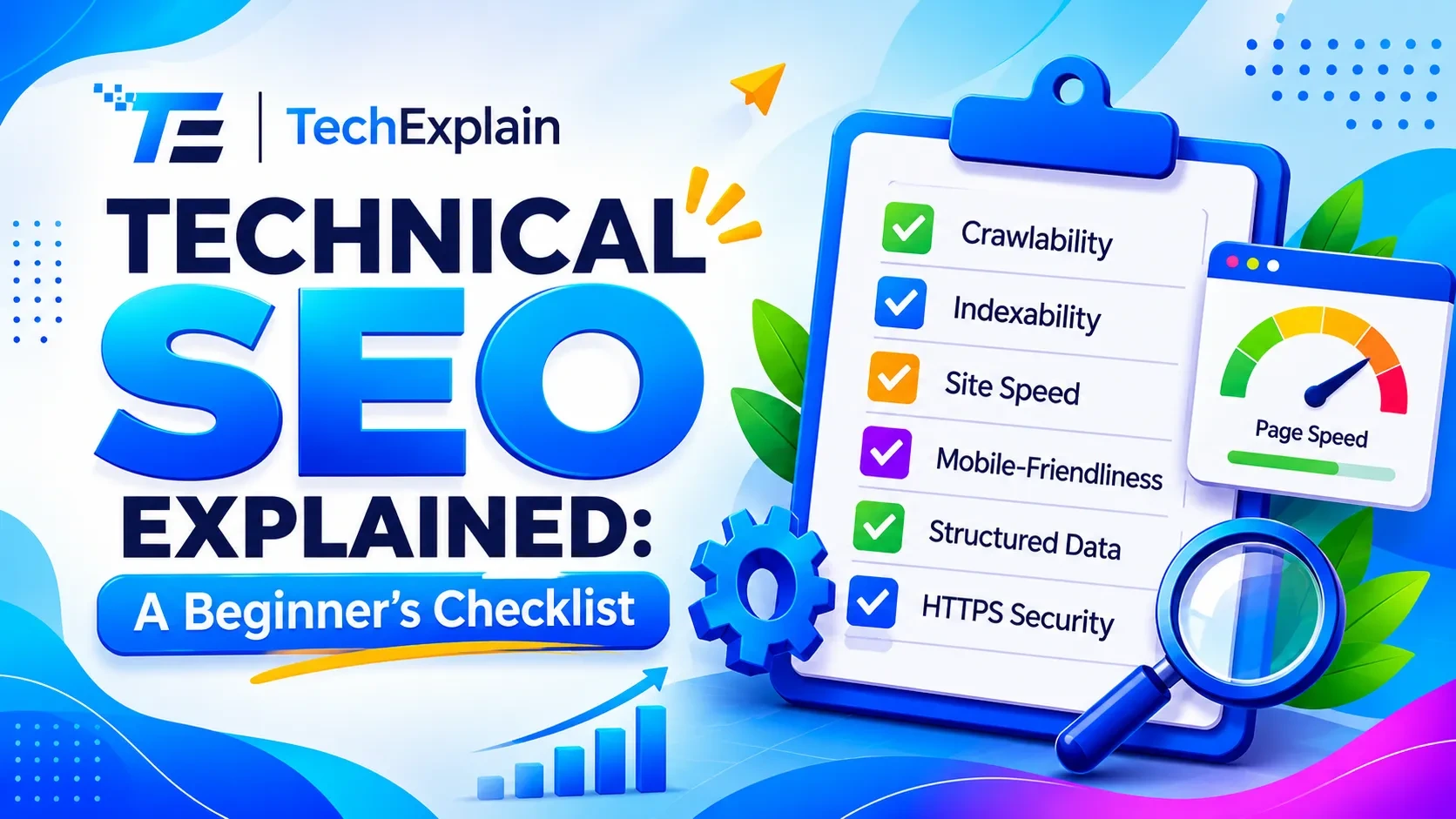
Technical SEO Explained: A Beginner's Checklist
This guide breaks down technical SEO into a simple checklist so beginners can find and fix the issues stopping their site from ranking.
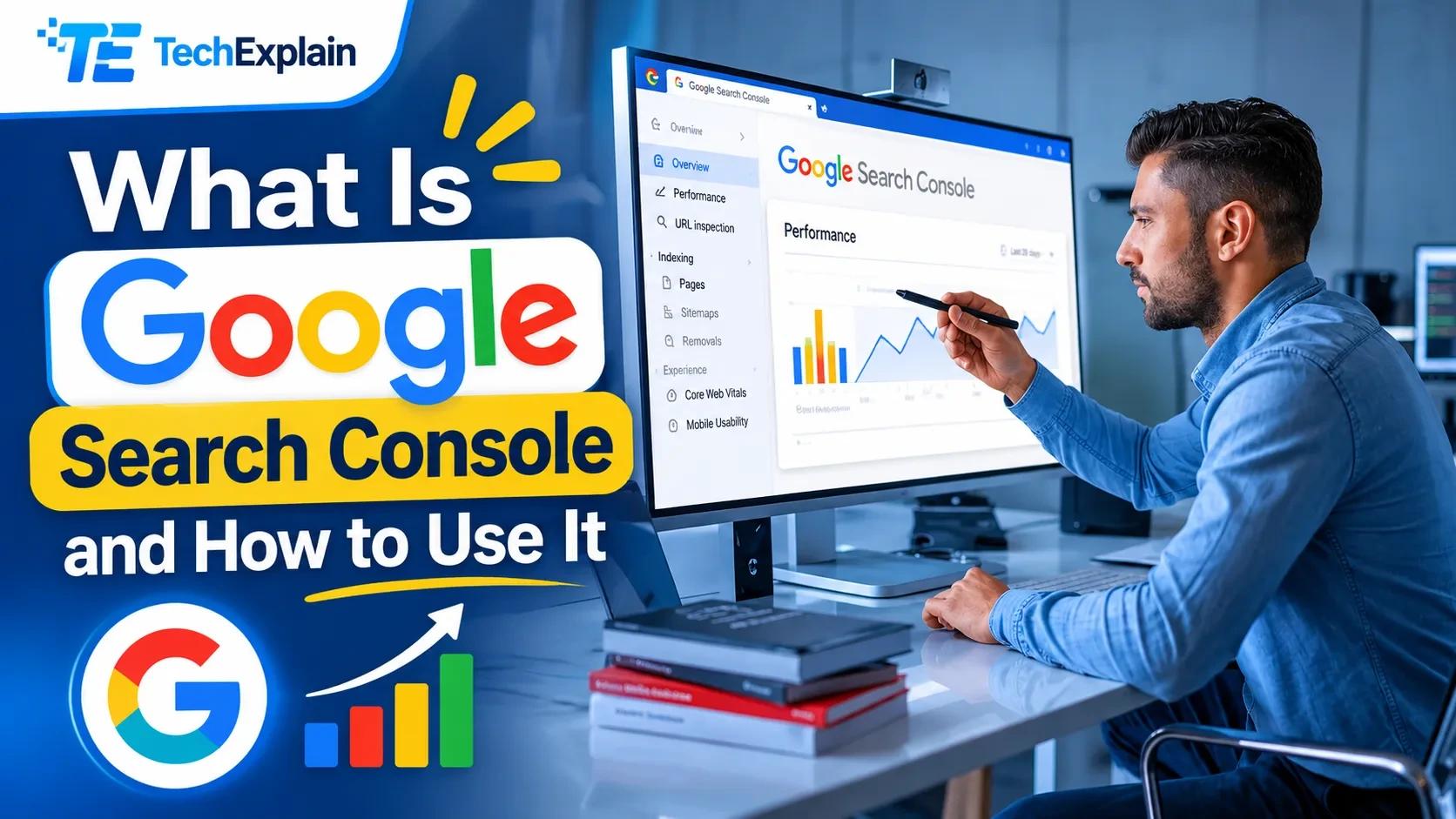
What Is Google Search Console and How to Use It
Google Search Console is a free Google tool that shows how your website performs in search, helps fix errors, and boosts your SEO.
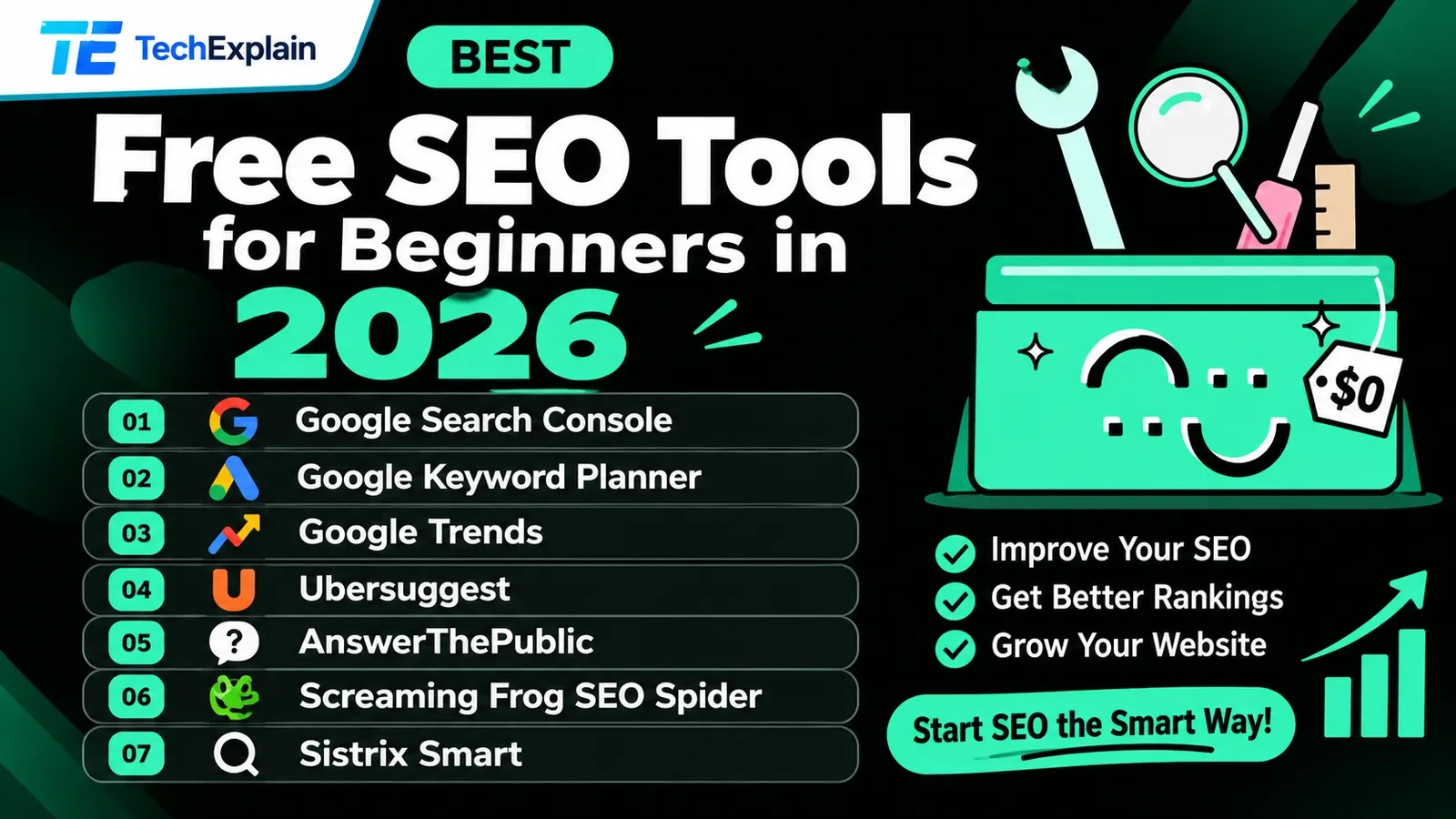
Best Free SEO Tools for Beginners in 2026
This article lists the top free SEO tools you can use in 2026 to research keywords, fix website problems, and get more visitors from Google, without paying anything.