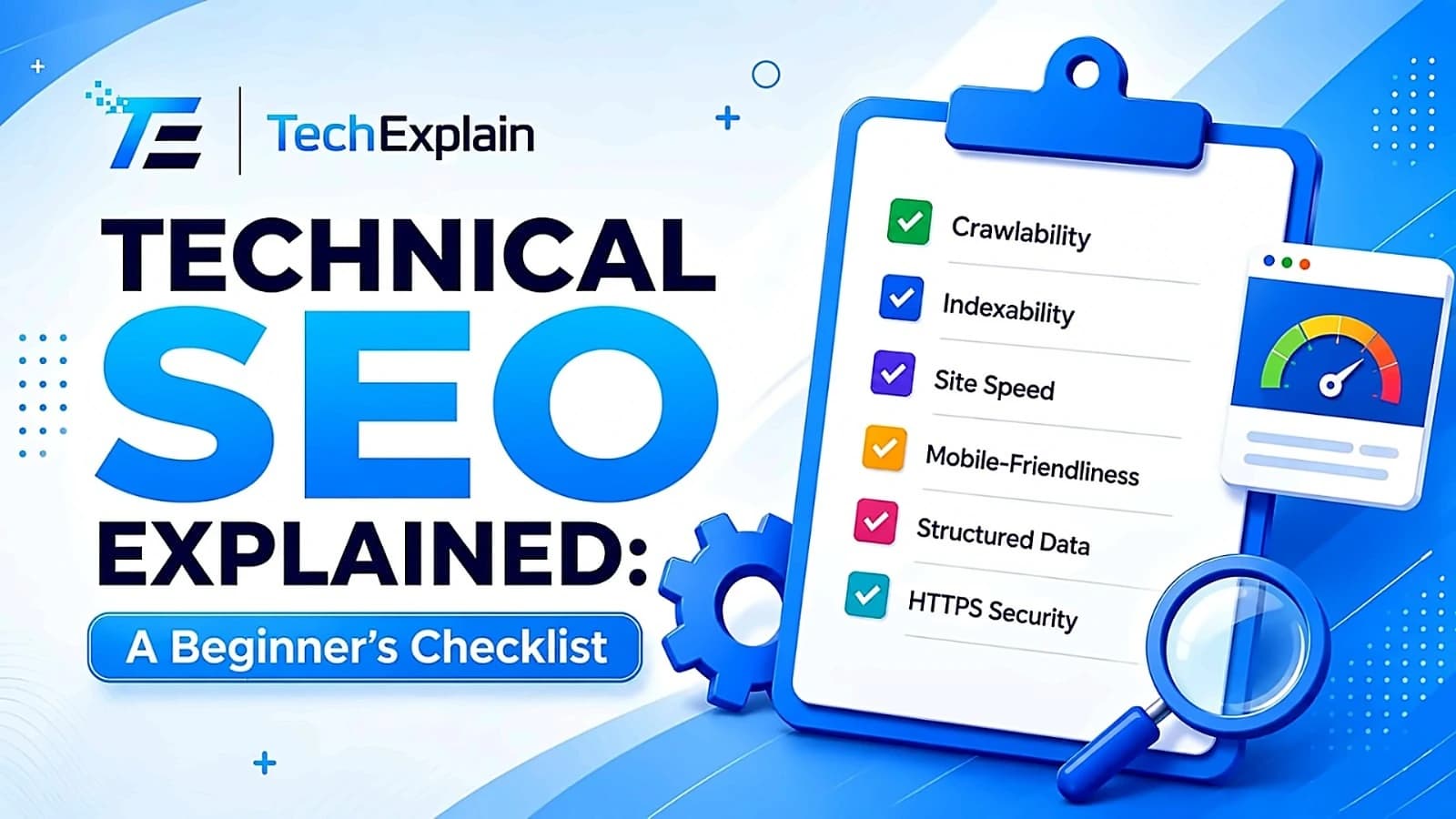
Technical SEO Explained: A Beginner's Checklist
This guide breaks down technical SEO into a simple checklist so beginners can find and fix the issues stopping their site from ranking.
Technical SEO is the practice of optimizing your website's infrastructure so search engines can easily crawl, index, and render your pages.
One can define technical SEO as a unified whole, namely helping Google find, understand, and index a website. Imagine a website as a physical store in the same manner that one might do business in a store. The best products would not matter if the entrance was locked, no lights were turned on, and no signs were displayed on the outside of the building. Technical SEO functions in the way of unlocking access and making things visible, thus enabling interaction with the website. Many newbies focus only on keywords and their blog posts, neglecting the behind-the-scenes aspects of a website. These include page load speed, mobile-friendliness, Google crawlability, and website security. If these are lacking, even good content will not show up in search results.
This tutorial covers technical SEO through a set of easy-to-understand steps for beginners. Once done, the reader will have an effective list of items that can be used to check on a website and improve its chances of ranking higher.
What Is Technical SEO?

The technical SEO process refers to the optimization of the non-content parts of websites that will ensure the smooth crawl, indexing, and ranking of websites by search engines. Technical SEO is what all the other types of SEO depend on. On-page SEO deals with the content and keywords, off-page SEO with backlinks and reputation management, and local SEO with the location factors of websites, but all these aspects of SEO have to work on a technical layer.
Technical SEO, essentially, revolves around answering certain basic questions, such as can search engines access the pages? Can they understand what the pages are all about? Does the site have good loading speed? Is the site mobile-friendly? Is the site secure enough? It is imperative that the answer to these questions should be in the affirmative.

1. Crawlability and Indexing
However, before a page is ranked by Google, it needs to be found and indexed. This process begins with two brief but important documents: robots.txt and XML sitemap.
The information contained in the robots.txt file informs the search engines about which areas of your site are allowed to be crawled by them. One common mistake made by beginners is blocking some important areas through this file. It is always better to check this file from time to time so that you don't accidentally block any useful information.
The XML sitemap acts as a navigation map for the main pages on the website and is submitted to Google Search Console. This aids in the faster discovery of new and changed pages by the search engines, which is especially significant for bigger websites. Apart from keeping up with your sitemap, you can also verify the indexing status of your pages using the “site:” search query on Google, look at the crawling errors in Google Search Console, and make sure there are no orphan pages without any internal links that are hard to find.
Quick crawlability checklist:
Verify that the robots.txt file is not blocking access to important webpages.
Register your website for Search Console and submit an XML sitemap.
Locate any crawl errors or broken web pages.
Verify that each important webpage has links from other pages on your site.
Find out if you have orphan web pages.
2. Site Architecture and URL Structure
Page linking architecture just means how your pages link up to one another. It can give both visitors and search engines an idea of what your website is all about. A good way to do this is by having any important page accessible within no more than three clicks away from your home page.
Your URLs have to be concise, meaningful, and relevant. A URL such as yoursite.com/blog/technical-seo-checklist tells users and search engines exactly what the content of that particular page will be. On the other hand, a URL filled with random characters and numbers does not send any relevant information. Additionally, you need to maintain a logical directory organization system where blog posts are placed in /blog/ and products in /shop/.
Effective internal links connect everything together. By linking pages that are relevant to each other through anchor text, you help search engines comprehend the connection between these pages and also help distribute "authority" throughout your website.
3. Core Web Vitals and Page Speed
The page experience is no longer just a theoretical aspect in how Google rates sites; the core of this assessment is an array of three indicators collectively referred to as Core Web Vitals. They include the speed of your site’s load, how quickly your site reacts to clicks/taps by the user, and the visual stability during load time. This metric is assessed using the 75th percentile of real users visiting the site. In most cases, raising the scores means taking care of some practical issues, such as compressing and resizing images, removing any JavaScript that is not needed, using a good hosting company or CDN, and always having the dimensions of an image defined because the browser has to move everything while loading an image. Small changes in load time will help you retain more people from your site.
Metric | What It Measures | Good Score |
LCP (Largest Contentful Paint) | How quickly the largest visible element (like a hero image or heading) loads | 2.5 seconds or less |
CLS (Cumulative Layout Shift) | How much the page layout unexpectedly shifts while loading | 0.1 or lower |
4. Mobile-Friendliness
Google uses mobile-first indexing when ranking websites. This means that Google takes into account the mobile website version instead of the desktop website version. It makes no difference if the website version is perfect for desktop computers, but the mobile version of the same website is small, slow, and hard to use by touch.
To determine whether your website is mobile-friendly, you should ensure that it features a responsive design that automatically scales to accommodate different screen sizes, clickable buttons and links, legible text without the need for zooming, and that no key information gets obscured due to limited screen size. You can use Google’s Mobile Usability report from Search Console to detect mobile-specific issues.
5. HTTPS and Website Security
Today, security has become a basic need rather than a luxury. An HTTPS protocol that encrypts all connections to your site must be enabled on every contemporary website. Otherwise, if your site uses HTTP or you have mixed content (some files loaded through HTTP in an HTTPS page), browsers will mark your site as unsafe, affecting not only reputation but SEO ranking as well.
Putting this in place requires the installation of an SSL certificate, redirecting all traffic that goes through HTTP to HTTPS, and checking your website for any mixed content issues. This is a relatively easy process for most hosting companies these days.
6. Structured Data and Schema Markup
Structured data is the additional piece of code you put on your website to tell the search engine what type of information is on your website. This will include such things as recipes, product listings, events, or articles and more. The schema markup will even provide information about pricing, reviews, and date of publication.
The inclusion of structured data will make your website eligible for rich results, which include star rating, FAQ panels, and event listings in the search results. It won't necessarily increase the ranking of your website; however, it will definitely increase the click-through rate. Additionally, it will be useful for the newer generation of searches based on AI.
7. Duplicate Content and Canonical Tags
Duplicate content makes it difficult for the search engines to determine which one of the pages they should actually index since they do not know what is the right one. It normally arises by chance when pages are accessible using different URLs.
Canonical tags resolve this problem by informing the search engine that there is an official copy of that page. Each page on your site must ideally have a canonical tag pointing to itself, while the other pages must redirect back to the official page. This makes sure that the ranking signals of your site are concentrated on one page rather than many pages.
8. Redirects and Broken Links
With time, pages may change their URL structure, be removed from the site, and links may break down. Crawling the entire site on a regular basis will help to identify links that are no longer functioning (404 error) and all possible issues with redirects. If there is a permanent redirection of a page, then it should include a 301 redirect that directs users and crawlers to the new location of the page.
Quick redirect checklist:
Solve 404 errors using a proper 301 redirect
Do not use multiple redirects one after the other
Check for any broken internal or external links periodically
9. Tools to Run a Technical SEO Audit
It is not necessary to go through every detail manually. Several helpful tools will cover the majority of the work. The Google Search Console is free of charge and crucial for indexing, crawl issues, and mobile usability monitoring; hence, it is the tool that will be used first for virtually any technical audit. The Screaming Frog SEO Spider crawls the whole website and finds broken links, duplicated content, and the lack of metadata; thus, it is especially useful for larger sites where the manual analysis will not work. PageSpeed Insights uses real-world field data and calculates the Core Web Vitals metrics (LCP, INP, CLS); hence, it shows how the web vitals actually perform. In case one needs an all-round check of the technical issues, site audit tools like Semrush or Ahrefs can do a complete analysis of the whole domain and give an all-round overview of the problems with crawlability, speed, structured data, and other factors in one audit.
Frequently Asked Questions
What is technical SEO in simple words? Technical SEO is about optimizing the “behind-the-scenes” aspects of your website such as speed, security, and structure. The idea here is to make sure that your website is functioning perfectly. This is not related to keywords or any form of content whatsoever; it’s all about making your website technically sound.
Is technical SEO hard to learn for beginners? Wrong. Technical SEO includes a one-time setup of actions such as submission of sitemap, removal of broken links, or activation of HTTPS and does not require programming skills. There are many free tools such as Google Search Console to perform SEO actions without coding.
What are Core Web Vitals and why do they matter? Core Web Vitals include three metrics: Largest Contentful Paint (LCP), Input Delay (INP) and Cumulative Layout Shift (CLS). These metrics assess page load speed, interaction with the page and visual stability, respectively. Core Web Vitals are ranking factors used by Google; thus, low-scoring sites have trouble ranking despite quality content.
Do I need an SSL certificate for SEO? Yes. Now it’s a basic need to have HTTPS. Websites that don’t use it get marked as “Not Secure” in web browsers. This affects their credibility and SEO ranking.
What's the difference between technical SEO and on-page SEO? Technical SEO concerns the structure and performance of the website, which includes crawlability, site speed, security, and more. On-page SEO concerns what appears on the page, including keywords, headings, and internal linking. The two go hand-in-hand, but technical SEO is the base upon which everything else is built.
How often should I run a technical SEO audit? The best policy would be an audit once in a while within a few months' period, complemented by a more relaxed one via the Google Search Console at least on a weekly or monthly basis.
Does structured data guarantee higher rankings? No, not really. However, structured data assists in getting your content interpreted by search engines, and could result in rich results such as star ratings or FAQs that could increase your CTR, although that does not directly affect your ranking.
Conclusion
Technical SEO is not about getting obsessed with one magic fix; it is about eliminating the factors that prevent search engines and users from interacting with your website effectively. Begin by doing the basic things right: ensure that your pages are crawlable and indexable, get your Core Web Vitals in the "good" category, secure your site using HTTPS, and eliminate duplicate and broken content. From there, take it to the next level by adding structured data and site structure.
None of these actions demand technical coding knowledge. Anyone new to web design who uses the checklist provided and several free resources can go through the site and resolve the problems. A technically good website will help all the other parts of your SEO campaign such as content, keywords, and backlinks perform their job effectively.
Share this article
Related Articles
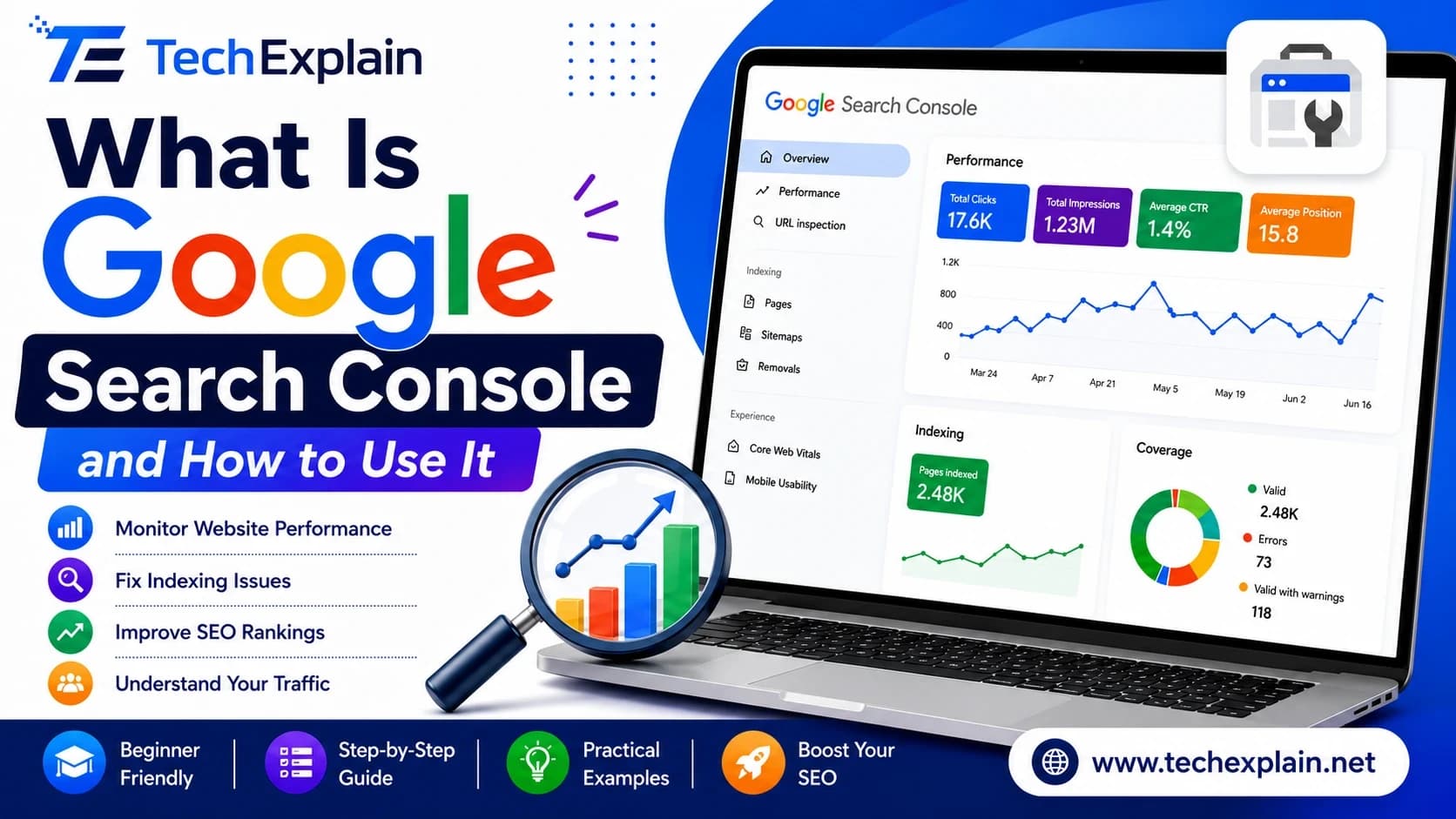
What Is Google Search Console and How to Use It
Google Search Console is a free Google tool that shows how your website performs in search, helps fix errors, and boosts your SEO.

Best Free SEO Tools for Beginners in 2026
This article lists the top free SEO tools you can use in 2026 to research keywords, fix website problems, and get more visitors from Google, without paying anything.
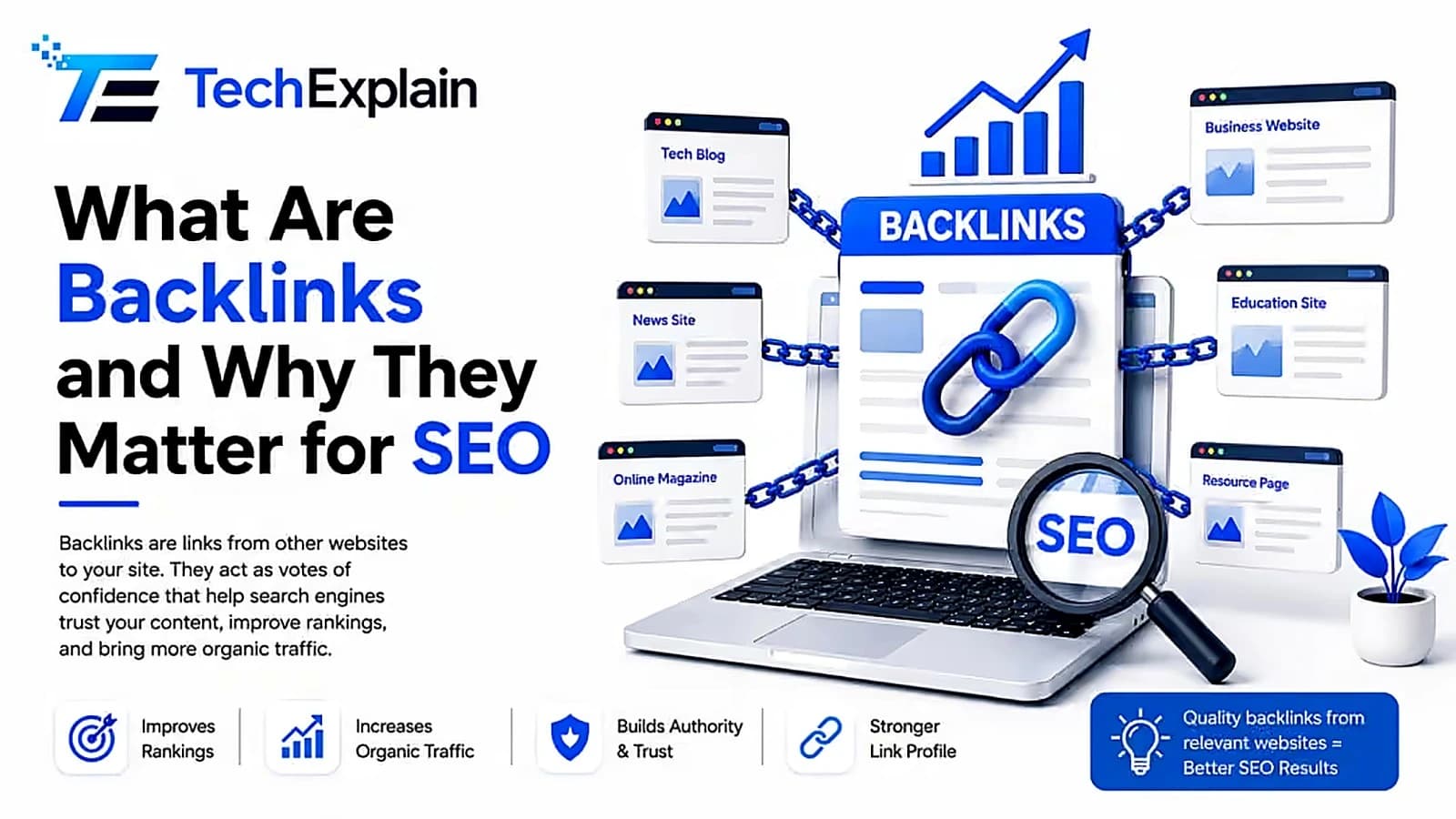
What Are Backlinks and Why They Matter for SEO
Backlinks are links from other websites that boost your site's trust and ranking on Google.