Best Free SEO Tools for Beginners in 2026
This article lists the top free SEO tools you can use in 2026 to research keywords, fix website problems, and get more visitors from Google, without paying anything.
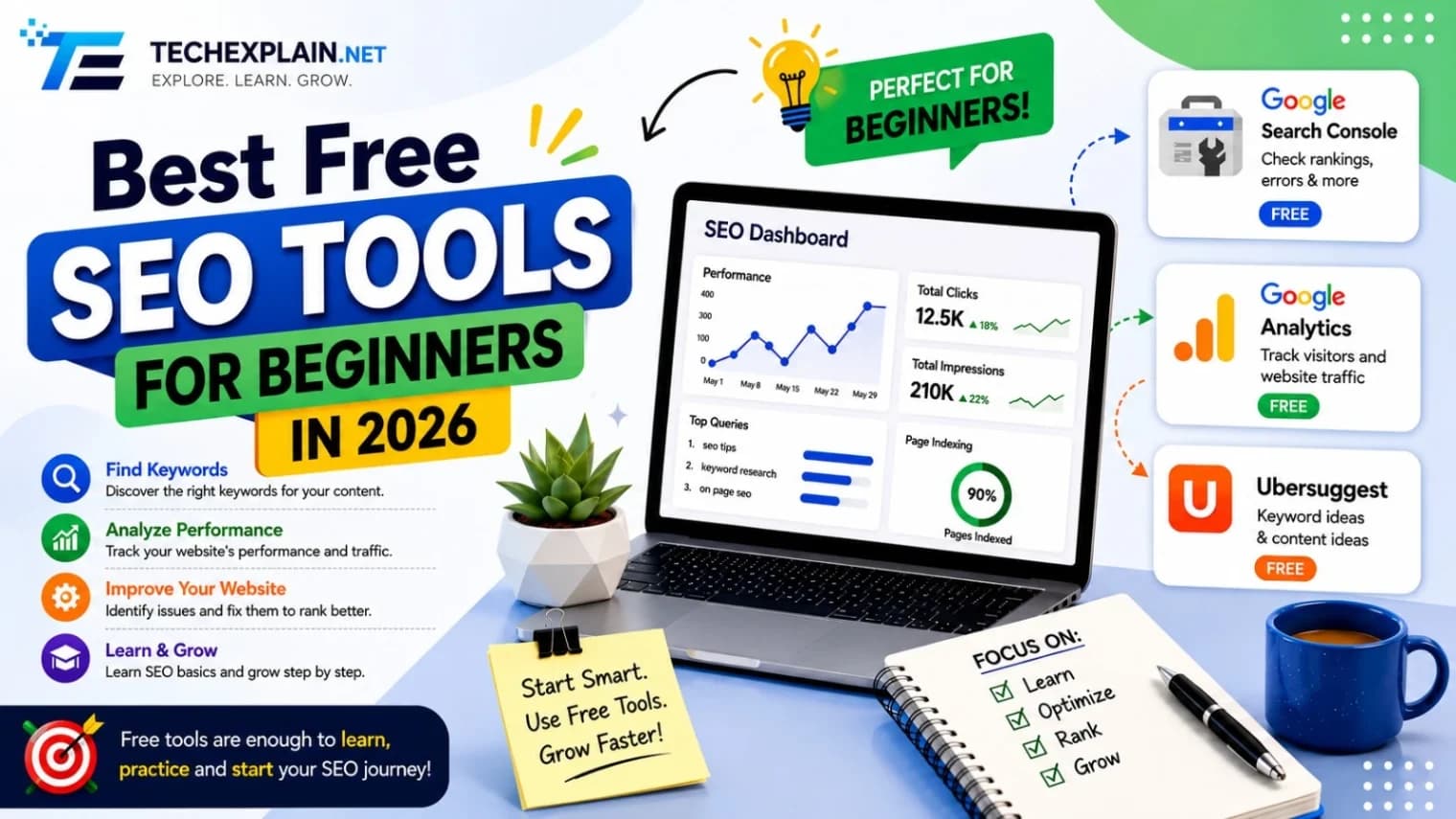
The best free SEO tools for beginners are Google Search Console for tracking performance, Google Keyword Planner for finding search terms, Ahrefs Webmaster Tools for site audits, AnswerThePublic for content ideas, and Yoast SEO for WordPress on-page help.
When you first start out with search engine optimization (SEO), you may get overwhelmed with the plethora of paid software available to you that starts from the $50-$100 per month range. There are, however, a number of free tools that are almost equally efficient in 2026, which means you can create some valuable rankings without having to spend much time or money. While there is little doubt that SEO remains as challenging as it was ten years ago, Google still awards the same basic principles such as relevant keywords, technical soundness, quality content, and decent backlinks. The difference is that you can do quite a lot of it for free. Thanks to a new generation of free tools provided, among others, by Google, you can do your keyword research, audit your site, monitor your rankings, and learn what people really look for on the web without investing a penny. In this guide, we will explore the best SEO tools for beginners in 2026 that are completely free. We will describe each tool individually and explain how they can work together as part of your free SEO workflow.
Why Free SEO Tools Are Enough When You're Starting Out

A lot of people tend to think that one would need quality software to be competitive on the internet, but this is not necessary when just starting out on an SEO mission. As a beginner, your problems will be figuring out what your potential customers search for, solving technical problems and producing enough content. All of these tasks are solved by free software easily. The use of paid software becomes necessary once you start handling many websites, monitoring many keywords and conducting detailed competitor research. Until then, free software can get most small websites far.
Free tools will also be more intuitive to use. Since they generally concentrate on just doing one thing as opposed to trying to be everything in one package, they are easier to grasp, even for newbies who might find themselves overwhelmed by complicated dashboards.
Google Search Console
Google Search Console is the most valuable free service for a website owner, and it must be the first one to be used. This is because Google Search Console is a Google service, which implies that the data, such as clicks, impressions, average position, and CTR, provided by Google Search Console is the real one.
Search Console tells you precisely what searches bring users to your website, what pages are indexed, and what pages have any technical issues that can cause Google not to crawl those pages correctly. Moreover, you can submit an XML sitemap via Search Console, ask for indexing of the newly created pages, and test your pages for mobile usability/Core Web Vitals. As a beginner, this is the tool that answers the question that no other free tool answers. What does Google see on your website?
Google Keyword Planner
Initially designed for advertisers using Google Ads campaigns, Google Keyword Planner is now very popular among novice SEOs for conducting organic keyword research. You don’t have to pay anything for the ads in order to use it; all you need is a free Google Ads account.
Using Keyword Planner involves typing in your topic or your competitor's site, from which you get suggestions of relevant keywords, the number of searches per month, and the level of competition. Although it may not provide exact numbers like the other tool that costs money, it is more than sufficient for beginners who want to explore topics to write about. Combining Keyword Planner and content calendar is an easy way of creating a constant supply of search engine-friendly posts.
Google Trends
With Google Trends, you can see how the popularity of a specific term or keyword has developed over time. This makes Google Trends useful in two aspects: identifying the seasonality of search terms and finding out which keyword is more popular than another. It will be easy to choose which of two articles is worth writing when you use trends to find out which one is more popular at the moment.
Trends will give you regional data as well as relevant searches, which means that beginners with businesses operating in certain regions can easily gauge the changes in interest for their products and services. It is completely free of cost and does not require any registration at all.
Ubersuggest
Ubersuggest was developed by marketing guru Neil Patel and is widely considered one of the most user-friendly keyword research software for newcomers in SEO. Just enter any keyword and get its search volume, difficulty score, list of similar keywords, and ranking pages of the entered keyword. Most importantly, the difficulty score will be extremely helpful for novices as it allows them not to waste time on finding keywords which are extremely difficult to rank on and gives them suggestions on less difficult keywords.
Though there is a limited amount of searches you can do in a single day with the free plan, this is normally sufficient when you are just starting to map out your ideas for content creation. Ubersuggest also has built-in functionality for site audits and backlinks, providing newbies with a look at some advanced SEO features for free.
AnswerThePublic
AnswerThePublic provides a new way of doing keyword research, using questions instead of traffic volume. All you have to do is enter your topic and you will see the visual representation of what people are searching about on Google about your chosen topic, such as "what is SEO for beginners" and "how SEO works." Every question here gives you an idea about the content which can be produced.
This particular tool is extremely useful for newbies that have difficulty thinking of topic ideas since there is no need for guessing. Rather than figuring out what topics should be written about, you can plan your whole content schedule based on the questions people ask.
Screaming Frog SEO Spider
Screaming Frog SEO Spider is not an online tool but an application that can be downloaded to the computer, and it is the most reputable technical SEO software, whether it is free or paid. The software crawls your website like a search engine crawler and identifies all on-page technical SEO issues such as broken links, duplicate title tags, missing meta descriptions, and many others.
The free edition is limited to scraping five hundred web pages, which is sufficient for the majority of beginners’ websites and blogs. The program operates in a local way and, thus, does not require any active internet connection, which makes it extremely fast. For anyone who wants to work with technical problems of SEO, this tool is almost mandatory.
Sistrix Smart
Sistrix Smart is the free version of the renowned SEO tool Sistrix that targets beginners. Once you link your website, Sistrix Smart analyzes up to a thousand web pages and assesses their performance across more than a hundred different aspects, from missing meta titles to broken links. What is special about this software is that it not only highlights problems but also provides a description in simple terms and an easy solution to implement.
However, the free account will only be able to handle one website, where you can only crawl once a week manually and track up to 100 keywords. Nonetheless, this is an adequate limitation to have for a novice who is only dealing with one website and would like to monitor the website's visibility.
Comparison of the Best Free SEO Tools for Beginners
Tool | Best For | Key Free Features | Main Limitation |
Google Search Console | Monitoring how Google sees your site | Clicks, impressions, indexing status, sitemap submission | Only works for sites you own |
Google Keyword Planner | Keyword research and search volume estimates | Keyword ideas, volume ranges, competition level | Volume shown as a range, not exact |
Google Trends | Spotting trending and seasonal topics | Interest over time, regional data, related queries | No search volume numbers |
Ubersuggest | Beginner-friendly keyword difficulty scoring | Keyword suggestions, difficulty score, ranking pages | Limited to 3 searches per day |
AnswerThePublic | Finding content ideas based on real questions | Visual map of searcher questions | Limited free searches per day |
Screaming Frog SEO Spider | Technical site audits | Crawls site, flags broken links and metadata issues | Free version capped at 500 URLs |
Sistrix Smart | Guided on-page SEO fixes | Site crawl, issue explanations, visibility tracking | One domain, one crawl per week |
Building a Simple Free SEO Workflow

Not all of the tools need to be used simultaneously, but only selected few in an organized routine. A good routine is as follows: finding topics based on popularity on the Internet using Google Trends and AnswerThePublic, checking the popularity and competition of keywords using Google Keyword Planner or Ubersuggest, publishing content that is focused on the chosen keywords, and finally checking the page with Screaming Frog or Sistrix Smart for any technical errors. Lastly, the process should be monitored using Google Search Console to identify which pages work and which need improvements.
The cycle is not dependent on any software cost and works in the same way as many SEO professionals do, but just on a small scale. With the increase in the number of keywords, pages, or websites you manage on your site, you might eventually think about going for Ahrefs, Semrush, or Moz Pro. However, the free software mentioned above is really able to drive traffic to the new site.
Conclusion
As far as SEO success is concerned, in 2026 it is going to depend on the same old fundamentals: knowing what people are looking for, producing content that truly addresses their needs, and having a website technically optimized for indexing by search engines. All of the software included in this toolkit takes care of all three of these aspects, without charging any money, thus being the only expenses that a beginner should be ready to undertake – time. Simply start by using Google Search Console and Keyword Planner, get some inspiration from Ubersuggest or AnswerThePublic, and keep an eye on your technical SEO with the help of Screaming Frog or Sistrix Smart. Once you manage to master this free kit, you will understand when and if there is really a need for paid SEO software.
Frequently Asked Questions
Q: Are free SEO tools actually reliable for ranking a website?
Yes, because Google Search Console and Google Keyword Planner use Google itself as the source of information, thus providing users with as accurate data as any paid tool would. Free third-party tools, such as Ubersuggest, might give estimates instead of exact figures, but estimates will suffice for making decisions at the beginner level.
Q: Which free SEO tool should I set up first?
Google Search Console. It is a free tool that can be verified within minutes and helps you understand how Google crawls and indexes your website. No other tool can offer you such unique insights.
Q: Can I do keyword research without paying for a tool?
Absolutely. Google Keyword Planner, Google Trends, Ubersuggest, and AnswerThePublic combine to provide you with all the necessary data regarding search volume, trending, and questions for creating content – free of charge.
Q: Do free SEO tools have any real limitations compared to paid ones?
Yes, but generally not. Free versions have restrictions on the number of searches per day or tracked keywords/pages, and they definitely lack all the advanced competitor analysis functions that you can see in Ahrefs or Semrush. This is not a problem for a beginner with one or two websites.
Q: How often should I check these tools?
Checking Google Search Console on a weekly basis is recommended because it allows you to see any problems with indexing or performance. Keyword tools such as Trends and Keyword Planner should be used when you plan on creating new content, whereas a technical SEO audit using Screaming Frog or Sistrix Smart should be done once a month.
Q: When should I upgrade to paid SEO tools?
After you have to analyze more than just a few keywords on different pages, require comprehensive competitive backlinks analysis, or manage several websites, the limited number of searches and domain limitations of free services begin to hinder your progress. This is when a paid tool becomes truly worthwhile.
Q: Is it possible to rank on Google using only free tools?
Absolutely. Many websites that became successful did so starting from using free SEO tools, and some continue to operate exclusively by them now. The rankings are achieved through quality content and SEO, and not through expensive software.
Share this article
Related Articles
Technical SEO Explained: A Beginner's Checklist
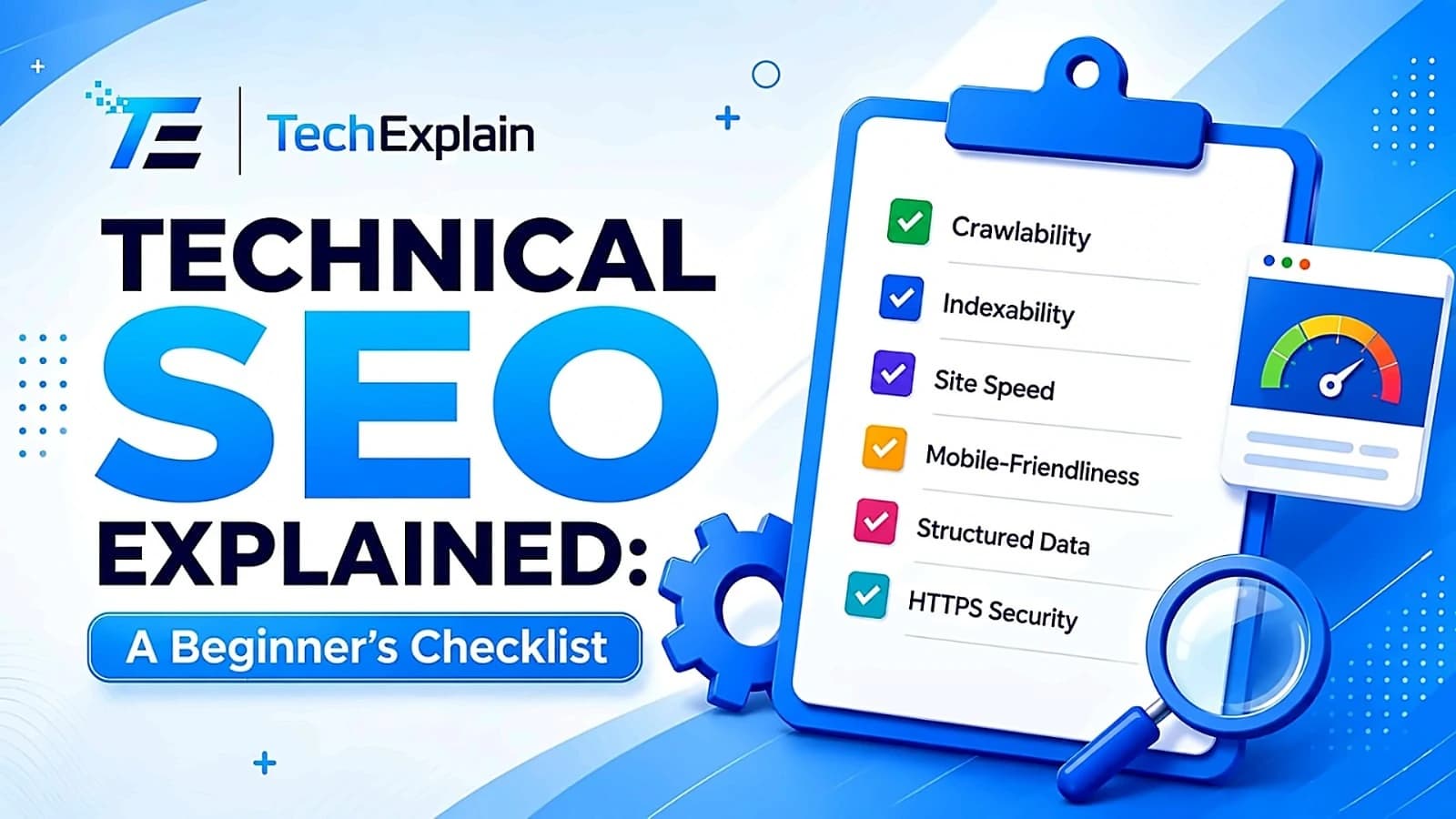
This guide breaks down technical SEO into a simple checklist so beginners can find and fix the issues stopping their site from ranking.
What Is Google Search Console and How to Use It
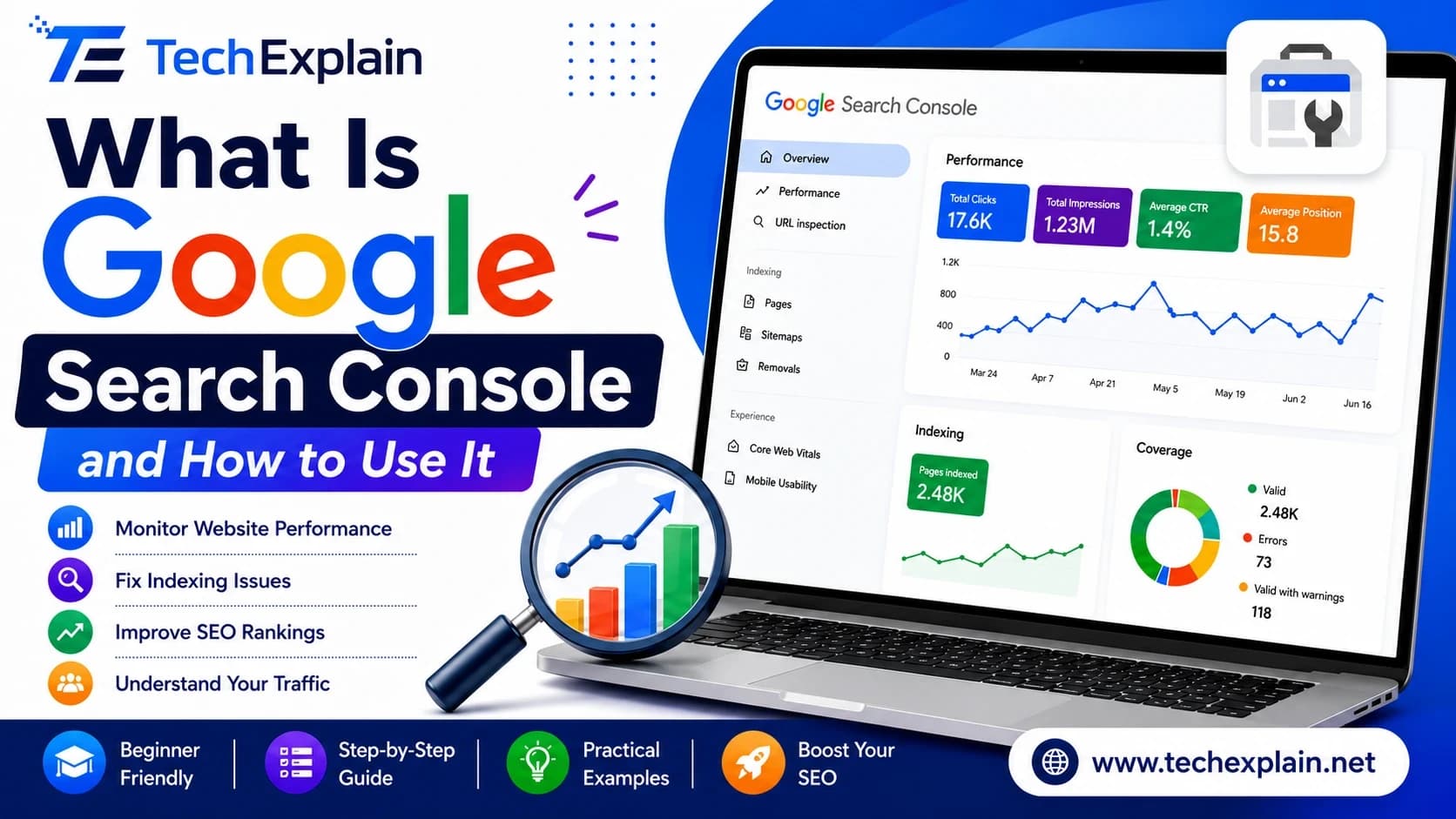
Google Search Console is a free Google tool that shows how your website performs in search, helps fix errors, and boosts your SEO.
What Are Backlinks and Why They Matter for SEO
Backlinks are links from other websites that boost your site's trust and ranking on Google.