
How to Choose the Right Antivirus Software in 2026
Defender is enough for most Windows 11 users; pay for a suite only if you need extras.
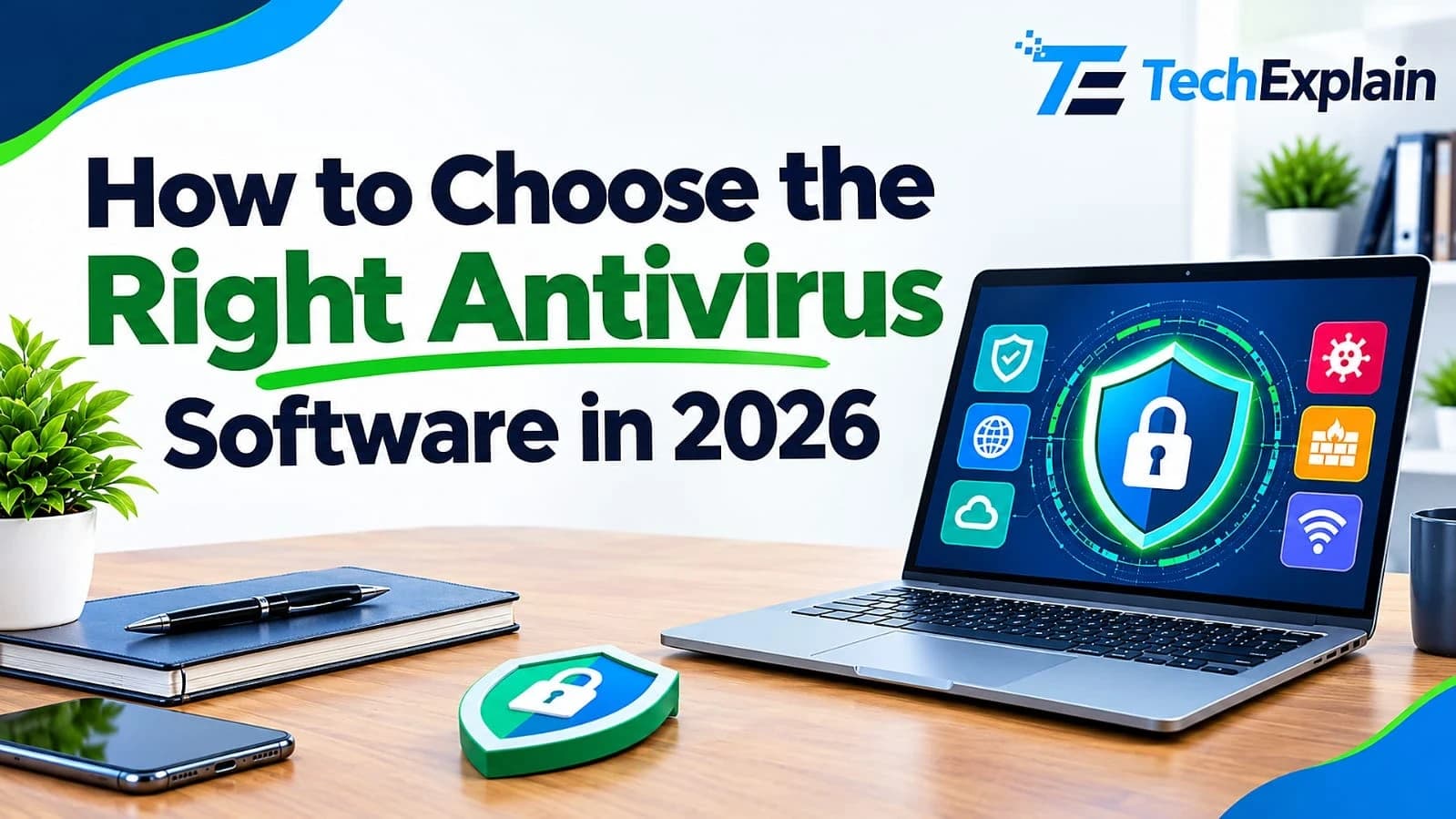
Choosing the right antivirus software in 2026 requires balancing top-tier malware detection rates, system performance impact, cross-platform compatibility, and extra features like VPNs or identity theft protection.
Antivirus software is a program that finds, blocks, and removes malware such as viruses, ransomware, and spyware from your device. To choose the right one, compare your devices, the extras you will really use, recent lab scores, and the annual cost. Windows 11 already includes Microsoft Defender, a free antivirus that scored at or near the top in 2026 lab tests, so many home users can start with it and pay nothing. A paid suite makes sense if you also want a VPN, a password manager, parental controls, or protection for several device types.
There are people who buy antivirus software after acquiring a new laptop without determining whether there is a need to have that sort of security. Although it might seem like a trivial issue, it affects costs, system performance, and the safety of your information. This guide will help you learn about the difference between the two types of security and how lab testing is done.
Defining the Two Options
Microsoft Defender Antivirus provides inherent protection. This security program comes pre-installed on the Windows operating system. This means that there is no need to install it or pay for it.
Paid versions of security packages are independent products that are usually sold on an annual subscription basis and take the place of Defender.
The following simple analogy can be drawn: Defender is like the lock that comes along with the front door. A subscription includes all these—the lock along with an alarm system, a surveillance camera, and monitoring for many households.
How Antivirus Software Works
Antivirus programs today go further than matching individual files to known lists of threats. Antivirus programs analyze the behavior of the programs themselves as well as match suspicious files to cloud-based databases, which makes it possible to detect previously unknown malware.
Testing labs determine the efficiency of these products when exposed to actual dangers. For example, AV-TEST tests products with their default settings and allows updates as well as cloud service usage by testers at their will. The maximum marks that a product can earn in terms of protection, performance, and usability are 6 each, making the total score out of 18 possible. At least 10 marks are needed to earn a seal of approval, while 17.5 or more marks make the product a top product.
It is vital to make sure that the results you get are current before analyzing them. This is because the specifications keep changing, meaning old results are not useful. After this, evaluate the performance and security together. The speed test will show how fast the computer can be slowed down by a product, but it does not say anything about its safety.
Built-in vs. Paid: The Key Differences
Aspect | Microsoft Defender | Paid security suite |
Cost | Included with Windows | Yearly subscription |
Setup | Already installed | Download and install |
Malware protection (2026 lab tests) | Top-tier | Varies by product; several score at the top |
Extras (VPN, password manager, backup) | Limited | Often included |
Devices covered | Windows (the built-in antivirus) | Depends on the plan; often Mac and mobile too |
Performance impact | Scored 5.5 to 6 out of 6 in AV-TEST 2026 rounds | Varies by product |
Best for | One or two Windows PCs | Mixed-device households |
Comparing Them Side by Side
As far as protection is concerned, the gap is rather small. Defender scored a perfect 6/6/6 in AV-TEST’s user tests held in February and April 2026. In June, the software obtained results of 6 in terms of protection, 5.5 in performance, and 6 in usability. In AV-Comparatives' real-world test, conducted between February and May with the participation of 400 tests from 20 products, the maximum result of 399 blocks was received. Bitdefender obtained 398 blocks, Avast, AVG, and Norton got 397 blocks each, while Microsoft managed 396 blocks, all of them getting into the highest category. Moreover, Microsoft had no false positives in this test.
In relation to costs, Defender comes free of cost, while a full package requires you to pay yearly fees. You should be sure to check the renewal charges, as the initial year often includes discounted rates. In terms of features, a paid suite comes with more features like a password manager, parental control, and identity monitoring, which Defender lacks. In terms of compatibility, the two cannot work together. As mentioned by Microsoft, Defender becomes inactive whenever another antivirus software is installed.
Advantages and Drawbacks of Built-in Protection
Its two major benefits are simplicity and economy. It requires neither hardware nor software purchase, installation, nor the need to renew its license. Besides, it runs nicely on the Windows platform, and laboratory results from 2026 prove its competitiveness compared to paid services.
The disadvantages pertain to the extent of the coverage. The integrated antivirus only works on the Windows platform and does not have extensive features, requiring you to use other products for the purposes of a virtual private network or a password manager. In addition, its protection from phishing attacks depends mostly on the Microsoft Defender Smart Screen of Edge, so when using other browsers, ensure that their alerts are active.
What You Get (and Pay For) With a Paid Suite
With paid packages, additional tools become accessible from one place, are supported for more than one device, and you also get the ability to contact your dedicated support team in case something goes wrong.
However, disadvantages can include price and redundancy. The subscriptions have to be renewed each year, and the chances of paying for things that you never even use are quite likely. Additionally, there are some products that bog down a computer faster than others.
Features That Actually Matter
Although marketing provides many features, there are just a few that affect the safety of your computer. First, there is a feature of real-time scanning of any file when downloading and opening it. Second, there is a feature of web and phishing protection, because the majority of threats often come through the link rather than the file. Third, there is ransomware protection that is more effective when used in combination with the backup of the main files. In Windows Security, you can find the ransomware protection on the Virus & threat protection page.
Automated updates and the infrequency of false positives also count. Automated updates help keep your security up-to-date without you having to do anything. The infrequency of false positives means that the program doesn't unnecessarily block non-malicious software, so you don't get used to ignoring the alerts. The PC "cleaners" and "optimizers" in a package aren't critical.
What About Mac, Android, and iPhone?
Each system has its inherent protection mechanisms.
The security features of Mac are covered in three different layers, according to Apple. Gatekeeper and notarization try to prevent any malware attack by ensuring that apps distributed by developers other than from the App Store get scanned by Apple. However, Protect blocks malware and even eliminates those that have been executed already. According to security companies, Protect does not perform scans at all, and therefore, it cannot be considered an entire security suite since there is no scan window provided.
On Android, Play Protect performs app installation scans and periodically scans your phone, even those installed outside the Google Play Store. In case of any threat, it will notify you and block and/or delete apps. To be on the safe side, you should check that the Play Protect feature is active and download applications only from the Google Play Store.
However, on iPhone, there is a sandbox for each application, which means that an application cannot see anything about other applications, and the apps are reviewed by Apple before going to the App Store. This does not necessarily mean that an iPhone is secure. It has been proven that there may be some instances of malware going undetected, as well as risks associated with outdated software having bugs. The security firms themselves admit that the security apps for iPhone cannot check the other apps due to the sandbox.
A Typical Week in One Household
Think of a family that owns a computer for working purposes, a gaming computer owned by a teenager in the family, an Android smartphone of one of the parents, and a laptop of the grandparent. Both computers can have Windows 11 installed on them and might work well with Windows Defender. The Android phone will have Play Protect as long as it is not switched off.
How to Choose the Right Option for You
Begin with your devices. One Windows computer should consider Defender. If you have a home with Windows, Macs, and mobile devices, then a multi-device solution could be easier than multiple solutions.
After that, consider extras. You should only pay for a VPN or a password manager if you are going to use it. Otherwise, if you have a password manager, you’ll be paying twice.
Now look at your behavior. Downloading from official sites and having an updated browser is a lot safer than using cracked versions of programs and downloading suspicious files. Bad behavior is one more reason for getting a security program. It’s important to consider other users of your computer because family members or your kids might download something.
Finally, verify your budget. Check the present and renewal prices at the website of the company itself.
There is no one right answer to this question. It depends on your devices and your budget.
Switching Programs and Avoiding Scams
When changing the product, make sure to first uninstall the existing product and restart the computer. Microsoft recommends uninstalling the existing security solution before using Defender because any remaining files could render your computer unprotected. Once the computer is restarted, open Windows Security and find out what antivirus is running.
Watch out while making the purchase. One of the most popular scams on the internet involves a pop-up message telling you that your computer is infected with viruses and that you should download a cleaning program. Do not use cracked versions of security software, and read the auto-renewal policy.
Frequently Asked Questions
Is Windows Defender good enough in 2026?
Yes, it is considered one of the best options for malware protection by many Windows 11 users at home.
Is free antivirus as good as paid?
In results from 2026 labs, the difference between Defender and other top paid products is insignificant. The paid services generally differ in terms of antivirus.
Can I run two antivirus programs at once?
But not as two fully functional real-time scanners. If any other antivirus program is present, Windows disables Defender.
Why does Windows say Defender is turned off?
This situation may be caused by the installation of an existing antivirus software application. There was a bug found on Windows that caused incorrect "turned off" notifications, and according to Microsoft, the latest version, 4.18.26080.4, of Defender, which was released on September 17, 2026, has resolved the problem.
Do I need antivirus on a Mac, Android phone, or iPhone?
Each has inherent protection: Gatekeeper and Protect for Mac, Google Play Protect for Android, and sandboxing and app review for iPhone. It depends on how many devices you own whether you install additional antivirus programs or not.
Will antivirus slow down my computer?
Any security solution uses some kind of resources, but their effect is minimal when it comes to a modern PC. Check out the latest benchmark test for your outdated PC.
Should I pay for antivirus if I already have Defender?
However, only if you can name a particular reason, like the need to cover several types of devices, the requirement for parental controls, or the inclusion of a password manager. Otherwise, Defender should suffice.
Final Thoughts
It is not a one-size-fits-all situation. Defender provides robust security for free. Paid security packages offer additional functionality and broader device support but require a subscription fee. You should first check what is included on your devices out of the box and ensure all software is up to date before using any paid solution.
Share this article
Related Articles
What Is SaaS (Software as a Service)? Explained Simply
SaaS lets you use software online through a subscription instead of installing and maintaining it yourself.
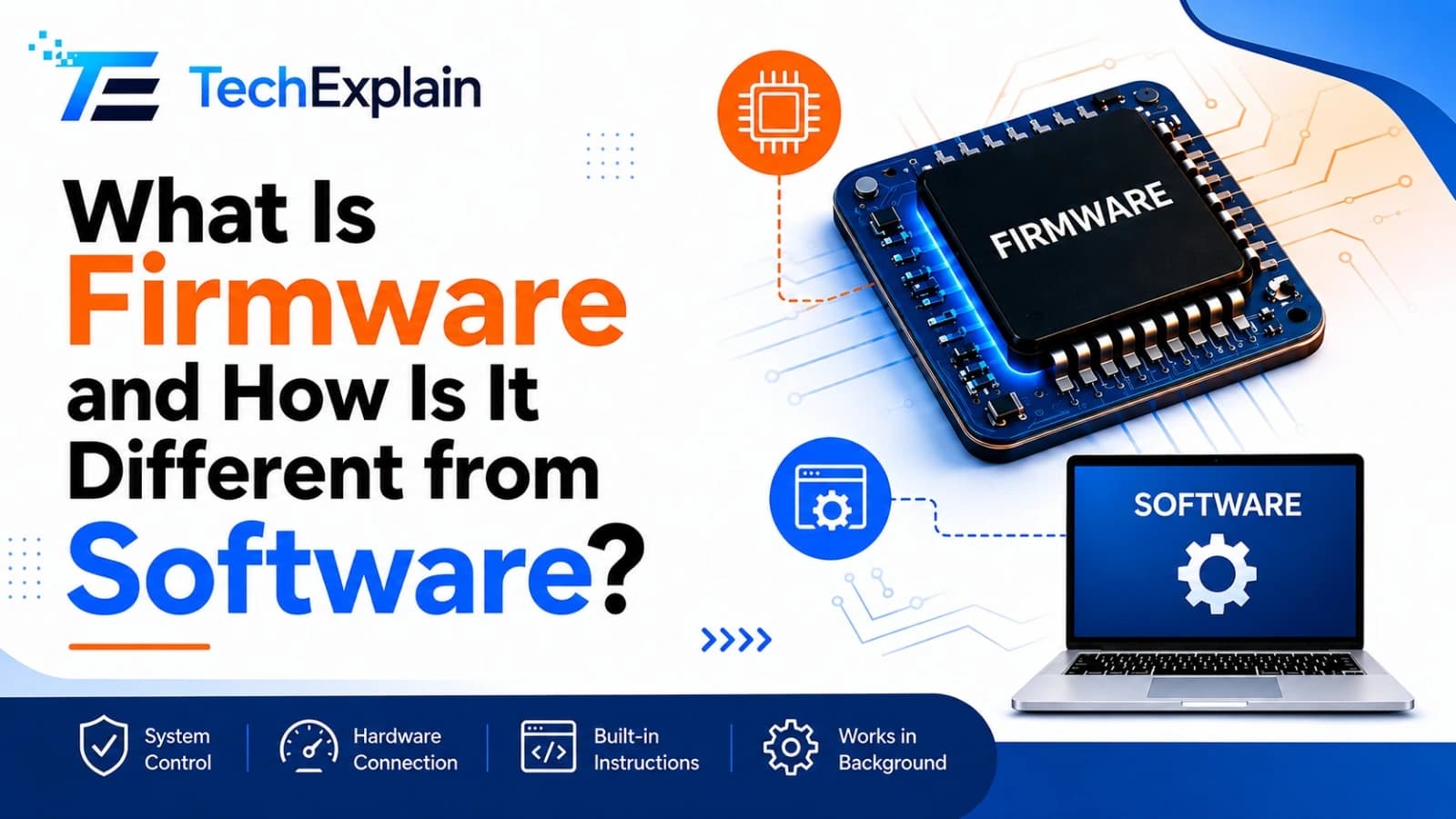
What Is Firmware and How Is It Different from Software?
Firmware is the hidden code inside hardware that makes it work, while software is what users directly see and use.
System Software vs Application Software Explained
System software manages a device's hardware behind the scenes, while application software is what users directly interact with to perform specific tasks.