
Password Managers Explained: Are They Safe?
A password manager stores all your logins in one encrypted vault, so you only need to remember one strong master password.
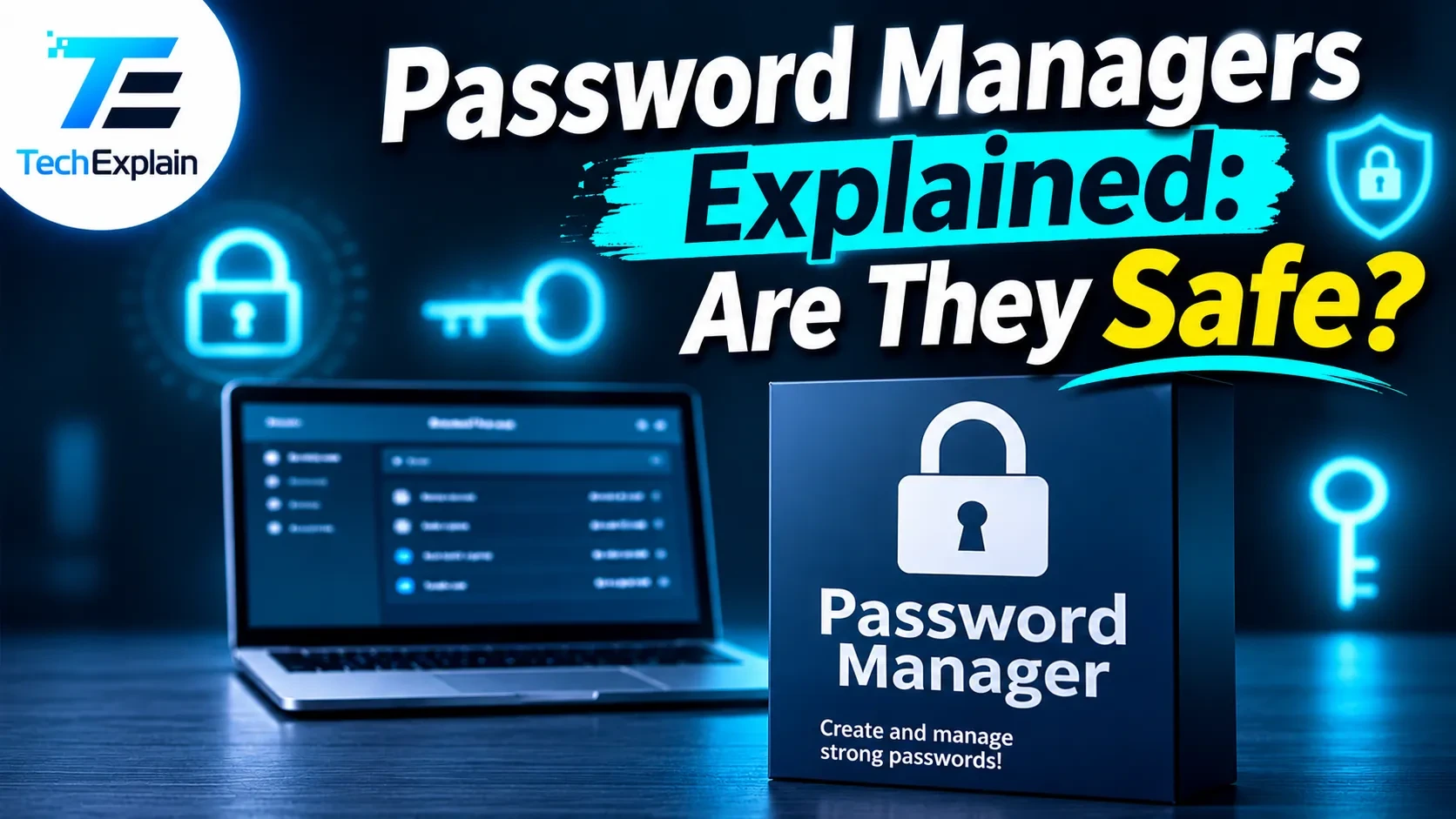
Yes, reputable password managers are safe for most people and significantly more secure than reusing passwords or writing them down. They store your logins in an encrypted digital vault unlocked by a single strong master password, while generating unique, complex passwords for every account.
While it is the safest solution for the majority of users compared to reusing passwords or storing them in notes, there is no way to guarantee full safety. Everything depends on the strength of your master password, two-factor authentication, and caution about phishing attacks.
Passwords are an inseparable part of our lives and are needed every minute of our online activity. To unlock a mobile phone, check emails, buy products in online stores, pay the bills, and even apply for government services, we have to enter our password. Every person usually has at least dozens of accounts, and remembering the strong password for each account is almost impossible.
Password managers are software programs designed to address this challenge. However, an immediate concern arises: is it not dangerous when all your passwords are kept in one place? This article aims to inform readers about what a password manager is, how it works, its safety, and selection.
What Is a Password Manager?
All the information resides in the encrypted virtual safe. The encryption technique is used to encrypt your data with a special code that cannot be deciphered by anyone unless he or she possesses the key for that. That key, in the form of your master password, will open the entire digital safe for you. Moreover, the majority of them have an automatic filling facility too.
How Does a Password Manager Work?
It will be rather easy for the user to perform the described actions. First of all, one needs to create the login data. Whenever the user signs up to any website, the manager can generate a password and save it automatically. In addition, there is also an option of storing payment cards, addresses, and other documentation.
Furthermore, this vault will be able to sync between devices. In case the manager has such a feature, the phone, tablet, and laptop of the user will always display the saved logins. Finally, whenever the user visits one of the websites or apps stored in the manager, the latter will provide the required login data automatically. The extensions for the browser allow one to save and enter the logins while browsing and to update them if necessary.
Many password managers apply the zero-knowledge principle. It implies that the developer of the application does not have access to the content of the user's vault. The encryption and decryption is performed by the user's computer, and the master password is never transmitted to the company's servers. Thus, even the provider cannot see the user's passwords.
What Can a Password Manager Do?
Modern password managers provide far more functionality than just storing passwords. The following table provides an overview of the most common functionalities along with their advantages.
Feature | Why It Matters |
Encrypted vault | Keeps passwords and private data in one protected place |
Password generator | Creates strong, unique passwords for every account |
Autofill | Fills in logins quickly, with no typing or memorizing |
Password health check | Finds weak, repeated, or leaked passwords |
Breach alerts | Warns you if your details appear in a known data leak |
Passkey support | Helps manage newer passwordless logins |
Cross-device sync | Keeps your logins available on all your devices |
Secure storage | Protects cards, addresses, IDs, and documents |
There is another clue in autofill that is related to phishing. In case you enter a familiar website, and your manager does not offer to complete your login details, you need to take a look at the URL since it might be a phishing website, where the name differs from the original one by just one letter or two.
Are Password Managers Safe?
In most situations, yes. The password manager is more secure than repeating the password for multiple accounts, writing them down in a notebook, or saving them in Excel or notes on a smartphone. The high encryption level prevents attackers from cracking any of your vaults. However, there are risks associated with the use of any security solution, and their level depends on the program itself and its users.
The first issue that comes up when discussing a password manager is placing all of your passwords in one place. Yes, all logins are collected in one place, but even if an attack is made on the company, your passwords will not be revealed to the hackers. A well-functioning password manager encrypts your vaults, making it almost impossible for thieves to get access.
A password manager can provide protection from many risks, but there are still some attacks that it cannot prevent. It is not able to protect your account if you enter your information on a malicious website or there is a virus on your computer.
Can Password Managers Be Hacked?
Yes, this is true. Password manager service providers, the actual software, and its users may all become targets. Possible vulnerabilities include a weak master password, phishing attempts that will make you give up your vault login details, and malicious software or browser plugins that are monitoring your activities. Software vulnerabilities and data breaches by the provider can also lead to data exposure.
What one should remember about password manager providers is that being breached does not necessarily imply that your passwords have been compromised. What matters is what was stolen, how secure your vault is, and if the hackers obtained the means of accessing it. Zero-knowledge architecture plays an important role here since, in this case, the provider will not be able to access the vault, thus minimizing the risks after a possible server attack. However, zero-knowledge architecture cannot help with the vulnerabilities mentioned above, which is the reason you need to ensure that your master password and your devices are safe.
An additional issue that comes up is what would happen in case you forget your master password? The trade-off here lies in the zero-knowledge principle that ensures your data will remain private. With no knowledge of your master password, the provider might not be able to help you retrieve it. In order to protect yourself from getting locked out, select a memorable passphrase and enable biometric access.
Why Should You Use a Password Manager?
It's important because once your password leaks from one account, it will make all other accounts vulnerable. The process in which hackers try to use stolen credentials to log in to many other sites is known as credential stuffing. With the help of unique passwords, hackers won't be able to access any other account apart from the one from which the credentials have been stolen.
There is evidence provided by one study that analyzed billions of leaked logins, and it shows that most of them were reused or recycled, while a small percentage was really unique. People continue using such easily guessable passwords as "qwerty" or "password123".
In addition to this, the password manager will make your life much more convenient. Logins will be quicker, there will be less need for password resets, and all logins will be available on different devices.
What Types of Password Managers Are There?
Password managers can generally be categorized into three classes: browser-based, standalone/cloud-synchronized, and offline/local. It is possible to have products that combine characteristics of all types, yet they all represent a unique blend of convenience, synchronization, and control options.
Browser-based password managers come installed along with your browser or phone software. They save and auto-fill passwords when browsing and usually synchronize between devices where you log in under the same account. They provide a high level of encryption, which means that there is no reason to think of them as insecure. The main disadvantage of browser-based password managers is that they lack flexibility, as you may be forced to switch between operating systems and browsers often.
Standalone/cloud-synchronized managers are dedicated applications that exist only to manage your passwords. They provide encrypted vaults, synchronization, generators, auto-filling, password audit, passkey support, and storage of any other private information. The price to pay here is to put your trust in another provider of your encrypted vault.
Local managers store the vault in the device rather than uploading it to the cloud server. It gives more control to the user, but it requires you to transfer and back up data yourself.
If you use only one browser and do not need complex functionalities such as saving and filling, an integrated solution should suffice. Otherwise, go for a dedicated manager.
How Can You Use a Password Manager Safely?
The master password should be your top priority when setting up the software. It should be lengthy, complicated, unique, and never used anywhere else. It might also be advisable to create a passphrase that consists of several words chosen at random.
The other thing you must do is enable multi-factor authentication whenever it is possible. By doing this, you will add another layer of protection as it requires you to provide something additional in addition to your master password.
There are some other things that you can do to enhance the security of your account. Always make sure that the application, your browser, and all the other extensions and devices are updated. Plan for a secure way to recover your account. Whenever the application prompts you to change a weak, reused, or compromised password, you should immediately change it.
How Do You Choose the Right Password Manager?
The best password manager will be the one that gives you great security and lots of useful features. Firstly, think about encryption because it is essential for any password manager software. Choose the application with the most reliable encryption (for instance, AES-256) and make sure that the provider explains how it works with your data. Zero-knowledge architecture will give you some extra comfort.
Secondly, check out recovery options and know how to deal with your lost master password. Moreover, choose a password manager with a generator and autofill that helps you to get information about your weak and leaked passwords and how to fix this problem.
Finally, consider useful characteristics. It is necessary to know whether this password manager will work on all your devices (smartphones, computer, browser). Also, find out whether it has some syncing options. The provider must provide its privacy policy. Independent reviews can help you to choose the right password manager. However, convenience will be the most important thing because you will use it every day.
FAQs
What happens if I forget my master password?
The choice of ways of recovery also varies depending on the type of password manager. Some allow for safe ways of recovering passwords, but zero-knowledge password managers cannot necessarily recover your password.
Can I move my passwords to a new password manager?
Yes. Most of the managers will enable you to import your logins from browsers or other managers. If the transfer requires an unprotected file such as CSV, then once the transfer is done successfully, destroy the file.
Can I use my passwords without an internet connection?
Yes, often. It is quite common for many managers to have an encrypted version of the vault stored on your computer or device so that you can access it without going online.
Can I use one password manager on many devices?
Yes, but only if it facilitates cross-device syncing. The same encrypted vault will be accessible across all your compatible devices.
Is a built-in browser password manager good enough?
This could work if you only use one browser and one operating system and if you just need basic functionalities such as save and autofill. It wouldn’t work as well if you change between different systems frequently.
Is it safe to store my passwords in the cloud?
Indeed, in case the vault is highly encrypted, and the service employs zero-knowledge architecture. Your information will remain inaccessible until you enter your master password.
Final Thoughts
One of the easiest solutions to secure yourself online is by using a password manager. Passwords can be created that are strong and unique, and they will save time and prevent bad practices such as using the same password for everything.
However, it should be remembered that a password manager is not something magical, and your security relies on how you use it. By having a secure master password, using two-factor login, keeping the software updated, and being cautious of dubious sites, you will have an excellent way of securing yourself online without any hassle. You only need to remember one password.
Share this article
Related Articles
VPN vs Proxy: Which One Is Better for Online Privacy?
A VPN encrypts all your device’s traffic and is best for privacy, while a proxy only changes your IP for one app and is best for quick, simple tasks.
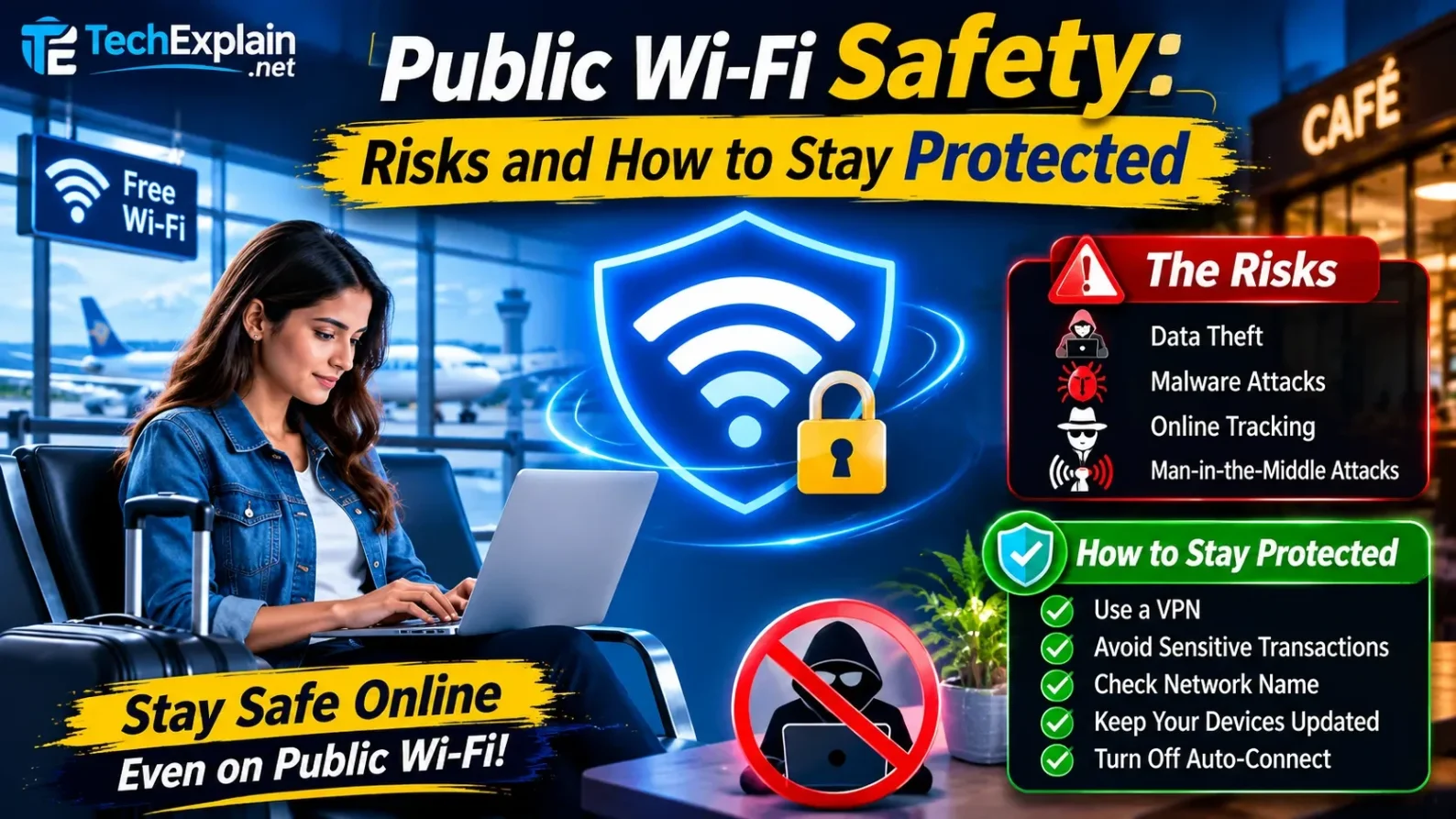
Public Wi-Fi Safety: Risks and How to Stay Protected
Free WiFi is risky because hackers can steal your data through weak security and fake hotspots, so use a VPN and avoid banking or work logins on public networks.
What Is Ransomware and How to Protect Yourself
Ransomware locks or steals your files and demands payment to restore them. This guide explains how it spreads and how to stay safe.